Chapter 3—BD Alaris™ Pump Module Model 8100, Alaris™ Pump Module Model 8100, and Alaris™
Syringe Module Model 8110
84 BD Alaris
TM
System with Guardrails
TM
Suite MX User Manual
Priming Administration Set With No Pressure Sensing Disc
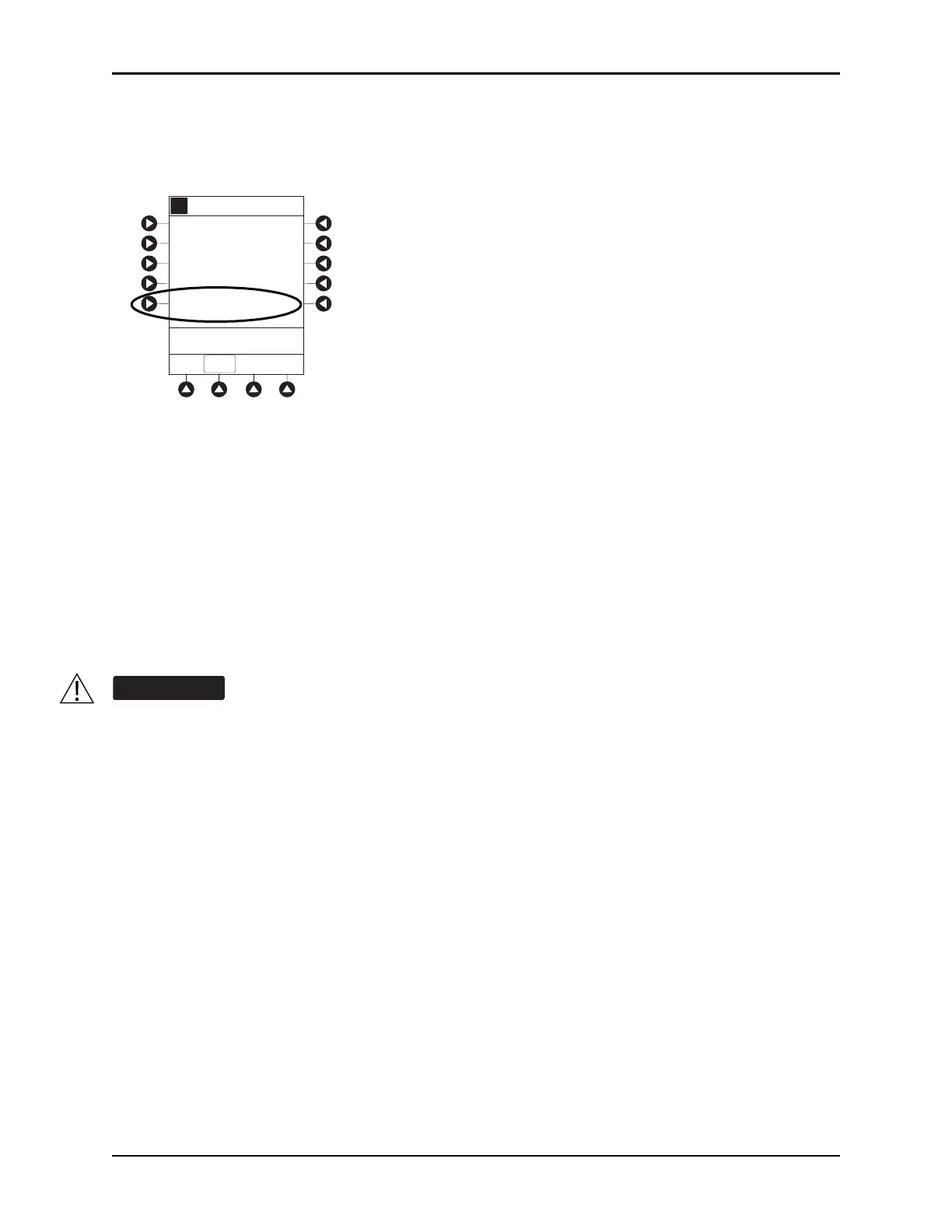
1. Press the OPTIONS key.
2. Press the
Prime Set with Syringe soft key.
3. Press and hold the PRIME soft key until fluid flows and priming is complete.
Fluid is delivered during priming only while
PRIME soft key is pressed. Each press of PRIME soft key
delivers up to 2 mL of priming fluid per continuous press. To deliver
additional amounts, press PRIME
soft key again.
4. Release the
PRIME soft key.
Volume used during priming is displayed bu
t not added to VTBI or VI.
5. To return to main screen, press the
EXIT soft key.
Prime—Manual
Use the following procedures to manually prime the administration set.
When priming:
• Ensure that administration set is not connected to patient.
• Ensure that air is expelled from line prior to beginning infusion (unexpelled air in line could
have serious consequences).
Failure to prime correctly can delay infusion delivery and cause the total volume to be infused to
read higher than the actual total delivered to the patient.
Channel Options
Guardrails Drugs
Pressure Limit - 550 mmHg
A
>Select an Option or EXI T
EXIT
Channel Labels
Prime Set with Syringe
Guardrails IV Fluids



 To Next Page