Chapter 4—Alaris™ PCA Module Model 8120
238 BD Alaris
TM
System with Guardrails
TM
Suite MX User Manual
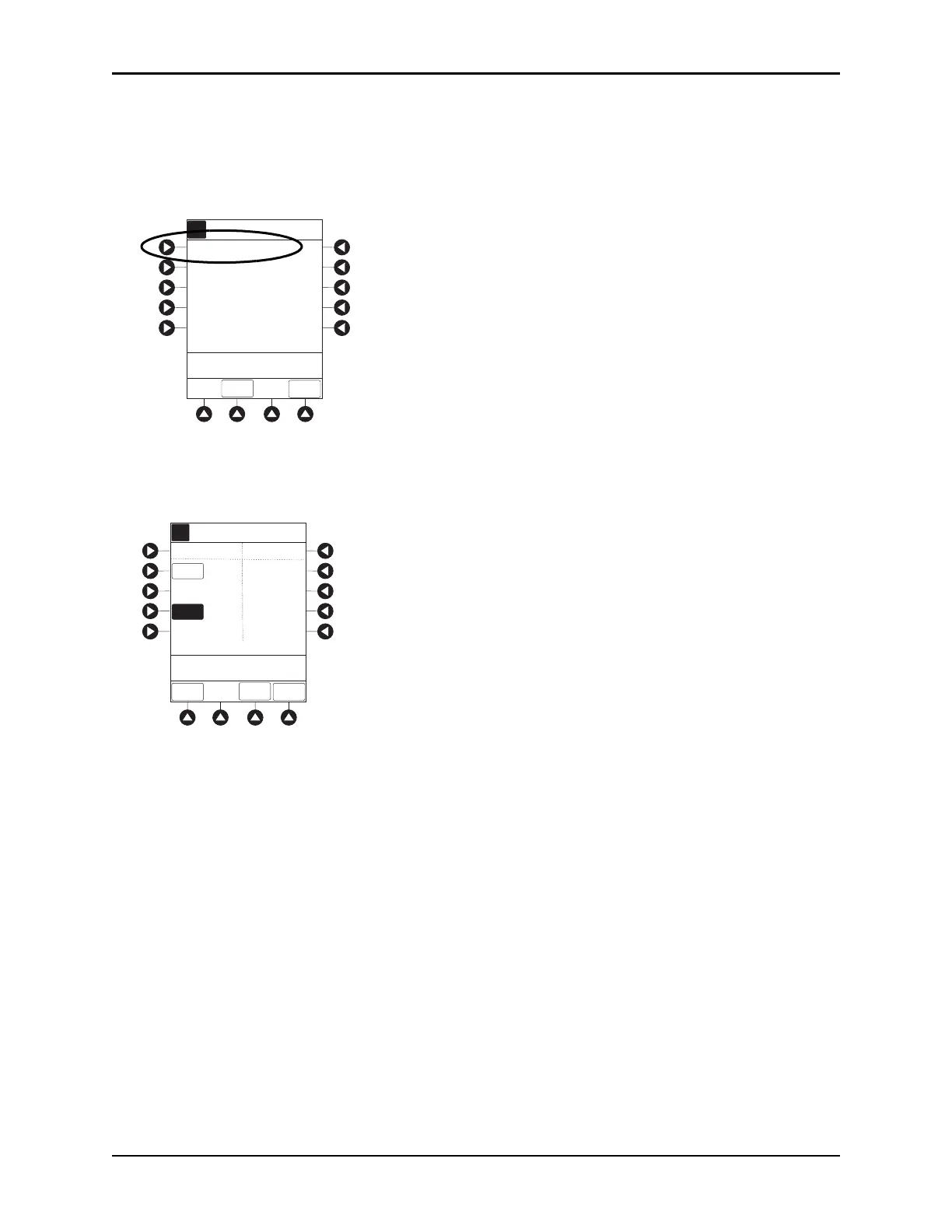
Reviewing or Changing the PCA Pause Alarm Limits
1. From Main Display press CHANNEL SELECT.
2. Press OPTIONS key.
3. Press
PCA PAUSE LIMITS soft key.
4. Verify the PCA pause limits as per facility protocol or physician order.
5. To change the PCA pause limits, press soft key that corresponds to alarm limit and enter a value within
acceptable range.
6. Press the CONFIRM soft key.
7. Press the
START soft key.
NOTE:
The acceptable range for PCA pause protocol is configurable and defined by the hospital within the
data set using the Guardrails suite MX.
The
PCA PAUSE LIMITS must be lower than the SpO2/EtCO2 ALARM LIMITS. A prompt is provided if
the
PCA PAUSE LIMITS must be modified.
Disabling PCA Pause Alarm
1. From Main Display, press CHANNEL SELECT.
2. Press the
OPTIONS key.
3. Press the
PCA Pause Limits soft key.
A
>Select an Option or
EXIT
EXIT
Dose
Request Setup
Infusion
Modes
Patient History
PCA Pause Limits
Drug Event
History
Channel Options
1 of 2
PAGE
DOWN
A
88
>Enter a Pause Limit
Between 2 - 4
CONFIRM
_4
PCA Pause Limits
DISABLE
ETCO2
DISABLE
SPO2
%SPO2
LOW
RR
LOW
97
5
SPO2/ETCO2
ALARM LIMITS
PCA
PAUSE LIMITS



 To Next Page