Programming
BD Alaris
TM
System with Guardrails
TM
Suite MX User Manual 239
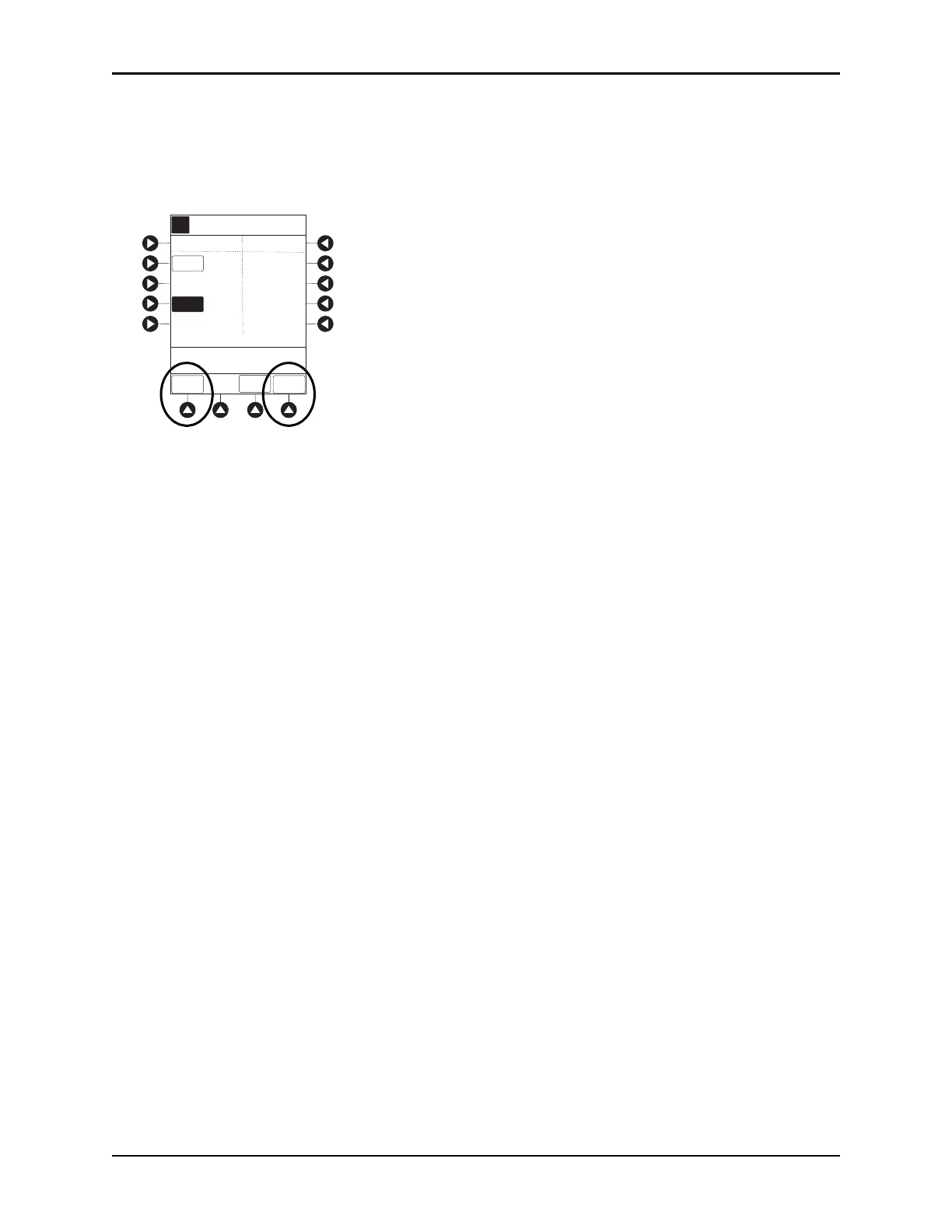
4. Press the DISABLE SpO2 or DISABLE EtCO2 soft key, as appropriate.
• Disabling SpO
2
or EtCO
2
from this screen discontinues PCA pause feature only, without
interrupting monitoring functionality.
• Once disabled, alarm limits are grayed
out and are not editable.
5. Press CONFIRM soft key.
6. Press
START soft key.
7. To enable PCA pause feature, follow steps 1-3 above and press
ENABLE SPO2 or ENABLE ETCO2 soft
key, as appropriate.
A
88
>Enter a Pause Limit
Between 2 - 4
CONFIRM
_4
PCA Pause Limits
DISABLE
ETCO2
DISABLE
SPO2
%SPO2
LOW
RR
LOW
97
5
SPO2/ETCO2
ALARM LIMITS
PCA
PAUSE LIMITS



 To Next Page