Getting Started
BD Alaris
TM
System with Guardrails
TM
Suite MX User Manual 285
Connecting Microstream Disposable
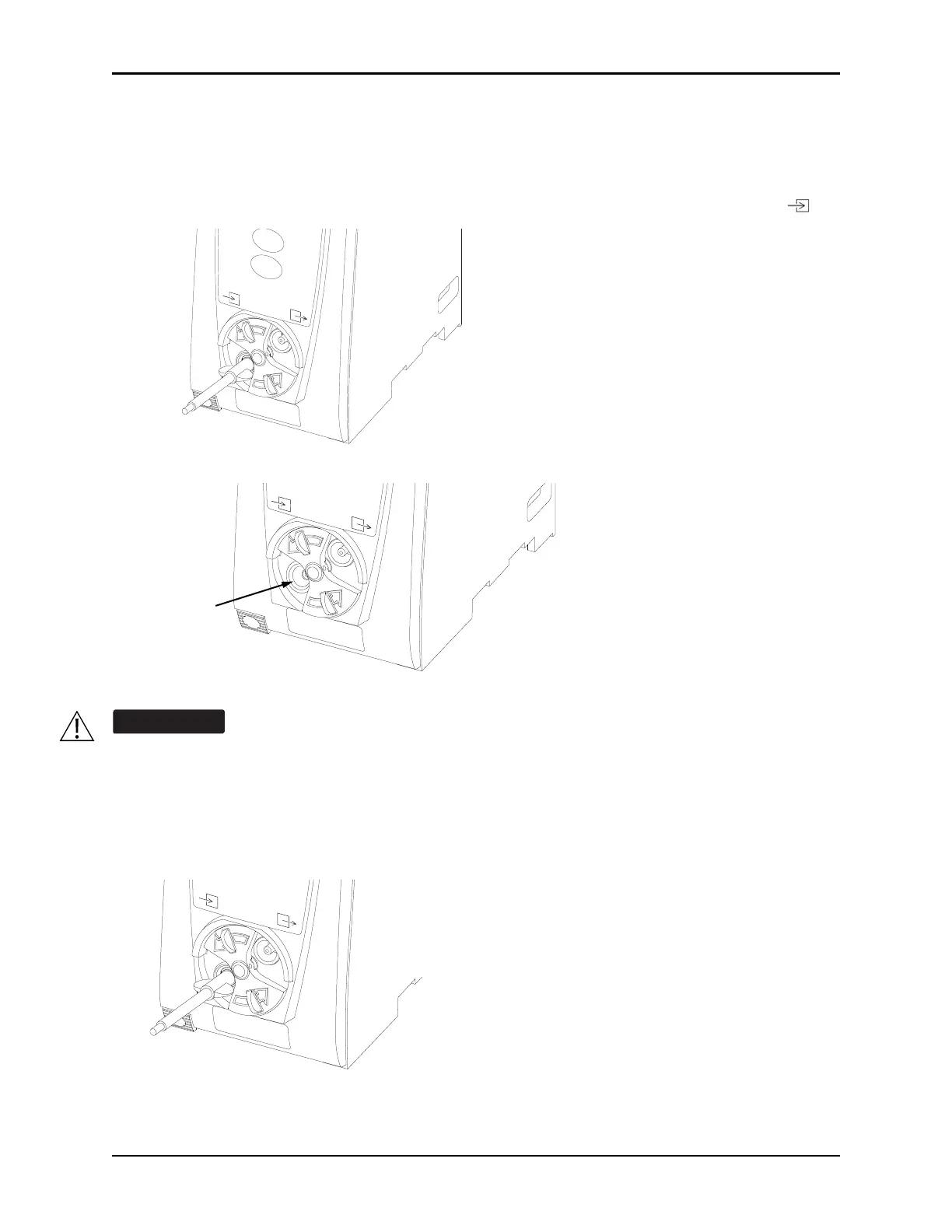
1. Open gas inlet/outlet door by turning door counterclockwise until gas inlet is clearly visible. Hold in
open position.
Gas inlet is located on lower left corn
er of
instrument and is marked with a gas inlet symbol ( ).
2. Connect Microstream Disposable:
a. Press brightly colored end of disposable into ga
s inlet.
b. Turn it clockwise until tightly secured to EtCO
2
module.
Use only Microstream disposables. Use of a disposable other than those specified can cause
improper EtCO
2
module performance, resulting in inaccurate readings.



 To Next Page