EasyManua.ls Logo

BD Alaris - Channel Options; Changing Limit Mode

Default Icon
376 pages
Print Icon
To Next Page IconTo Next Page
To Previous Page IconTo Previous Page
Loading...
Programming
BD Alaris
TM
System with Guardrails
TM
Suite MX User Manual 293
Channel Options
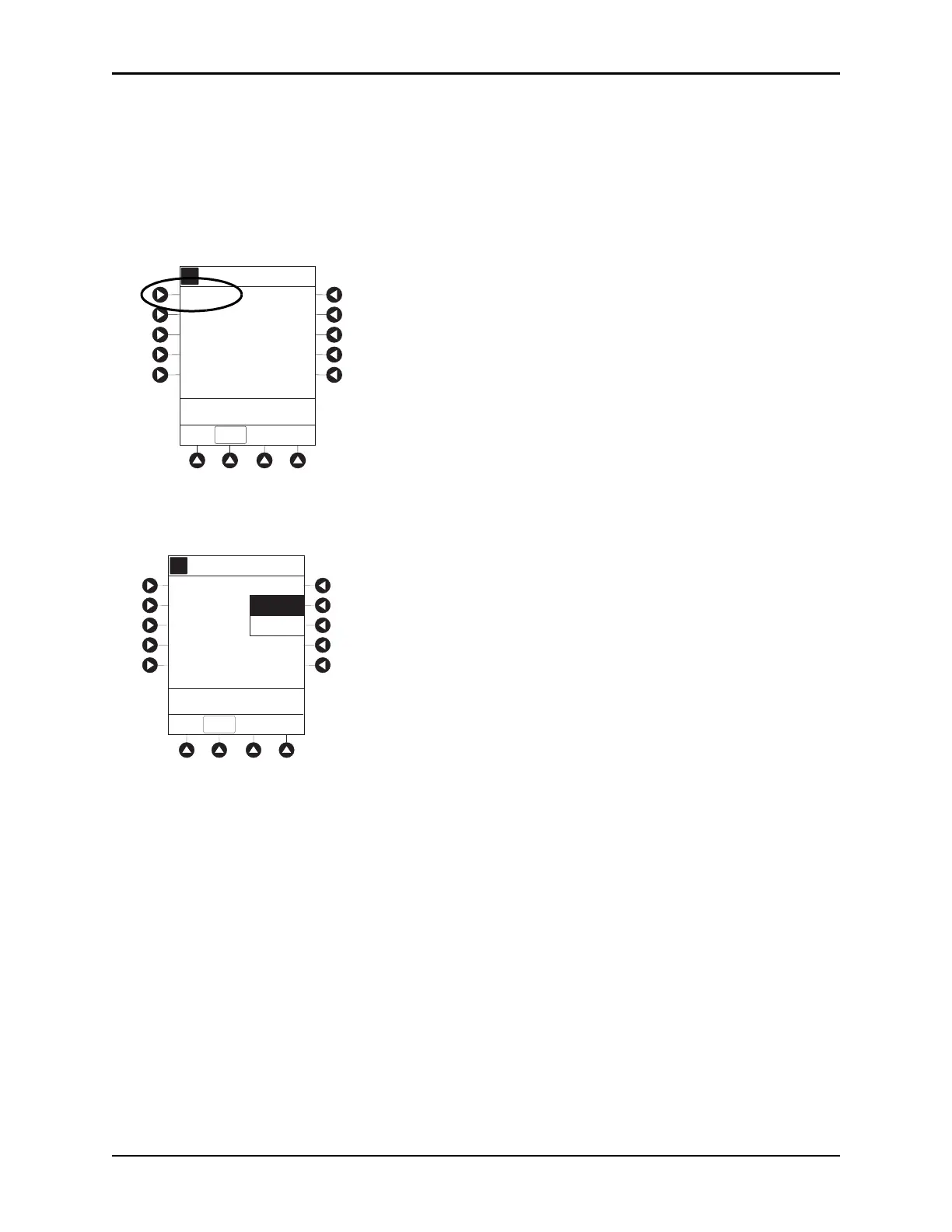
Changing Limit Mode
The following procedure can be performed only when the Guardrails suite MX is not enabled (profile
option not being used for programming).
1. Press the
Limit Mode soft key.
To change Limit Mode Setup, press applicable soft key.
or
To leave
Limit Mode Setup unchanged and return to ETCO2 Main display, press EXIT soft key.
A
5 sec
Limit Mode: Adult
Channel Options
EXIT
Waveform height: 80 mmHg
Waveform time scale:
PCA/EtCO2 Trend data
>Select an Option or
EXIT
A
A
Adult
Neonatal
Limit Mode Setup
EXIT
>Select an Option or
EXIT

Table of Contents

Other manuals for BD Alaris

Related product manuals