Programming
BD Alaris
TM
System with Guardrails
TM
Suite MX User Manual 221
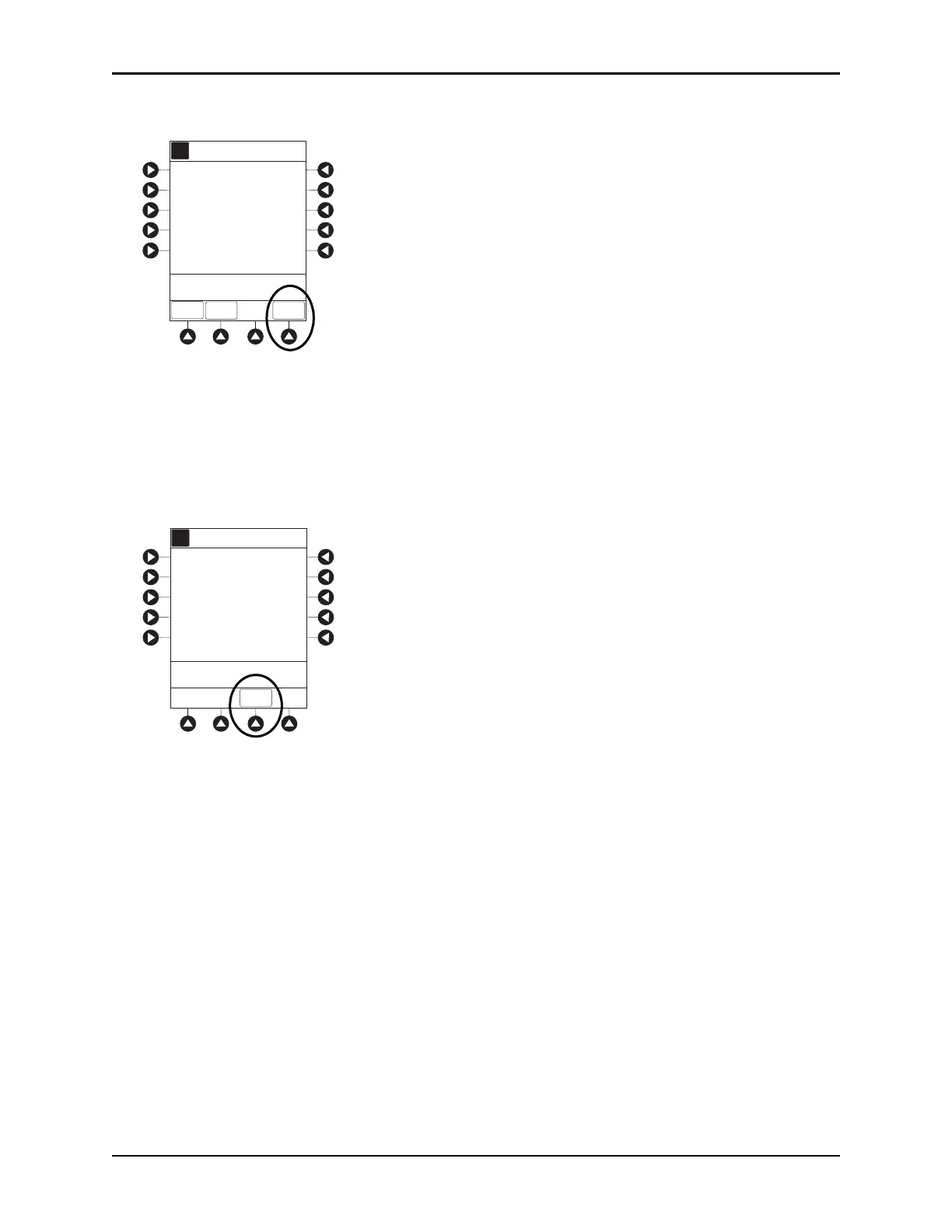
6. Verify correct parameters on summary screen and press START soft key.
• DELIVERING LOAD scrolls in Channel Message Display.
• Infusion mode and drug name alternate with VTBI in Main D
isplay.
• When loading dose is complete,
The Loading Dose has Completed appears on Main Display.
7. Press
CONFIRM soft key.
When
CHANNEL SELECT key is pressed, Infusion Mode screen becomes available for selection of
infusion mode.
Setting Bolus Dose
The following procedure should be used only when setting a BOLUS DOSE using the drug library. The
BOLUS DOSE soft key is only available once an infusion has begun in PCA dose only, Continuous
Infusion, or PCA + Continuous Infusion modes.
1. Press
CHANNEL SELECT key.
A
[Conc]: 1 mg/mL
>Press START
1 mg
START
Second Nurse Summary
Morphine
PAUSE
PRO-
GRAM
Loading
Dose:
A
The loading dose has
completed.
>Press CONFIRM
CONFIRM



 To Next Page