Chapter 3—BD Alaris™ Pump Module Model 8100, Alaris™ Pump Module Model 8100, and Alaris™
Syringe Module Model 8110
158 BD Alaris
TM
System with Guardrails
TM
Suite MX User Manual
3. To initiate delay, press the CONFIRM soft key.
• If
Delay until programming, time infusion is scheduled to start appears on Main Display.
or
• If
Delay for programming, delay period counts down on Main Display.
• If
Before option was selected:
°
An audio prompt sounds when delay period has ended.
°
Yellow Standby Status Indicator flashes.
°
DELAY COMPLETE scrolls in Message Display and appears on Main Display.
• If
After option was selected:
°
An audio prompt sounds when delayed infusion completes, and continues to sound until
responded to.
°
Yellow Standby Status Indicator flashes until audio is silenced.
°
Infusion completed message appears on Main Display.
°
Infusion Complete scrolls in Message Display.
• If
Before and After option was selected, same prompts and indicators mentioned above for both
Before and After options are exhibited.
4. To respond to a callback:
•
Before callback:
Press the
CHANNEL SELECT key and then START soft key.
or
Press the
RESTART key.
•
After callback: Press the CONFIRM soft key.
•
Before and After callback: Respond as indicated above for both Before and After.
Pausing Infusion
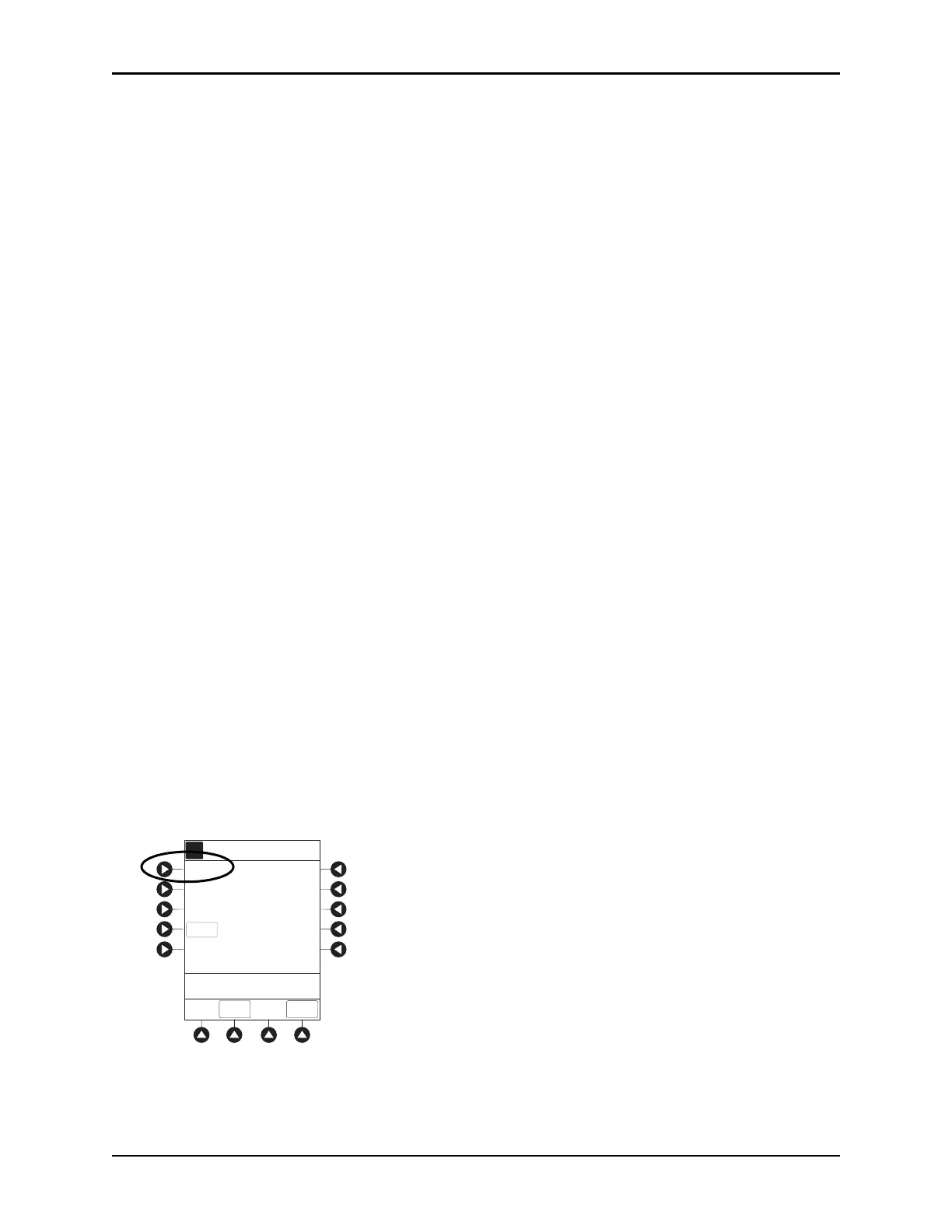
1. Press the DELAY OPTIONS soft key.
2. Press the
Pause soft key.
If an alert has occurred, pause is not initiated by system
until alert is addressed.
A
Delay Options 09:30
CALL
BACK
CONFIRM
>Select a Delay Option
Delay for
Delay until
Pause
EXIT



 To Next Page