Chapter 7—Alaris™ Auto-ID Module Model 8600
316 BD Alaris
TM
System with Guardrails
TM
Suite MX User Manual
General Setup and Operation
System Start-Up/Setup
See BD Alaris™ PCU Model 8015 and Alaris™ PCU Model 8015 on page 15 and General Setup and
Operation on page 18 for various system start-up and
setup procedures.
Warnings and Cautions
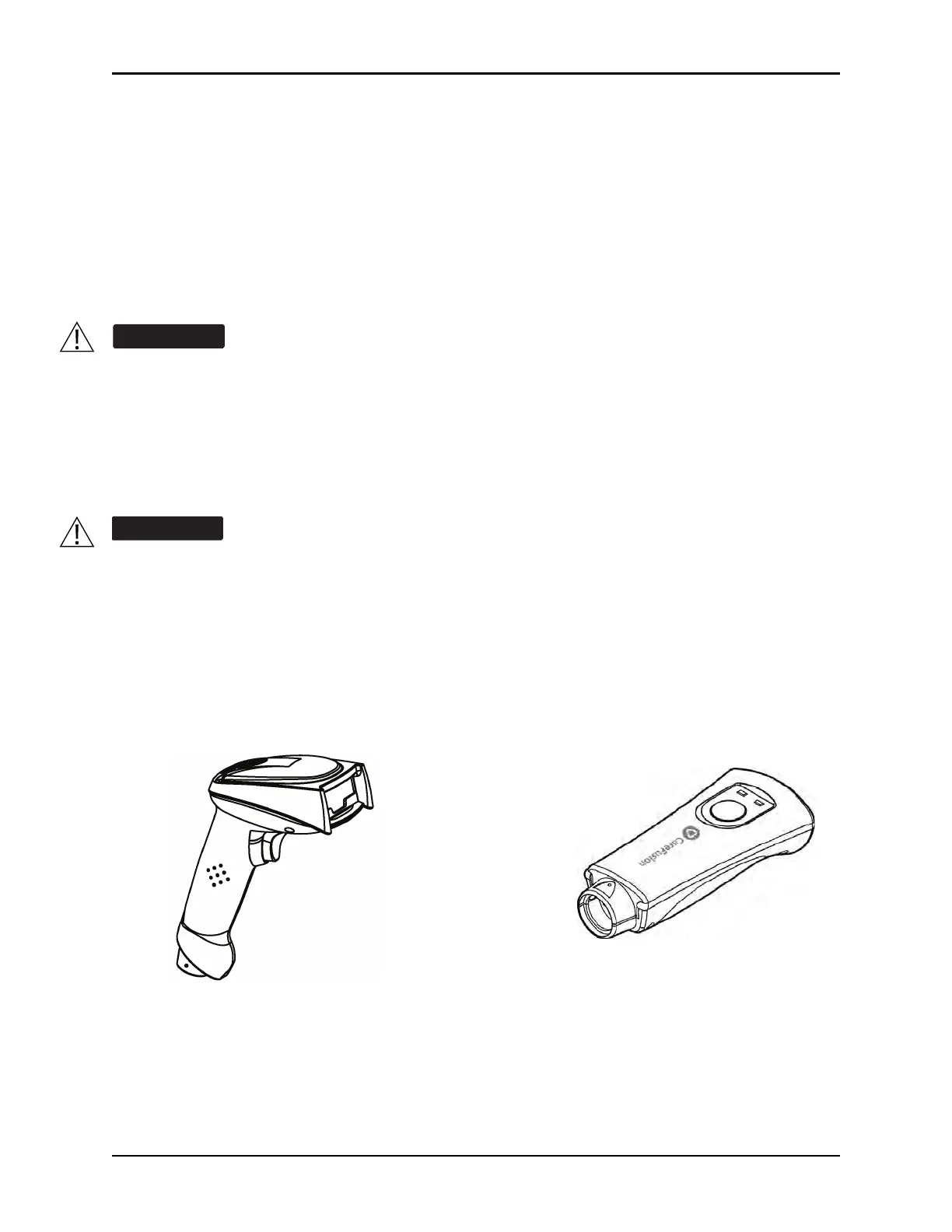
Auto-ID Handheld Scanners
The auto-ID handheld scanners supplied by CareFusion are the only handheld scanners approved for use
with the auto-ID module.
• Do not open the auto-ID handheld scanner case. If the case is opened, an electrical
shock hazard and possible exposure to potentially hazardous LED light exists which
can result in serious personal injury and product damage.
• Carefully locate the auto-ID handheld scanner to reduce the possibility of patient
entanglement or strangulation.
• Use only the auto-ID handheld external scanner supplied by CareFusion. Using other
accessories can result in increased emissions or decreased immunity of the system.
Class 1 LED devices are safe under reasonably foreseeable conditions of operation, including
the use of optical instruments for intrabeam viewing. To avoid potential harm, avoid looking into
the beam or allowing the beam to strike the patient's face.
Scanner
1st Generation
2nd Generation
Scanner



 To Next Page