Programming
BD Alaris
TM
System with Guardrails
TM
Suite MX User Manual 229
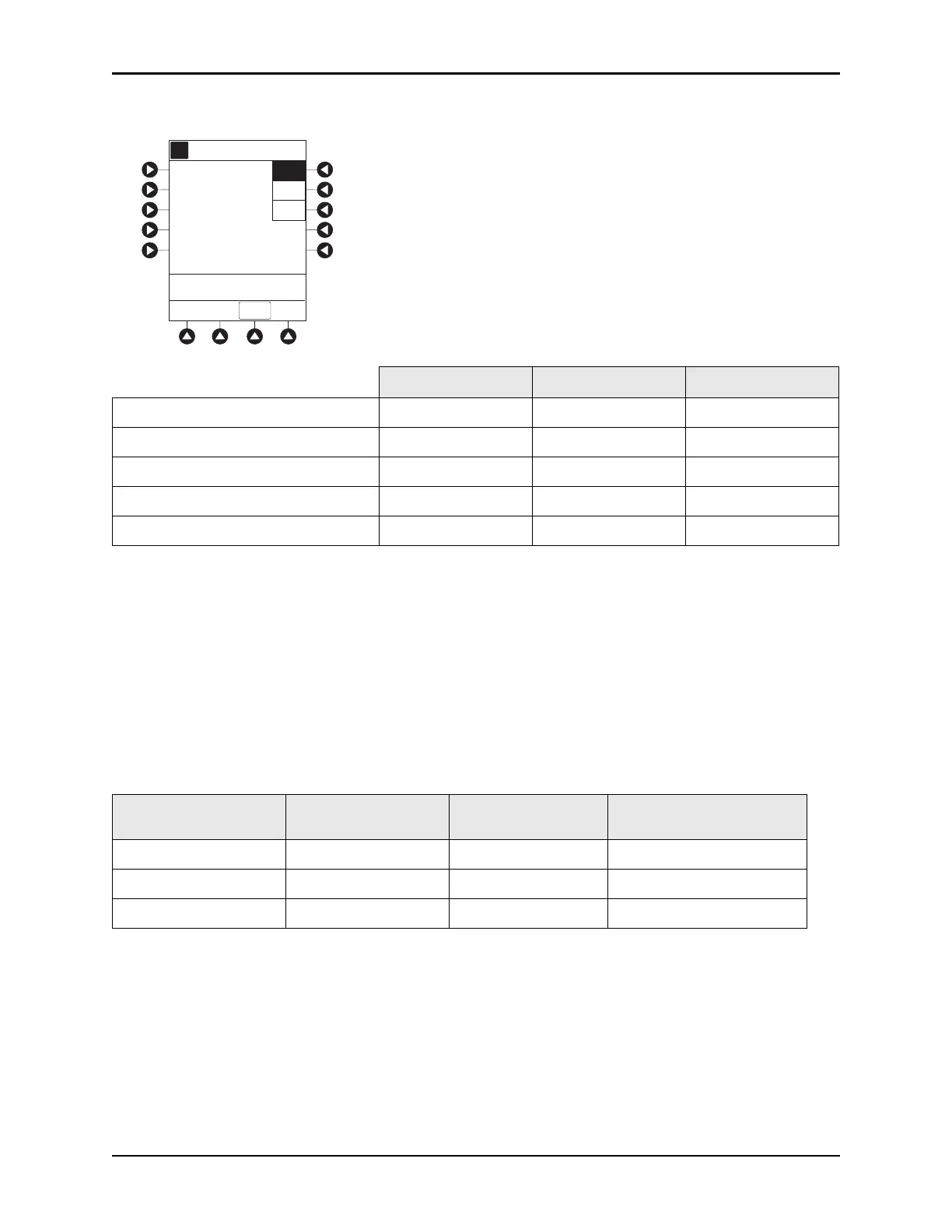
4. Review and select Profile soft key for desired operation of dose request cord.
5. Press CONFIRM soft key.
Security Access Levels
The security access level can be configured to provide varying levels of access to the device. Security
access is accomplished either through the use of the key or a
4-digit authorization code.
Default configuration for the security acce
ss level is established for each profile or care area and can be
changed in the system configuration. The
4-digit authorization code is established and can be changed in
the system configuration.
The
4-digit authorization code is configured for each profile with Level 2 or Level 3 security access.
Profile 1 Profile 2 Profile 3
Dose request cord audio - single beep met demands only all demands all demands
Dose request cord led indicator:
PCA
available On On Off
PCA
delivery Flashing On Off
Lockout interval Off On Off
Security Access Level Initial Programming Setting Bolus Dose
Subsequent
Programming
Level 1 Key Key Key
Level 2 Key Code or Key Key
Level 3 Key Code or Key Code or Key
Select the desired
functional profile for the
operation of the
Dose Request Cord.
Profile 1 -
Audio: good demands
Visual: PCA available ON
PCA delivery FLASHES
Lockout interval OFF
Profile 2
Profile 3
Profile 1
CONFIRM
>Select an Option
Dose Request Setup
A



 To Next Page