Chapter 5—Alaris™ SpO
2
Module Models 8210 and 8220
268 BD Alaris
TM
System with Guardrails
TM
Suite MX User Manual
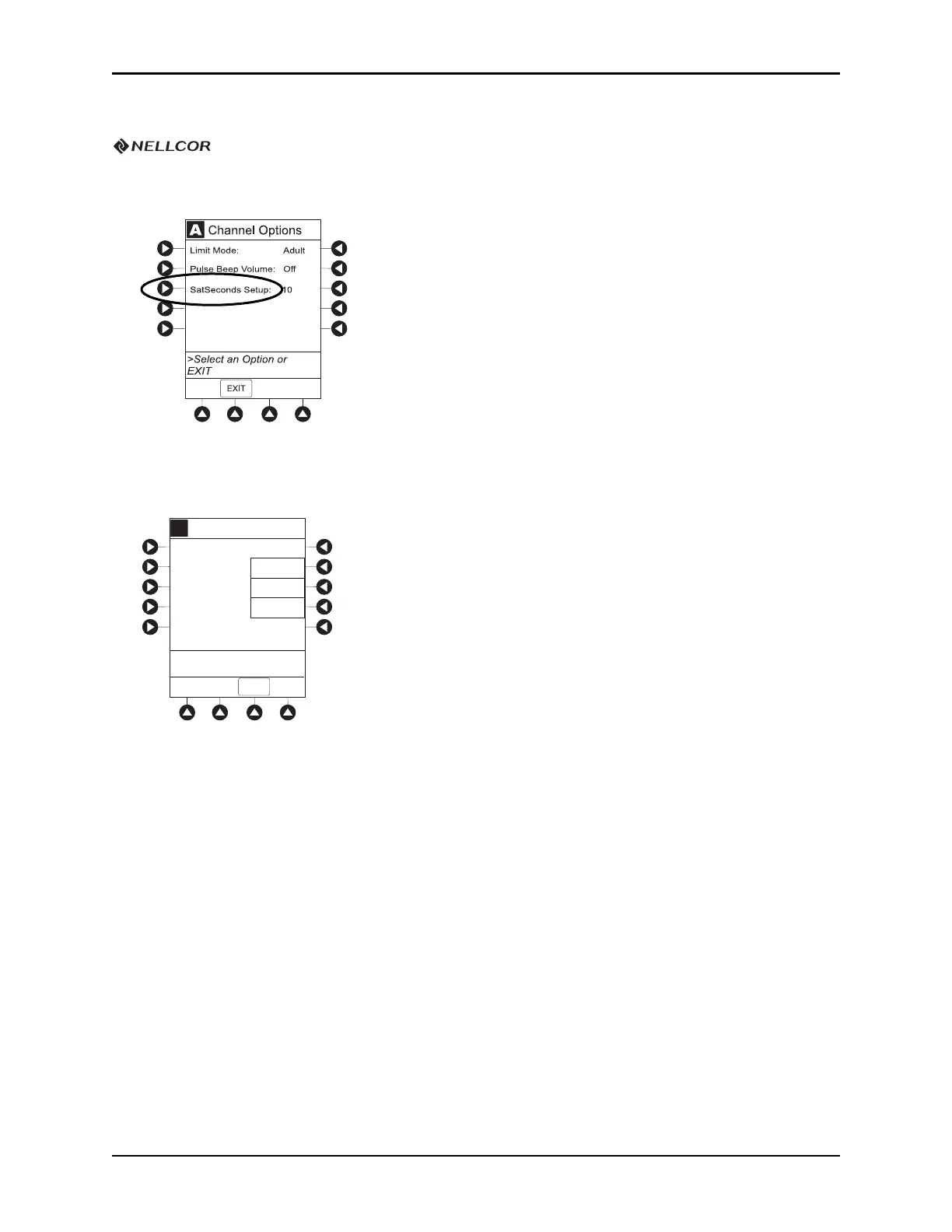
Changing SatSeconds Limit
1. Press SatSeconds Setup soft key.
2. To change SatSeconds
™
, press applicable soft key. Selectable Increase and Decrease options are 10, 25,
50, and 100 seconds.
3. To return
SPO2 Main display, press CONFIRM soft key.
A
A
Increase
Decrease
Off
SatSeconds Setup
10
SPO2
Seconds
>Press CONFIRM
CONFIRM



 To Next Page