General Setup and Operation
BD Alaris
TM
System with Guardrails
TM
Suite MX User Manual 39
6. To return to main screen, press the CANCEL key or EXIT soft key.
NOTE:
The Profiles option is listed only if it is disabled.
The Limit Checking and Max Pt. BSA options are listed only if the Profiles option is enabled and a valid
data set is loaded.
Displaying Serial Numbers
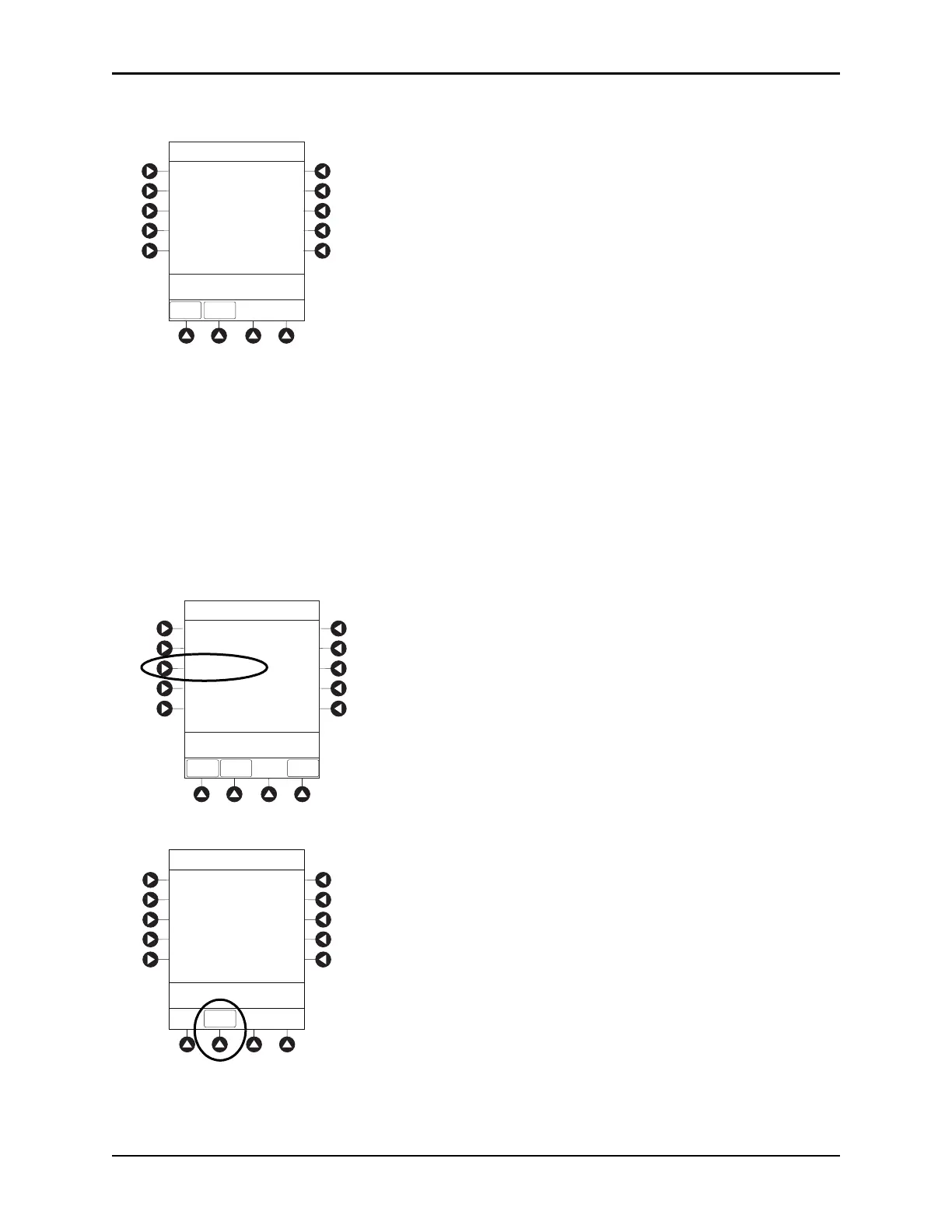
1. Press the OPTIONS key.
2. Press the
PAGE DOWN soft key.
3. Press the
Serial Numbers soft key.
Serial numbers for PCU and all attached modules appear.
4. To return to main screen, press the EXIT soft key.
NOTE:
“nnnn-nnnnnnnn” in the illustrated display represents a model and serial number.
EXIT
PAGE
UP
System Config - PCU 3 of 3
PM Reminder:
Disabled
>Press CANCEL or EXIT
Tamper resist:
Disabled
System Configurations
>Select an Option or
EXIT
EXIT
Software Versions
Serial Numbers
Battery Runtime
PAGE
DOWN
Time of Day
PAGE UP
System Options 2 of 3
Serial Number Review
PC Unit:
nnnn-nnnnnnnn
nnnn-nnnnnnnn
nnnn-nnnnnnnn
nnnn-nnnnnnnn
nnnn-nnnnnnnn
Module A:
Module B:
Module C:
Module D:
>Press CANCEL or EXIT
EXIT



 To Next Page