EasyManua.ls Logo

BD Alaris - Page 52

Default Icon
376 pages
Print Icon
To Next Page IconTo Next Page
To Previous Page IconTo Previous Page
Loading...
Chapter 2BD Alaris™ PCU Model 8015 and Alaris™ PCU Model 8015
38 BD Alaris
TM
System with Guardrails
TM
Suite MX User Manual
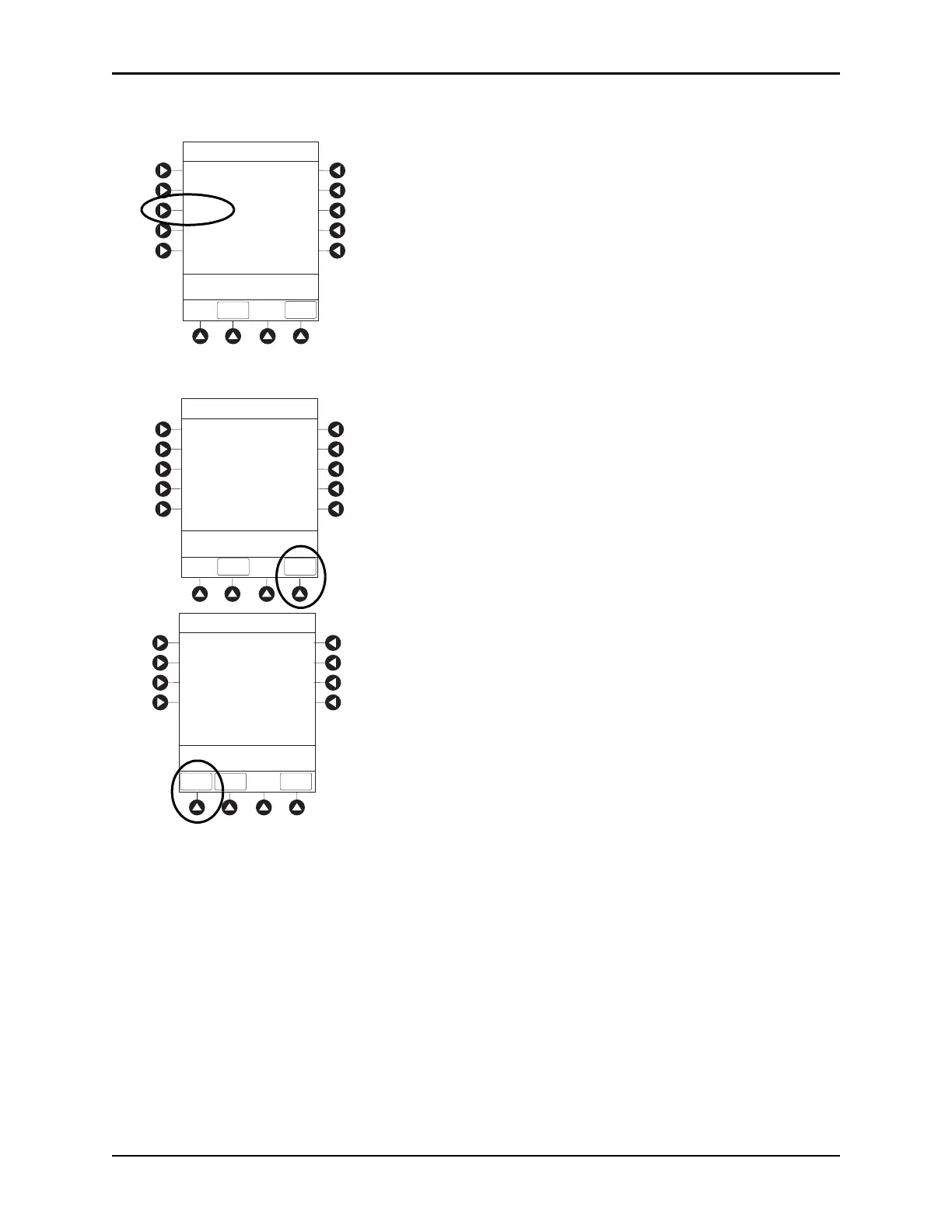
4. Press the PC Unit soft key.
5. To review various system configuration settings, press the PAGE DOWN and PAGE UP soft keys.

Factory Default:
Yes
System Configuration - Module
PC Unit
Pump Module
SPO2 Module
>Press CANCEL or EXIT
EXIT
Shared Infusion Settings
PAGE
DOWN
EXIT
PAGE
UP
System Config - PCU 2 of 3
500 kg
Max Pt. weight:
Patient ID Entry:
Disabled
>Press CANCEL or EXIT
PAGE
DOWN
Key click audio:
Enabled
2 m
2
Max Pt. BSA:
>Press CANCEL or EXIT
PAGE
DOWN
EXIT
System Config - PCU 1 of 3
Alarm audio:
Profile 1
Battery meter:
Disabled
Clock setup:
09:00
Anesthesia Mode: Disabled
Limit Checking:
ALWAYS

Table of Contents

Other manuals for BD Alaris

Related product manuals