Chapter 3—BD Alaris™ Pump Module Model 8100, Alaris™ Pump Module Model 8100, and Alaris™
Syringe Module Model 8110
146 BD Alaris
TM
System with Guardrails
TM
Suite MX User Manual
14. To enter volume to be infused, press the VTBI soft key and use numeric data entry keys.
• Pump module:
°
When VTBI is less than 10 mL, entry can be to two decimal places (one-hundredth of a mL).
°
In Drug Calculation mode, system infuses at calculated rate rounded to nearest one-hundredth
of a mL per hour (as displayed on programming screen). Rate shown in Rate Display is
rounded to nearest one-tenth of a mL per hour.
• Syringe module:
°
If ALL Mode is enabled for syringe configuration in data set, ALL is displayed in VTBI field
and estimated available volume in syringe is displayed.
or
°
If ALL Mode is disabled for syringe configuration in data set, estimated available volume in
syringe is displayed when
VTBI soft key is pressed.
°
To enter or change a numeric VTBI value, press the VTBI soft key and use numeric data entry
keys.
°
To deliver entire contents of syringe: Keep an ALL VTBI value, or press the ALL soft key to
change a numeric
VTBI value to ALL.
•
BOLUS soft key appears only if bolus dose is enabled within selected profile, drug is bolusable,
and a VTBI is entered.
15. Verify correct parameters a
nd press the START soft key.
16. Syringe module:
• Unclamp tubing and attach administration set to patient.
• Unclamping tubing and starting infusion before
attaching administrati
on set to patient minimizes
any potential bolus that can be released from pressure built up in set due to normal syringe loading
and priming.
NOTE:
Do not enter a patient weight if weight is not
used in the calculation.
Bolus Dose
1. Set up infusion as described in Programming a Continuous Infusion on page 91, but do not start
infusion.
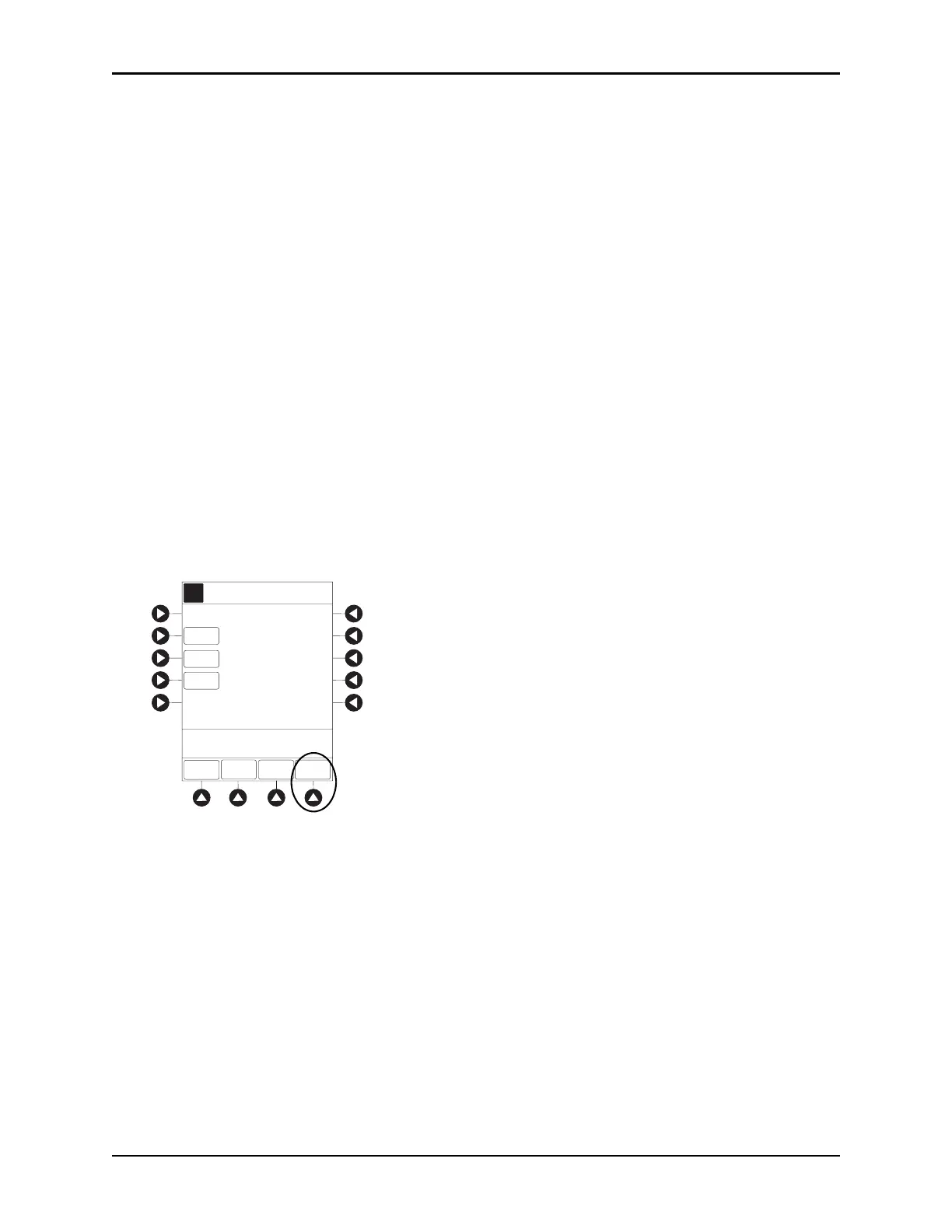
2. Press the
BOLUS soft key.
AA
A
RATE
>Press ST AR T
VTBI
CONTINUOUS INFUSION
DOSE
5
mcg/kg/min
[Conc]: 5000 mcg/mL
4.2mL/h
SETUP
BOLUS
START
PAUSE
Drug Calc-NO GUARDRAILS
50
mL



 To Next Page