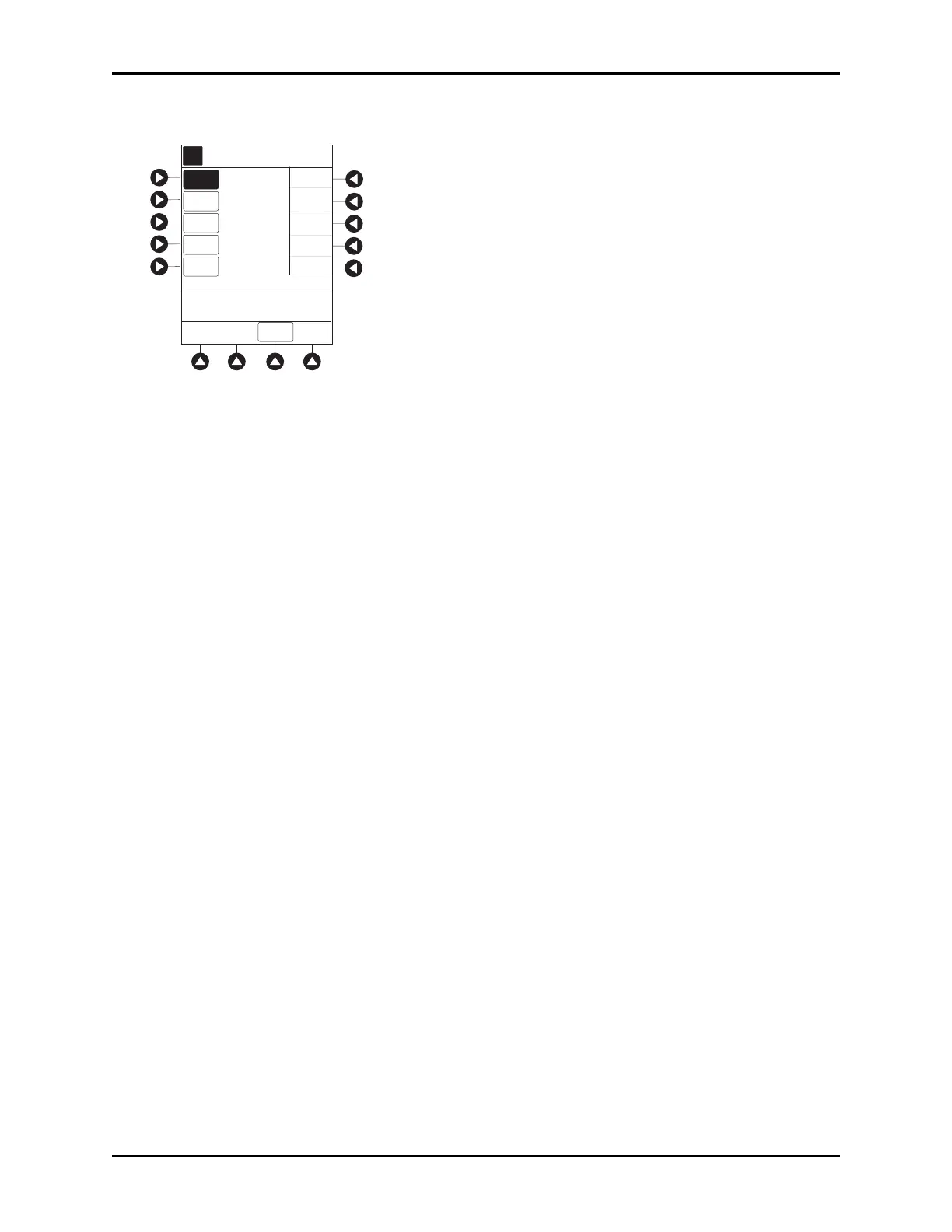
Programming — No Guardrails™ Selections
BD Alaris
TM
System with Guardrails
TM
Suite MX User Manual 145
3. To enter DRUG AMOUNT, use numeric data entry keys.
4. Press soft key for appropriate unit of measure for drug amount.
5. To enter diluent volume, use numeric data entry keys.
6. Press the
PATIENT WEIGHT soft key.
7. To indicate whether or not patient weight is to be used in Drug Calculatio
n, press the either Yes or No
soft key.
8. To enter patient weight (if required) in kilograms, use numer
ic data entry keys.
9. Press the
TIME UNITS soft key.
10. To select time base for drug calculation, press the either
Min, Hour, or Day soft key.
11. Press the soft key next to desired
DOSING UNITS.
12. Verify correct infusion parameters and press the
NEXT soft key.
• Syringe module: If ALL Mode is enabled,
VTBI ALL is displayed.
13. To make a rate or dose entry, press the applicable soft key,
RATE or DOSE, and use numeric data entry
keys (other value is calculated and displayed).
AA
A
PATIENT
WEIGHT
Drug Calc-NO GUARDRAILS
_ _ _ _
>Enter Amount of Drug in
Container
mcg
mg
gram
unit
mEq
DRUG
LIBRARY
DRUG
AMOUNT
DILUENT
VOLUME
TIME
UNITS
DOSING
UNITS



 To Next Page