General Setup and Operation
BD Alaris
TM
System with Guardrails
TM
Suite MX User Manual 27
Locking and Unlocking Tamper Resist
1. Initiate operation of applicable module.
2. Press and hold the tamper resist switch on the back of the PCU for 3 to 4 seconds (see
Operating
Features, Controls, Indicators on page 53
for more information).
• An advisory tone (if Key Click Audio is enabled) and a 3-second Panel Locked prompt on the main
display confirms activation.
• When tamper resist is active, the keypad
panel is locked; however, the clinician can:
°
Silence audio alarm.
°
View volume(s) infused.
°
View and test audio alarm setting.
°
View selected parameters on attached modules.
Any other key press results in a visual
Panel Locked prompt and, if Key Click Audio is enabled, an
illegal key press (two beeps) audio advisory.
3. To unlock the keypad panel, press and hold the tamper resist
switch for 3 to 4 seconds.
An advisory tone (if
Key Click Audio is enabled) and a 3-second Panel Unlocked prompt on the main
display confirm activation.
NOTE:
The PCU exits the tamper resist mode when a channel error, system error, or the discharge battery
screen is displayed.
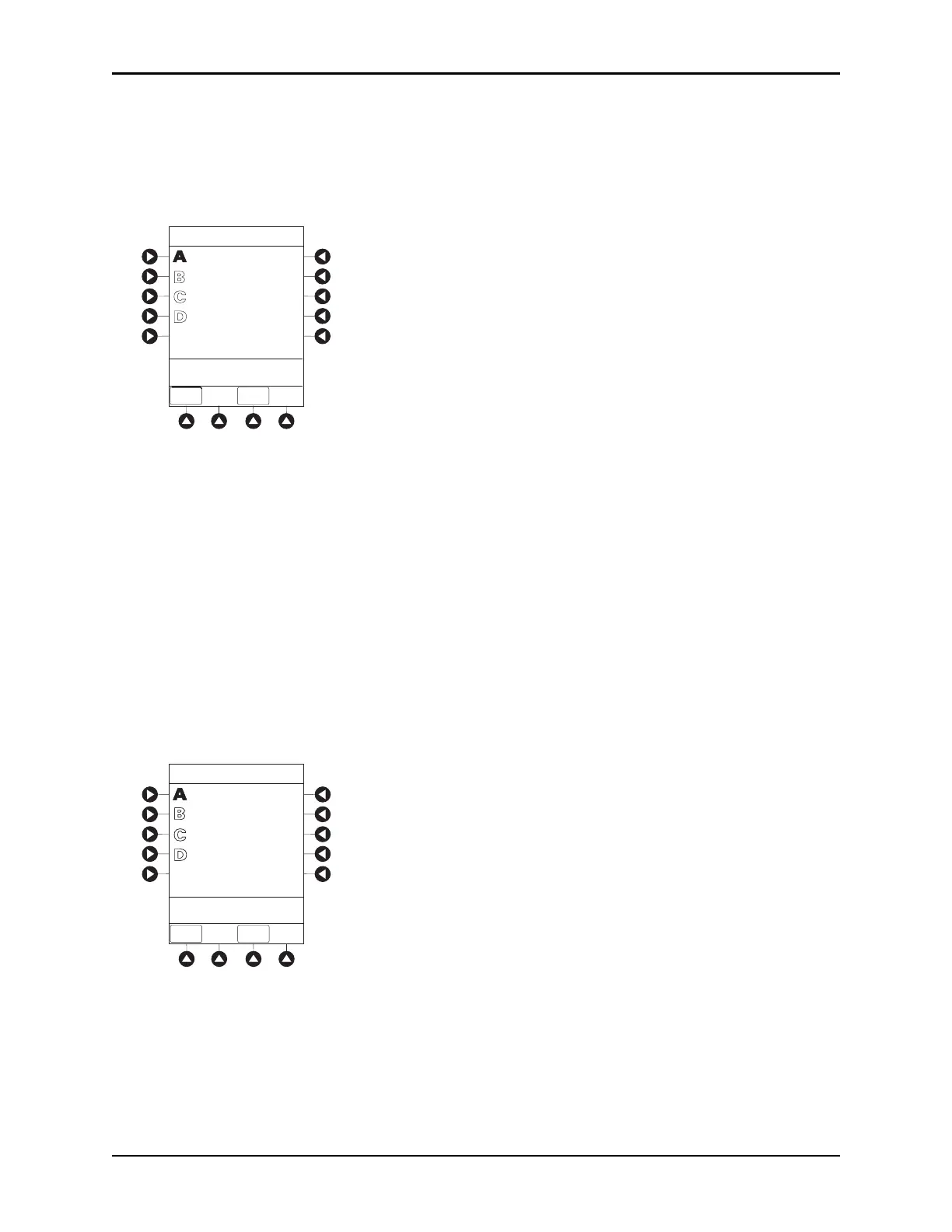
PANEL LOCKED
VTBI = 250.0 mL
VOLUME
INFUSED
AUDIO
ADJUST
Midtown Hospital
Adult ICU
PANEL UNLOCKED
VTBI = 250.0 mL
VOLUME
INFUSED
AUDIO
ADJUST
Midtown Hospital
Adult ICU



 To Next Page