Chapter 5—Alaris™ SpO
2
Module Models 8210 and 8220
260 BD Alaris
TM
System with Guardrails
TM
Suite MX User Manual
Programming
Display references throughout this procedure are for illustration purposes only.
See General Information on page 49,
Features and Displays on page 52 and the BD Alaris™ PCU Model
8015 and Alaris™ PCU Model 8015 on page 15 fo
r information about:
•Displays
• Operating Features, Controls, Indicators
The majority of user interface programming is identical for both Sp
O
2
modules.
Monitoring Mode
1. Perform the following steps (see BD Alaris™ PCU Model 8015 and Alaris™ PCU Model 8015,
General Setup and Operation on
page 18 and Start-Up on page 21 for specific information):
a. Power on system.
b. Choose
Yes or No to New Patient?
c. Confirm current profile or select a new profile.
d. Enter patient identifier, if required.
2. Attach patient cable and sensor (see Getting Started on page 25
8).
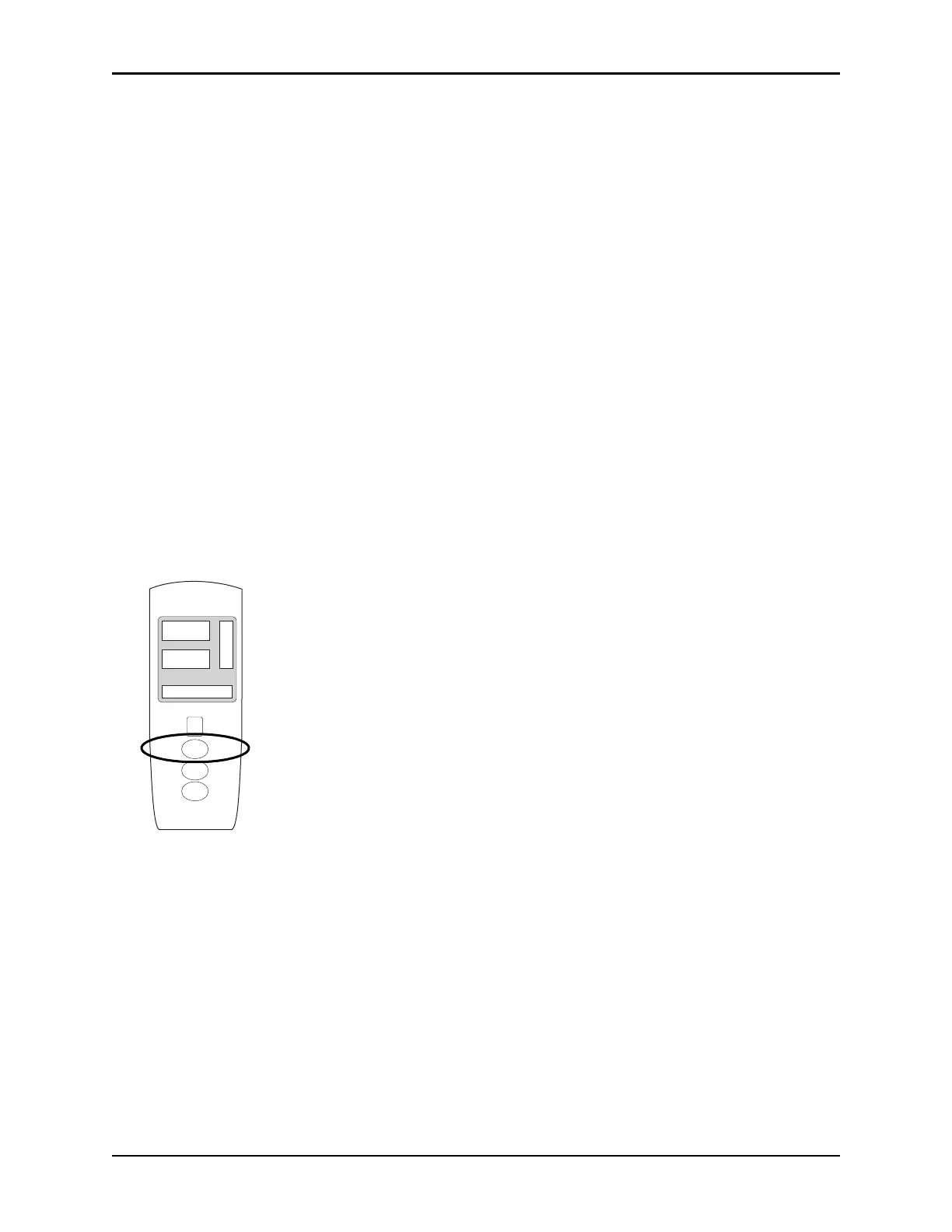
3. Press
CHANNEL SELECT key.
• SEARCHING might appear in Channel Message display until SpO
2
and pulse readings stabilize
(approximately 15 seconds).
• If sensor is not attached to a site,
SENSOR OFF is displayed.
• To prevent screen from reverting to Main Display, press
ENTER key within 30 seconds after SPO2
Main
screen is displayed.
• If sensor is not attached during message disp
lay, module goes into sleep mode. To begin
monitoring once module is in this mode, press
MONITOR key.
4. Ensure that sensor's red LED is on.
CHANNEL
SELECT
CHANNEL
OFF
MONITOR
A
L
A
R
M
M
O
N
I
T
O
R
S
T
A
N
D
B
Y
%SpO
2
PULSE (BPM)



 To Next Page