Chapter 2—BD Alaris™ PCU Model 8015 and Alaris™ PCU Model 8015
22 BD Alaris
TM
System with Guardrails
TM
Suite MX User Manual
2. If the system was powered off to replace the PCU, reinitiate the start-up process.
or
If an attached module (such as a pump mod
ule) was powered off and removed, the
MAINTENANCE
REMINDER display reflects removal of that module. To continue the start-up process, press the
CONFIRM soft key.
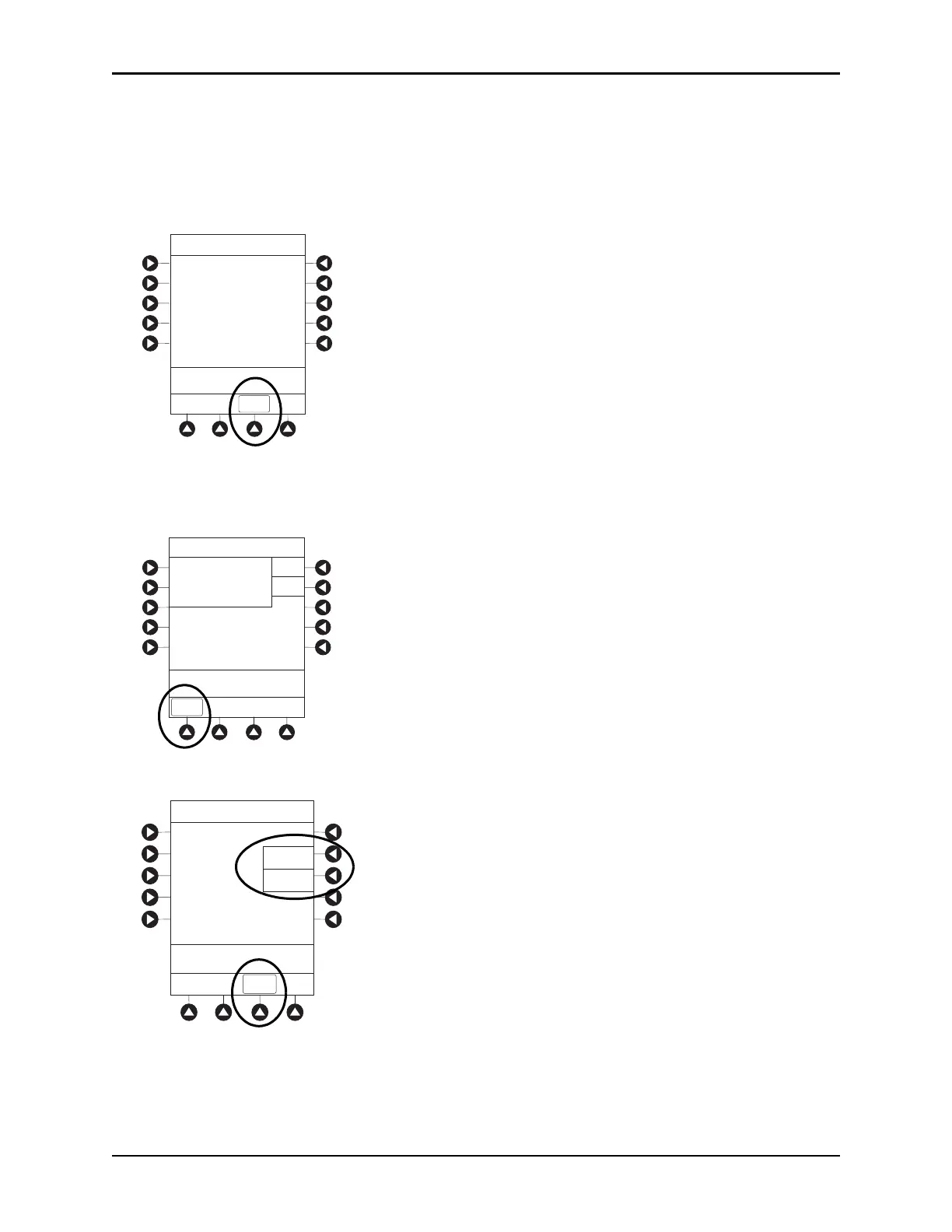
Adjusting Display Contrast
1. Press DISPLAY CONTRAST soft key.
2. To adjust display for optimum viewing, use Lighter/Darker soft keys.
3. To return to main screen, press the CONFIRM soft key.
CONFIRM
B
MAINTENANCE REMINDER
Module(s) due for routine
preventive maintenance:
Midtown Hospital
Yes
No
NEW PATIENT ?
>Select Yes or No
“Yes” Clears Previous
Patient Data
DISPLAY
CONTRST
System Options
>Adjust Display to
Desired Contrast
Display Contrast
Lighter
Darker
CONFIRM
®



 To Next Page