Programming — No Guardrails™ Selections
BD Alaris
TM
System with Guardrails
TM
Suite MX User Manual 143
No Guardrails - Basic Infusion without Drug Calculation
The following procedure should only be used to set up a No Guardrails - Basic Infusion. To program an
infusion using Guardrails Drugs, see Programming with Interoperability — Initial Primary Infusion on
page 123.
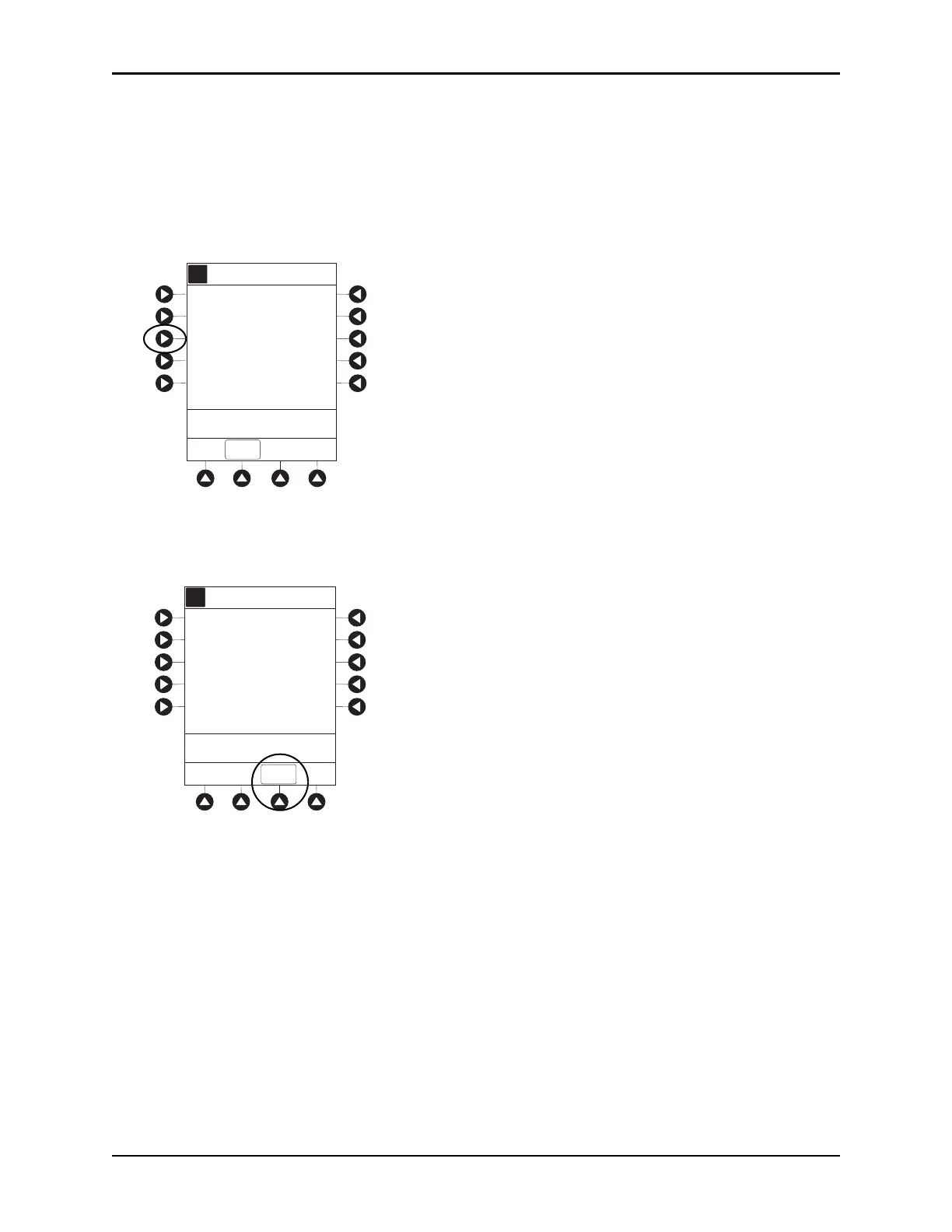
1. Press the
CHANNEL SELECT key.
2. Press the
No Guardrails-Basic Infusion soft key.
• An optional hospital-defined Clinical Advisory message may appear reminding the clinician that
No Guardrails-Basic Infusion feature does not have limits. Press
CONFIRM soft key to continue
programming.
Infusion Setup screen appears.
3. Start applicable infusion as described in the following procedures (see Programming with
Interoperability — Initial Pr
imary Infusion):
Fluid Infusion on page 10
8
Rate/Volume Infusion on page 109
V
olume/Duration Infusion on pa
ge 111
A
>Select an Option or EXI T
EXIT
No Guardrails-Basic Infusion
Guardrails Drugs
Infusion Menu
Guardrails IV Fluids
A
Clinical Advisory:
CONFIRM
This infusion selection
DOES NOT have
Guardrails Protection



 To Next Page