Programming with Interoperability and Guardrails™ Suite MX
BD Alaris
TM
System with Guardrails
TM
Suite MX User Manual 135
Intermittent Infusion
The following workflow assumes that the pump module has already been programmed with an Initial
Primary Intermittent Infusion and that the Patient's ID band, medication/fluid barcode label, and the
module barcode labels have been scanned. See Programming with Interoperability — Initial Primary
Infusion on page 123
for more information.
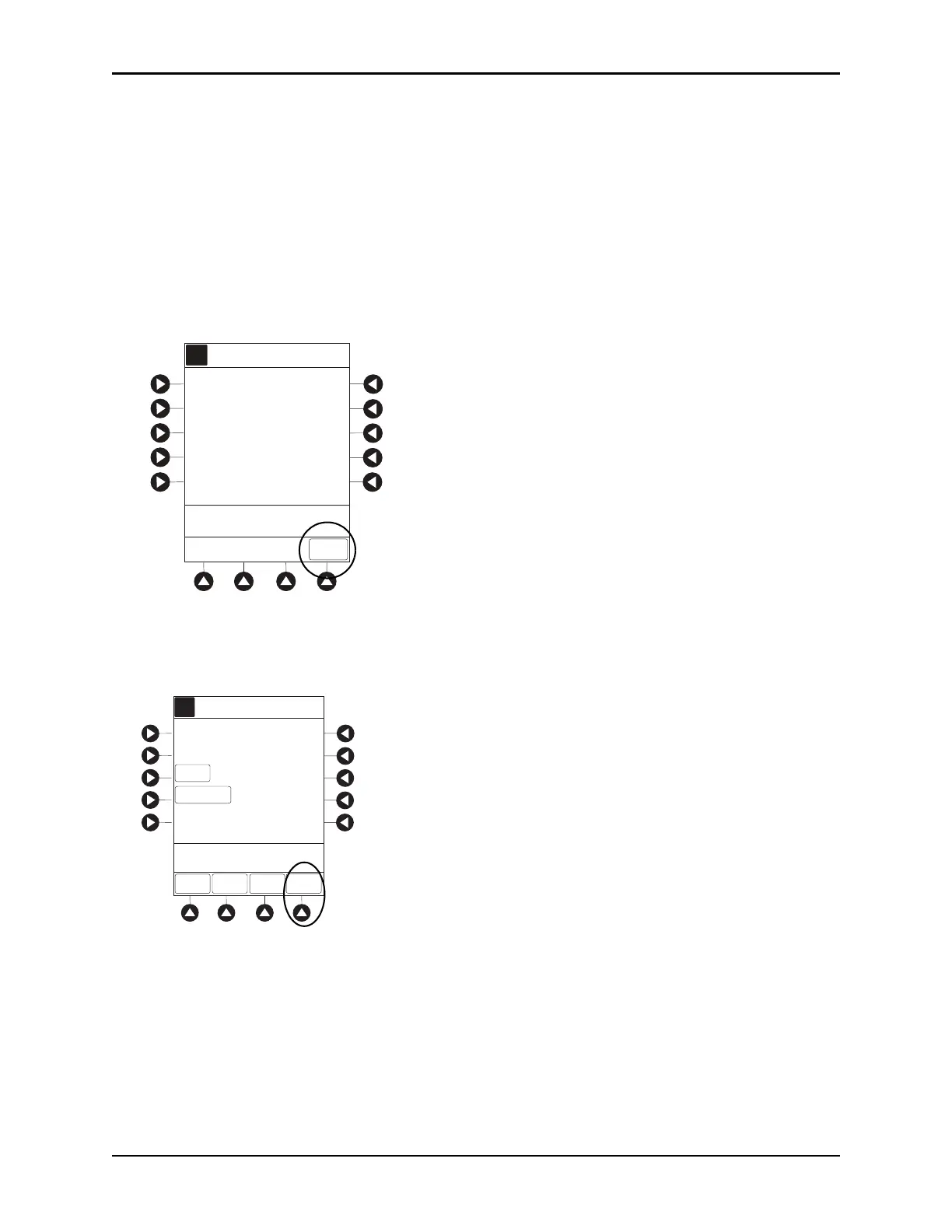
1. Review and verify that all parameters pre-pop
ulated on the system are correct.
The drug amount, diluent volume, and patient weight (if intermittent infusion
is weight-based) or BSA
(if intermittent infusion is BSA based) are pre-populated from the automated programming request.
2. Press the
NEXT to confirm.
s
3. Review and verify that all parameters pre-populated on the system are correct.
The rate, VTBI, and duration are pre-populated from the automated programming request.
4. Press the
START soft key.
5. If the subsequent automated programming request contains an infusion parameter (rate or duration)
that affects or changes the current infusion rate, a message appears with a recalculation of the rate
notification.
A
DRUG
AMOUNT
DILUENT
VOLUME
10 mEq
50
mL
[Conc]:
>Press NEXT to Confirm
NEXT
70 kg
PATIENT
WEIGHT
Potassium Chloride
0.2 mEq/kg
DOSE 0.143 mEq/kg
AA
A
RATE=
VTBI
PRIMARY INFUSION
DURATION
1:00
hh:mm
[Conc]:
50 mL/h
SETUP
50
>Press START
Guardrails Drug Setup
Potassium Chloride
START
mL
DOSE =
0.143
mEq/kg
0.2 mEq/kg
RATE
VOLUME
DELAY
OPTIONS



 To Next Page