Chapter 3—BD Alaris™ Pump Module Model 8100, Alaris™ Pump Module Model 8100, and Alaris™
Syringe Module Model 8110
136 BD Alaris
TM
System with Guardrails
TM
Suite MX User Manual
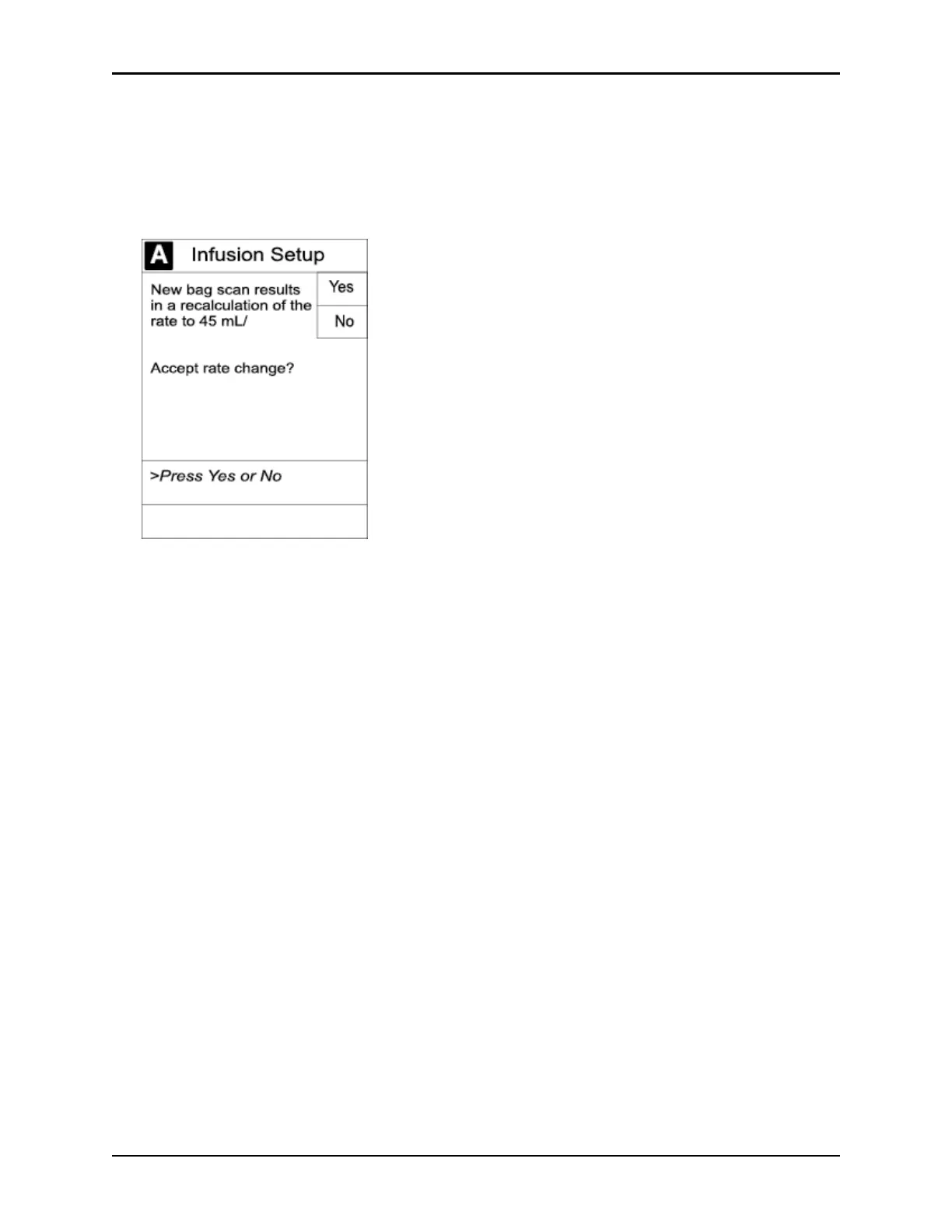
6. From the Infusion Setup screen:
• Select
Yes to accept the rate change and start the infusion.
or
• Select
No to return the infusion its current infusion rate and change the VTBI to the volume to be
infused contained in the automated programming request.
7. Review and verify that all parameters pre-populated on the system are correct.
8. Press the
START soft key.



 To Next Page