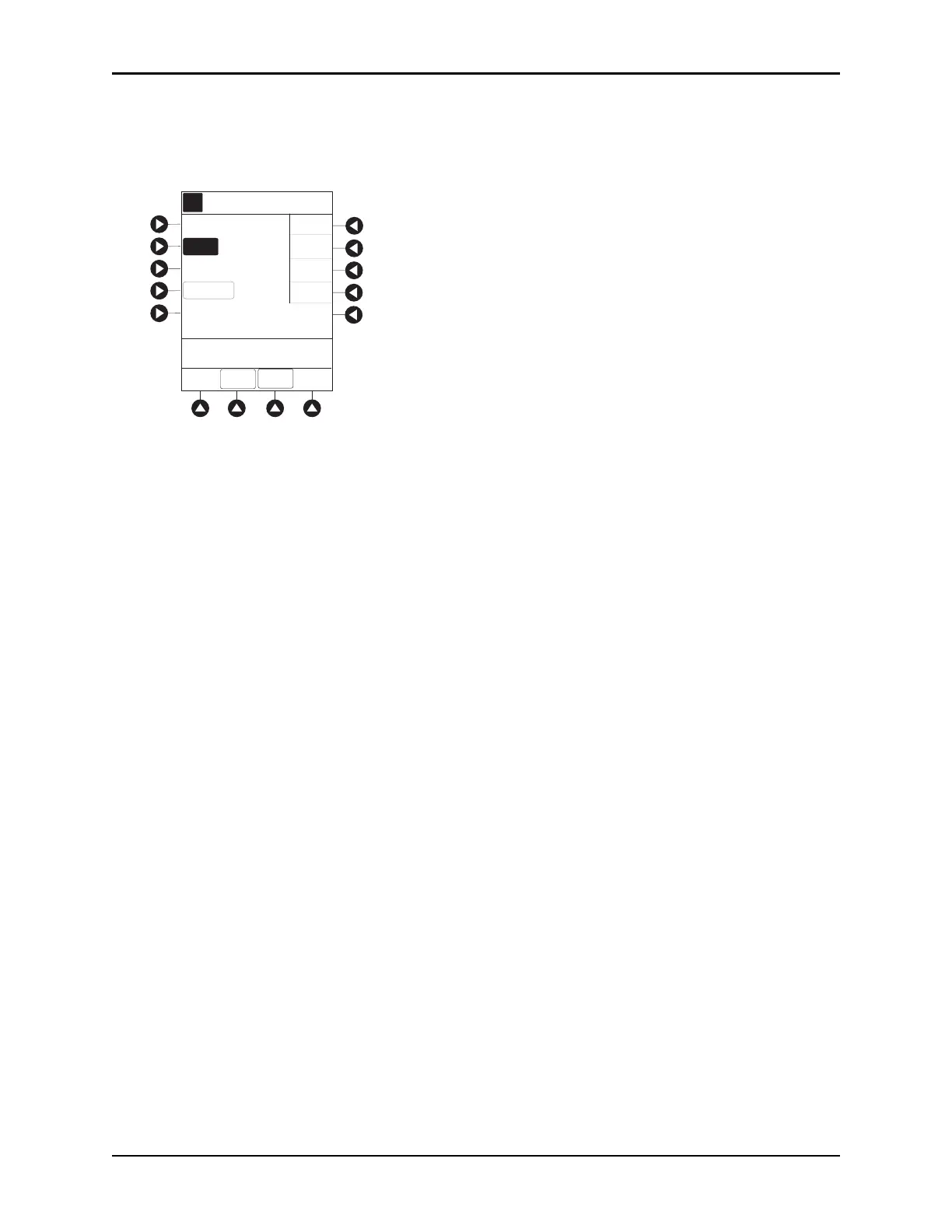
Programming — No Guardrails™ Selections
BD Alaris
TM
System with Guardrails
TM
Suite MX User Manual 147
3. To enter bolus dose, use numeric data entry keys.
• After a bolus dose and weight (if used) are entered, bolus VTBI and conc
entration [conc] alternate
in Main Display.
4. Press the soft key next to appropriate unit of measure for dose.
If mcg or mg is selected as dosing unit, a PATI
ENT WEIGHT entry cannot be made. If mcg/kg or
mg/kg is selected as dosing unit, a PATI
ENT WEIGHT entry is required.
5. To enter bolus duration, use numeric data entry keys.
TOTAL DOSE alternates with INFUSE AT rate.
6. Verify correct parameters and press the
START soft key.
To see details during bolus infusion, press the
CHANNEL SELECT key.
7. Syringe module:
• If bolus dose was programmed at beginning of infusion, unclamp tubing
and attach administration
set to patient.
• Unclamping tubing and starting infusion before attaching administrati
on set to patient minimizes
any potential bolus that can be released from pressure built up in set due to normal syringe loading
and priming.
Stopping and Restoring Bolus Dose
See Programming with Interoperability — Initial Primary Infusion, Bolus Dose on page 98 for the
procedure.
AA
A
DOSE
PATIENT
WEIGHT
BOLUS DOSE
Drug Calc-NO GUARDRAILS
_ 2000
DURATION
[Conc]: 5000 mcg/mL
SETUP
>Select the Desired Dosing
Units
CONT-
INUOUS
mcg
mcg/kg
mg
mg/kg



 To Next Page