Manual Programming with Guardrails™ Suite MX
BD Alaris
TM
System with Guardrails
TM
Suite MX User Manual 119
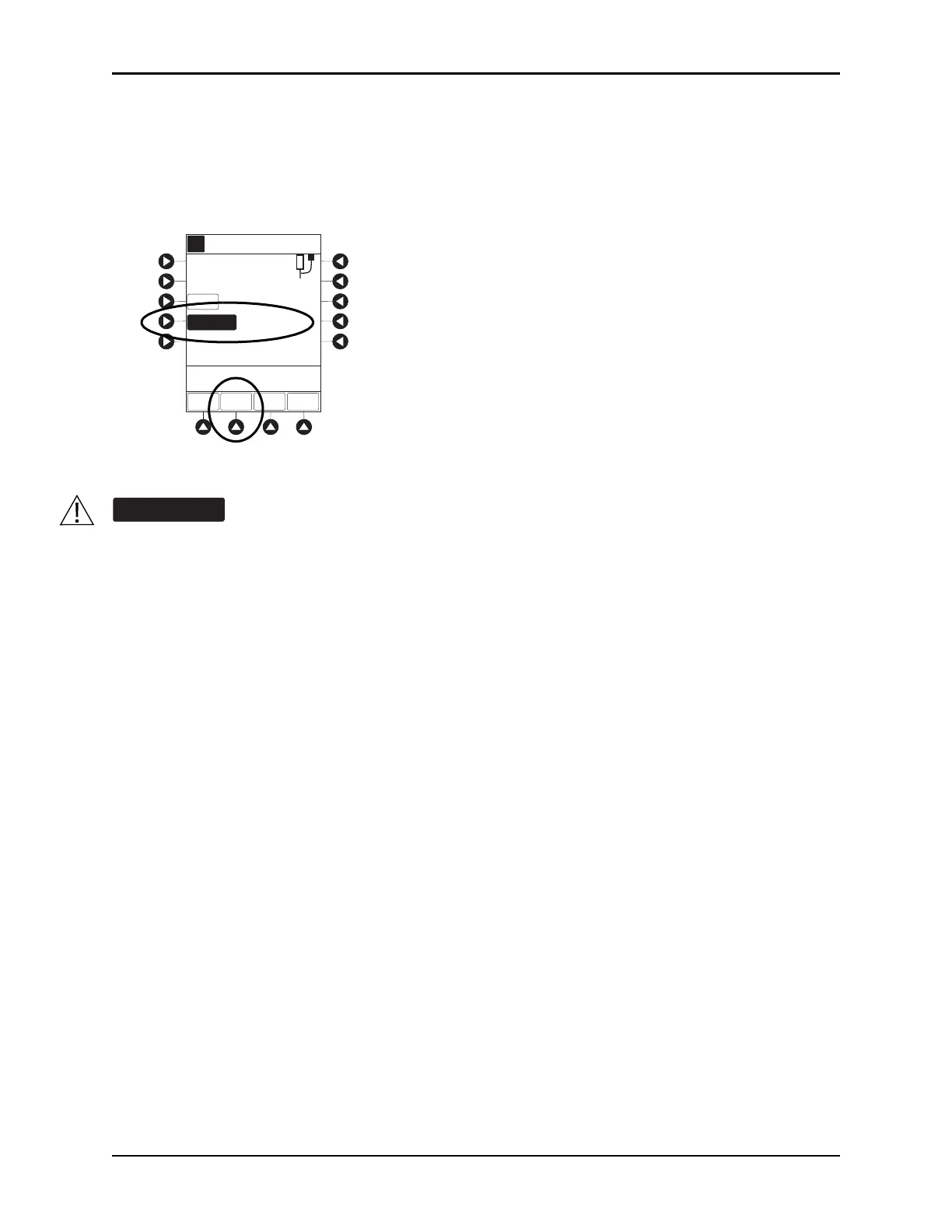
7. If an optional hospital-defined and editable starting value for intermittent duration is not already
entered, enter duration or rate, as follows:
• To enter duration, press the
DURATION soft key and use numeric data entry keys (rate value is
calculated and displayed).
• To enter rate, press the
RATE VOLUME soft key and use numeric data entry keys.
8. Open clamp on secondary administration set.
9. Verify correct parameters and press the
START soft key.
• If the programmed duration is outside the soft limit for that care area, an audio
alert sounds and a
visual prompt appears before programming can continue. If the
Yes soft key is pressed,
programming continues; if the
No soft key is pressed, infusion needs to be reprogrammed.
• If the programmed duration is outside hard limit for that care
area, an audio alert sounds and a
visual prompt appears before programming can continue. Infusion needs to be reprogrammed.
• If a soft limit is overridden,
G icon is displayed. When G soft key is pressed, all applicable
out-of-range limits are listed.
The clamp on the secondary administration set must be opened. If the clamp is not
opened, the fluid is delivered from the primary container.
[Conc]: 136.8 mg/mL
4 mL/h
6:00 hh:mm
RATE =
VTBI
DURATION
RATE
VOLUME
A
>Verify Secondary Clamp
Open, Then Press START
DOSE =
SETUP
1200 mg/m
2
START
PAUSE
Guardrails Drug Setup
Methotrexate
SECONDARY
50 mL



 To Next Page