Chapter 3—BD Alaris™ Pump Module Model 8100, Alaris™ Pump Module Model 8100, and Alaris™
Syringe Module Model 8110
126 BD Alaris
TM
System with Guardrails
TM
Suite MX User Manual
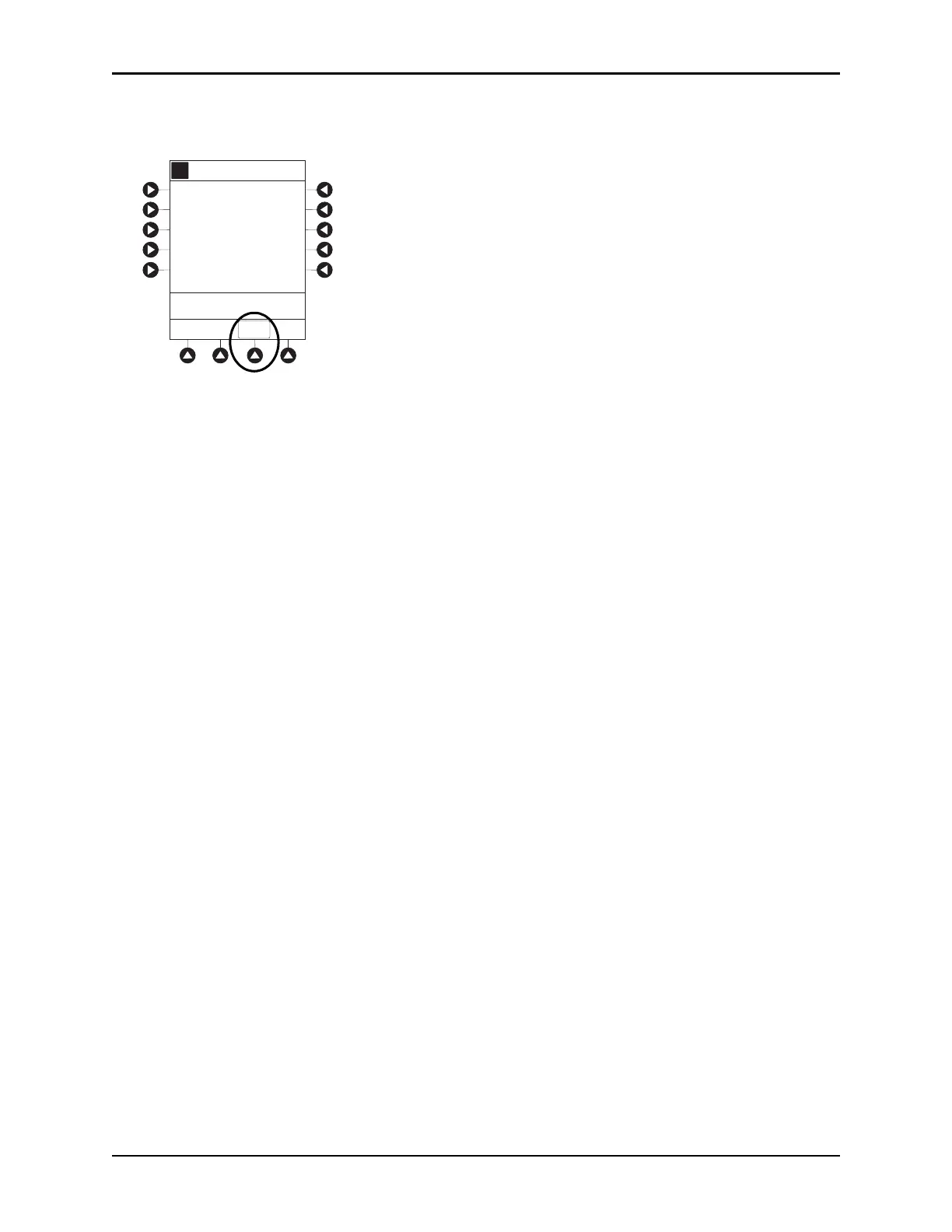
6. If the hospital has defined a Clinical Advisory for the drug, a message appears. To indicate information
has been noted and to continue programming, press the
CONFIRM soft key on the PCU.
The Patient ID and, depending on the infusion type, the following infusion parameters are pre-populated
on the system from the automated programming request:
• Drug or Fluid name (alias or NDC)
• Drug amount
• Drug Amount units
• Diluent Volume
•Dose
• Dosing units
• Patient Weight or BSA (if used)
•Rate
• Volume to be infused (VTBI)
• Duration
7. Review and verify that all parameters p
re-pop
ulated on the system are correct prior to starting the
infusion.
NOTE:
• If the infusion parameters are unable to be pre-populated on the syst
em, error messages are
displayed in the EMR/HIS. Error messages are not displayed on the PCU. Consult the EMR/HIS for
more information.
• Pre-population of infusion parameters on the system DOES NOT automatically start the infusion. As
with any infusion, all infusion parameters need to be reviewed and confirmed by the clinician before
pressing
START.
8. Start applicable infusion as described in the following procedures:
Programming a Continuous Infusion on pa
ge 91
Fluid Infusion on page 12
8
Intermittent Infusion on
page 129
A
>Press CONFIRM
Clinical Advisory:
CONFIRM
Alteplase
Stroke
This dosing is for Acute
Ischemic STROKE



 To Next Page