Chapter 3—BD Alaris™ Pump Module Model 8100, Alaris™ Pump Module Model 8100, and Alaris™
Syringe Module Model 8110
162 BD Alaris
TM
System with Guardrails
TM
Suite MX User Manual
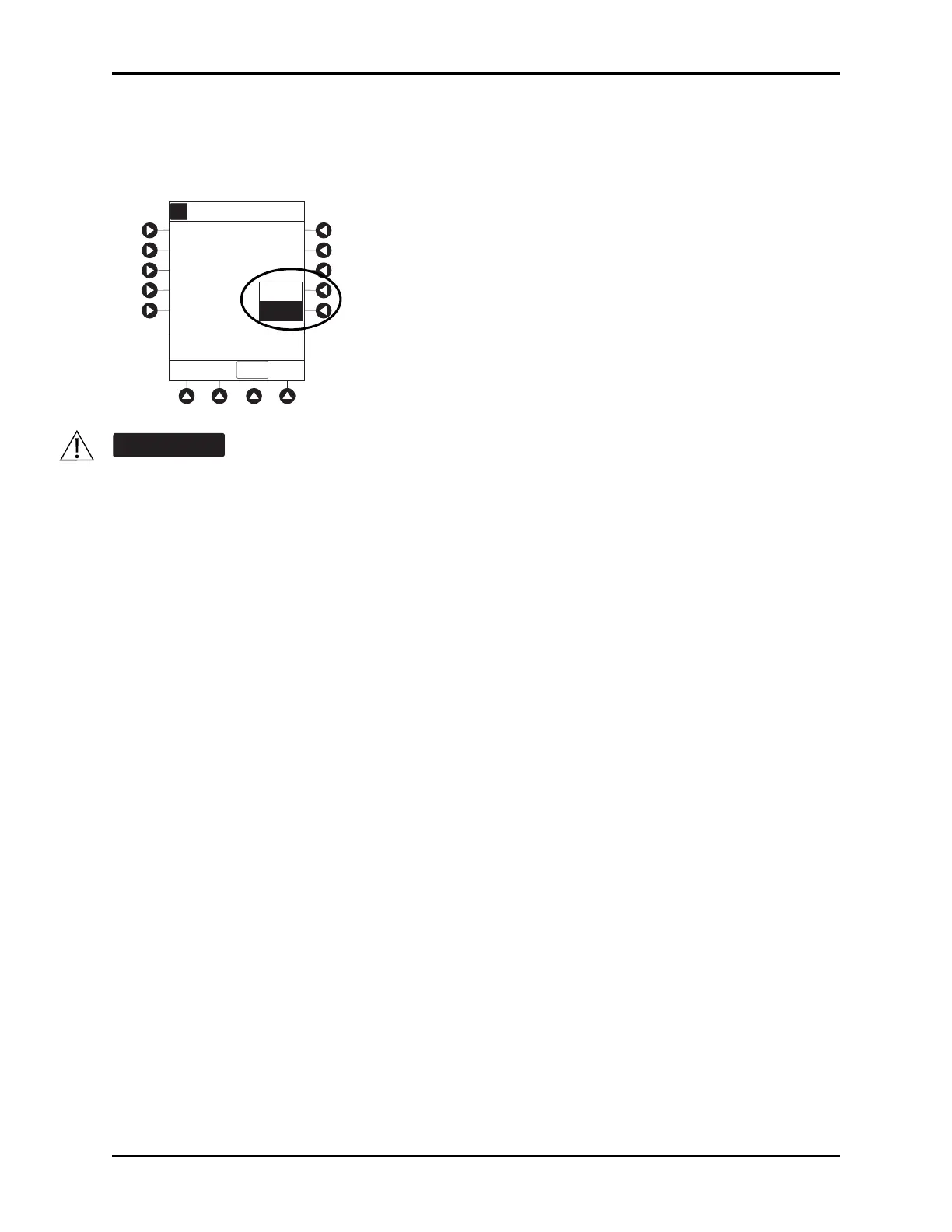
5. To enter a new pressure limit value, press the Change Value soft key.
or
If Auto Pressure feature is enabled, press the
Auto Pressure soft key.
To minimize the amount of time it takes the pump to recognize an occlusion (blockage) and
generate an alarm while infusing at low rates (for example, < 5 mL/h and especially flow rates
of < 0.5 mL/h):
• Consider the plunger force or occlusion pressure threshold setting and adjust it, as
necessary. The lower the plunger force setting or occlusion pressure threshold
setting, the shorter the occlusion detection time. However, when infusing viscous or
thick fluids (for example, lipids), the plunger force or occlusion pressure threshold
setting may need to be adjusted to reduce false alarms.
• Use the smallest compatible syringe size necessary to deliver the fluid or medication.
This minimizes the amount of friction and compliance of the syringe stopper. Because
syringe pumps infuse fluids by precisely controlling the plunger, smaller syringes
provide more precise fluid delivery than larger syringes.
• Use the Prime Set with Syringe feature on the pump when changing a syringe and/or
tubing.
• Use accessory devices, which have the smallest internal volume or deadspace (for
example, use microbore tubing when infusing at low rates, shorter length of tubing,
and so on).
A
Current limit
550_
mmHg
Pressure Limit Selection
CONFIRM
Change
value
Auto
Pressure
Current pressure
30
mmHg



 To Next Page