Chapter 4—Alaris™ PCA Module Model 8120
214 BD Alaris
TM
System with Guardrails
TM
Suite MX User Manual
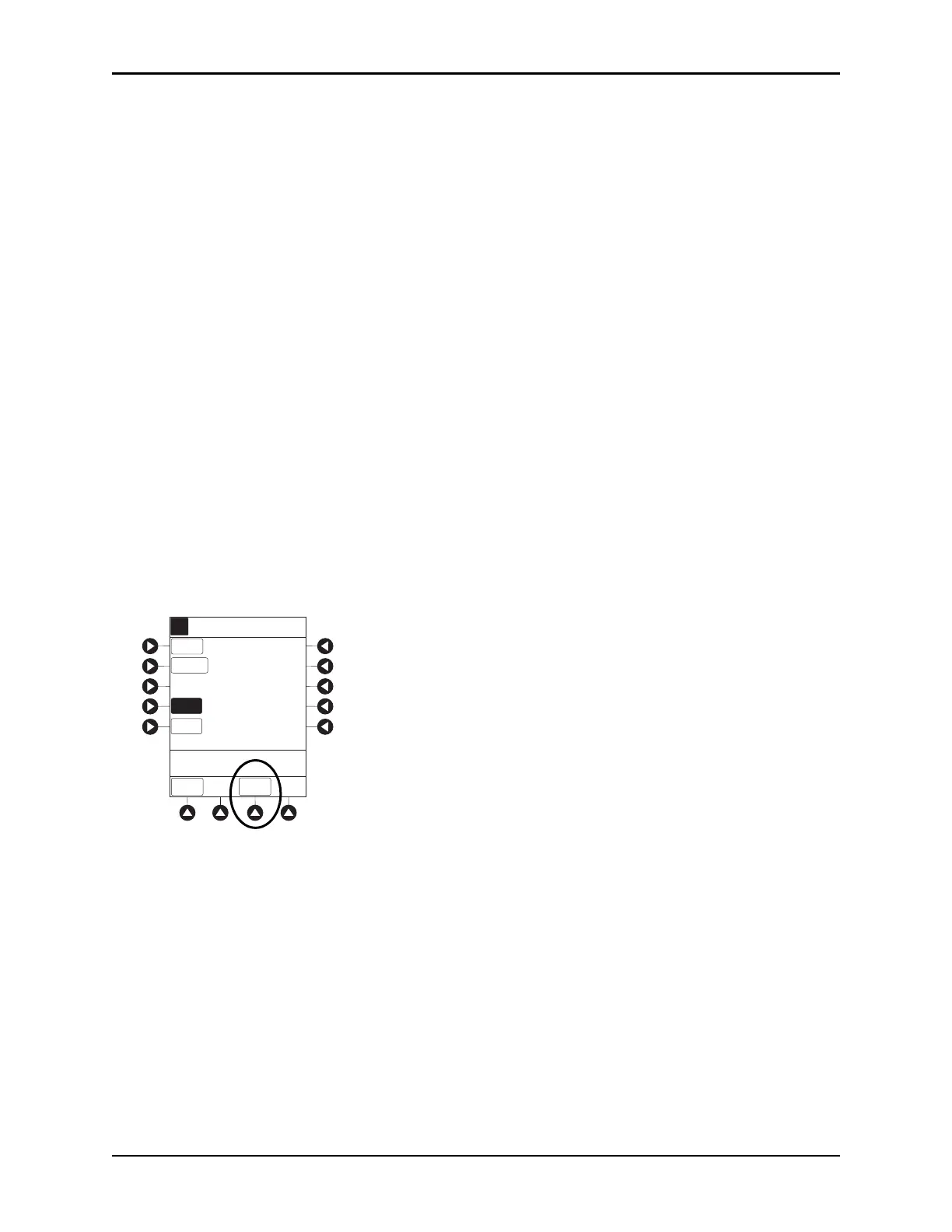
8. Verify correct parameters and press CONFIRM soft key.
• If the programmed parameters are outside the soft limit, an audio al
ert sounds and a visual prompt
appears before programming can continue. If
Yes soft key is pressed, programming continues; if
the
No soft key is pressed, infusion must be reprogrammed.
• If the programmed parameters are outside the hard limit for that care area
, an audio alert sounds
and a visual prompt appears before programming can continue. Infusion must be reprogrammed.
• If there is a potential for a programmed “_ _ / _ _ mL” parameter to result in an excessive volume
or dose
being delivered, following prompt appears:
Cannot proceed due to incorrect concentration or dosing parameters. Remove syringe, verify
concentration, and reprogram.
The prompt can be (a) the result of an incorrect drug amount and/or diluent volume entry, or
(b) can occur if hospital-established Guardrails limits are very wide. Be sure to enter either a
drug amount per 1 mL or total drug amount per total volume—for example, a 30 mL syringe
with a concentration of 1 mg/1 mL can be entered in one of two ways:
Drug Amount 1 mg
Diluent Volume 1 mL
or
Drug Amount 30 mg
Diluent Volume 30 mL
• If a soft limit is overridden,
G icon is displayed. When G soft key is pressed, all applicable out-of-
range limits are listed.
9. Close and lock security door.
[Conc]: 1 mg/mL
_ 25 mg/4 h
10 minutes
Morphine
PCA Only
LOCKOUT
INTERVAL
MAX
LIMIT
A
>Close and Lock Door Then
Press CONFIRM
2 mg
CONFIRM
PCA
DOSE
LOADING
DOSE
None
CHANGE
MODE



 To Next Page