Programming
BD Alaris
TM
System with Guardrails
TM
Suite MX User Manual 219
8. Verify correct parameters and press CONFIRM soft key.
• If the programmed parameters are outside the soft limit for that c
are area, an audio alert sounds
and a visual prompt appears before programming can continue. If
Yes soft key is pressed,
programming continues; if
No soft key is pressed, infusion needs to be reprogrammed.
• If the programmed parameters are outside the hard limit for that care area
, an audio alert sounds
and a visual prompt appears before programming can continue. Infusion must be reprogrammed.
• If there is a potential for a programmed "_ _ / _ _ mL" parameter to result in an excessiv
e volume
or dose being delivered, following prompt appears:
Cannot proceed due to incorrect concentration or dosing parameters. Remove syringe, verify
concentration, and reprogram.
The prompt can be (a) the result of an incorrect drug amount and/or diluent volume entry, or
(b) can occur if hospital-established Guardrails limits are very wi
de. Be sure to enter either a drug
amount per
1 mL or total drug amount per total volume—for example, a 30 mL syringe with a
concentration of 1 mg/1 mL can be entered in one of two ways:
Drug Amount 1 mg
Diluent Volume 1 mL
or
Drug Amount 30 mg
Diluent Volume 30 mL
• If a soft limit is overridden,
G icon is displayed. When G soft key is pressed, all applicable out-of-
range limits are listed.
9. Close and lock security door.
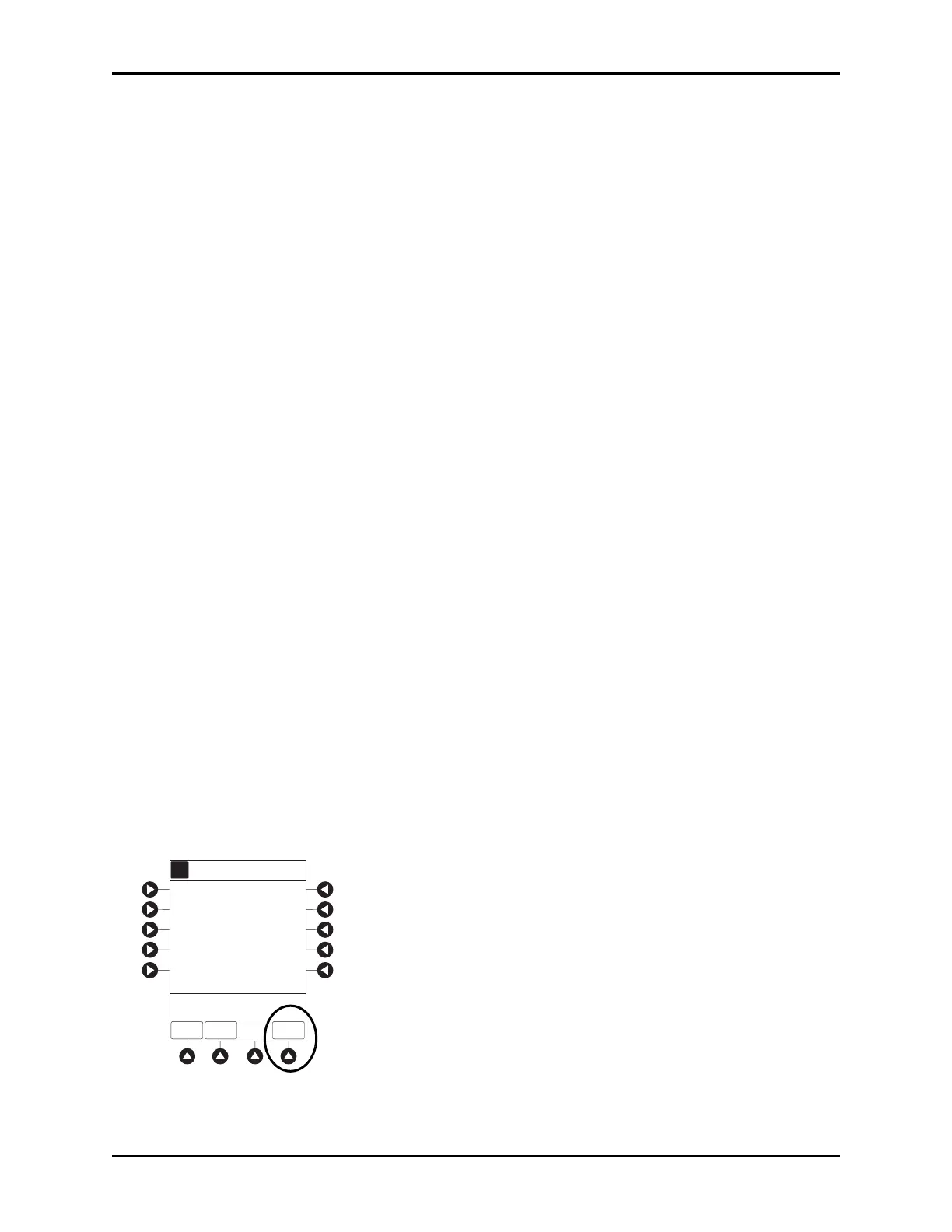
10. Verify correct parameters on second nurse summary screen and press the START soft key.
During PCA dose + Continuous Infusion:
• Green Infusing Status Indicator illuminates.
•
DELIVERING PCA scrolls in Channel Message Display when initiated. Continuous and PCA drug
name scrolls in Channel Message Display between PCA doses.
• Volume infused for continuous dose is displayed in Rate Display.
• M
ain Display alternates between volume remaining
and infusion mode with PCA drug name.
• When PCA dose is complete,
PCA COMPLETE scrolls in Channel Message Display and resumes
continuous dose.
A
[Conc]: 1 mg/mL
>Press START
Second Nurse Summary
Morphine
START
PAUSE
PRO-
GRAM
10 minutes
Lockout
Interval:
Max Limit:
2
mg/h
1
mg
Cont. Dose:
PCA Dose:
8 mg/4 h



 To Next Page