Programming
BD Alaris
TM
System with Guardrails
TM
Suite MX User Manual 223
7. Verify correct dose value and then press START soft key:
•
Delivering Bolus scrolls in Channel Message Display.
• Bolus and drug name alternate with VT
BI in Main Display.
• When bolus dose is complete,
BOLUS COMPLETE scrolls in Channel Message Display.
• Programmed infusion resumes.
Checking PCA Volume
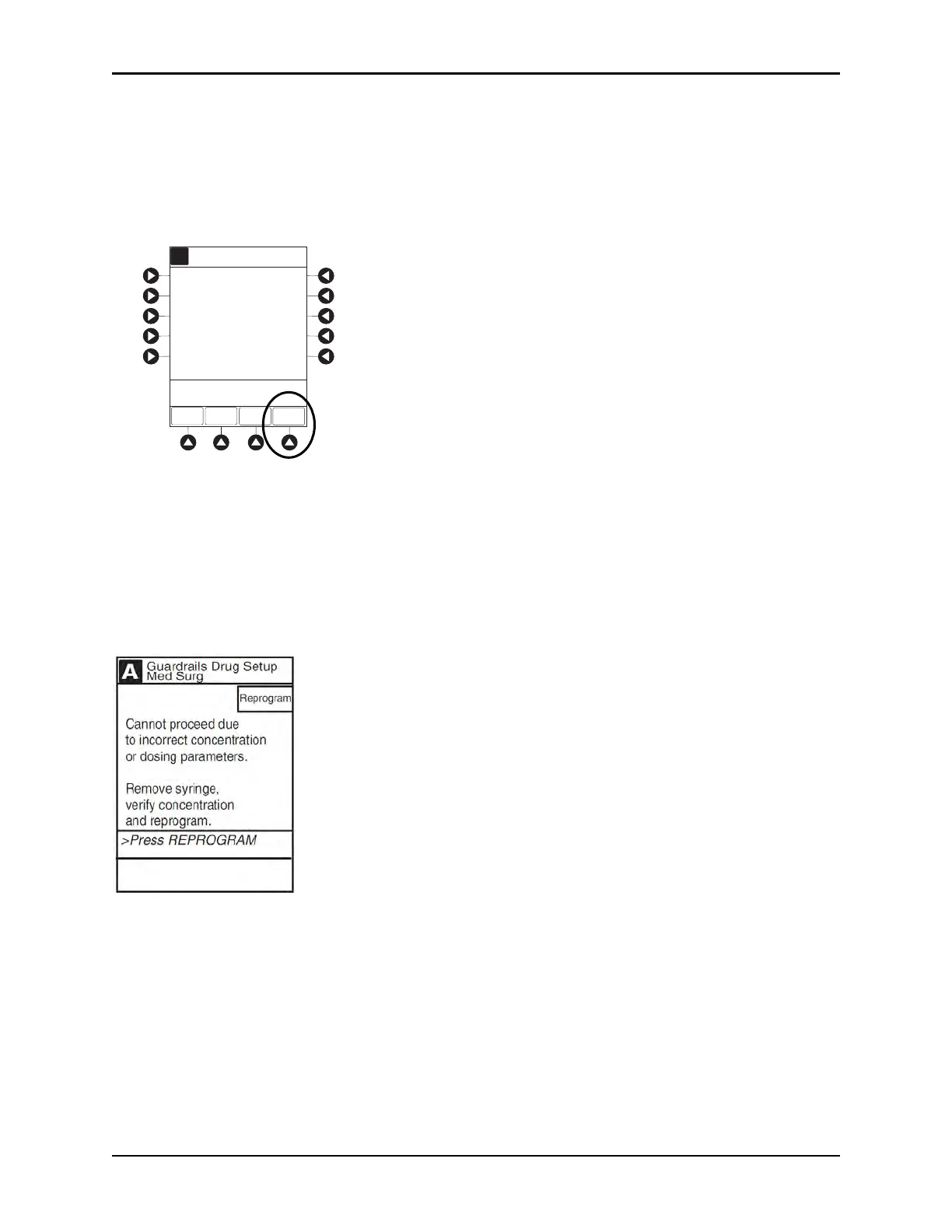
To reduce the instances of programming errors, the PCA
module checks the total volume of all
programmed PCA parameters against a percentage (35%) of the capacity of the installed syringe. A PCA
infusion can only be started when the total programmed volume is less than 35% of the syringe capacity.
The PCA module volume check includes one hour of Continuous Dose
, P
CA Dose, bolus dose, or Loading
Dose. If the programmed volume is 35% or more of the capacity of the installed syringe during initial or
subsequent programming, the clinician is presented with an alert which requires a reprogram.
BOLUS
DOSE
[Conc]: 1 mg/mL
Guardrails Drug Setup
IMS Pre-fill 30mL
A
1
mg
Bolus
Dose:
Max Limit:
2
mg/h
Cont. Dose:
30
mg/4 h
>Press START
STARTPAUSE
PRO-
GRAM



 To Next Page