Chapter 7—Alaris™ Auto-ID Module Model 8600
312 BD Alaris
TM
System with Guardrails
TM
Suite MX User Manual
7. To unlock panel, clinician's ID must be scanned.
NOTE:
Automatic display of Patient ID Entry screen should be enabled in the System Configuration settings.
If the patient ID is not entered at this time, it can still be entered later.
Patient ID can be entered manually using the PCU keypad (see Patient ID Entry Feature on page 25).
NOTE:
There is a prompt to accept or decline the change
of patient ID if it is different from the patient ID already
associated to the PCU.
• CLASS 1 LED PRODUCT: Do not stare into the beam or allow beam to strike patient's face.
• Always verify that information displayed on the PCU matches scanned data.
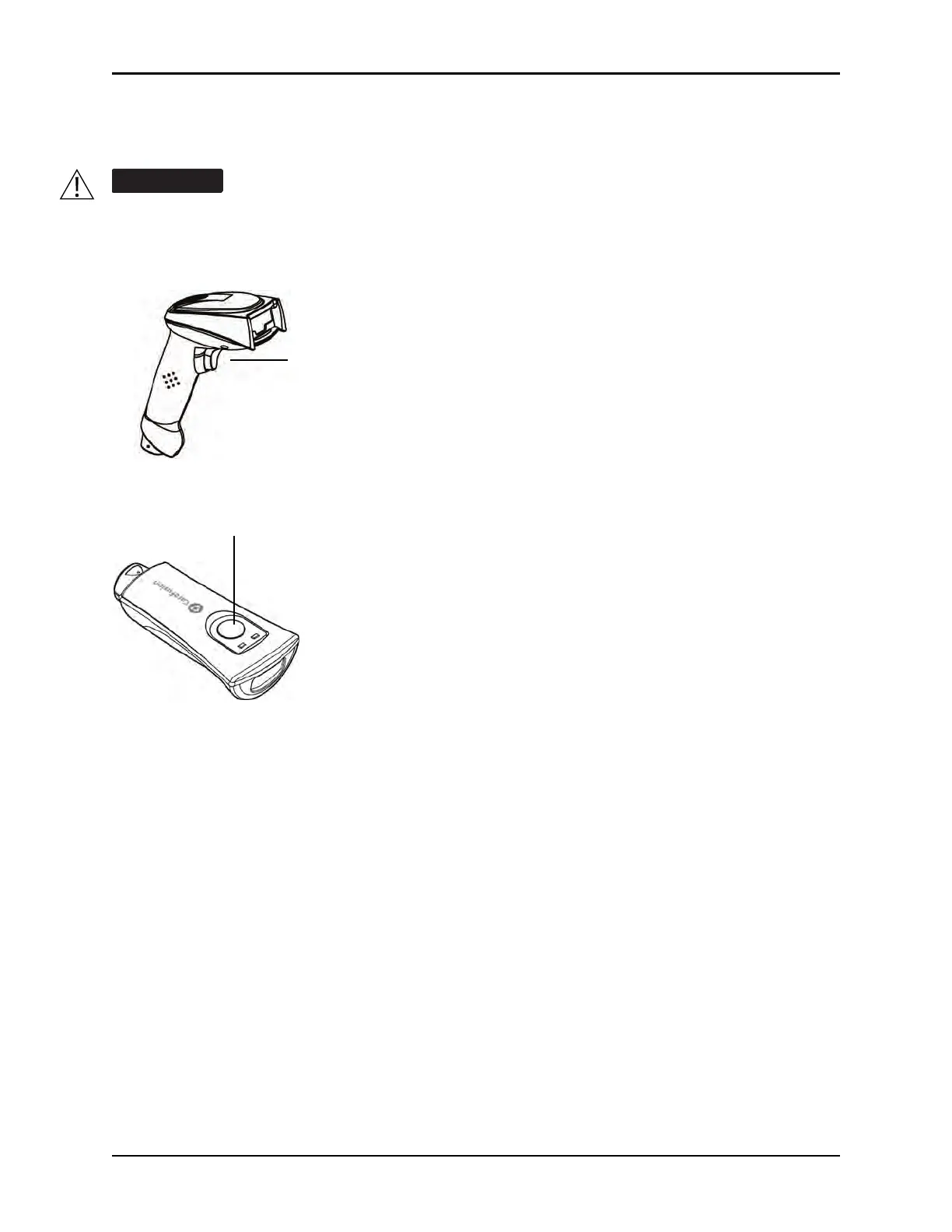
1st Generation Scanner
Scan Trigger
2nd Generation Scanner
Scan Trigger



 To Next Page