Inspection Requirements
BD Alaris
TM
System with Guardrails
TM
Suite MX User Manual 345
Inspect IUI Connectors
If any surface contaminants or blue or green deposits are visible, the connector must be replaced.
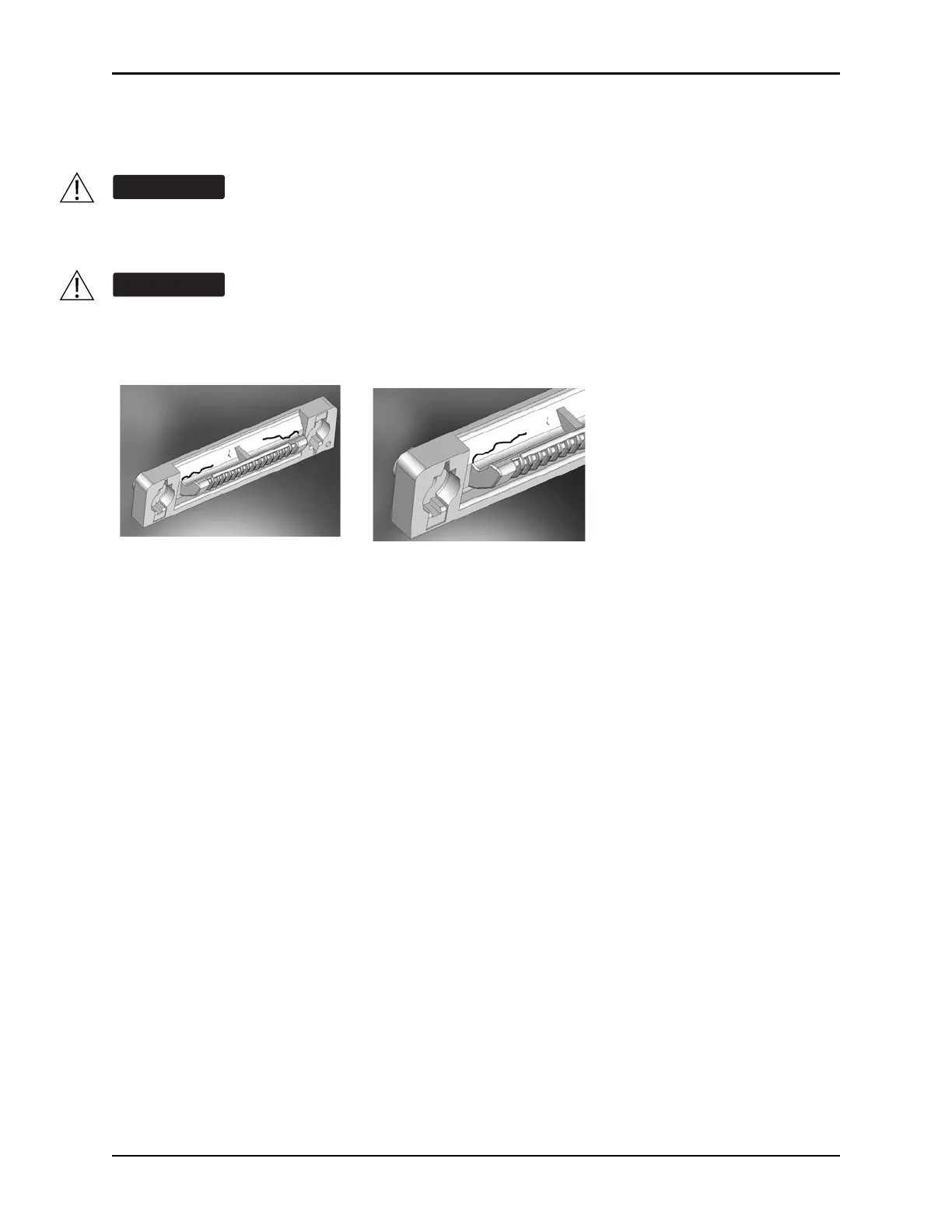
1. Visually inspect the right side (male) IUI connector for cracks on the entire surface of the black
colored plastic housing. See Figures 1 and 2 for the male IUI inspection area and typical cracks.
2. Visually inspect the left side (fe
male) IUI connector for cracks on the edges of the black colored plastic
housing.
3. If cracks are found, replace the IUI connector before use.
Failure to follow these instructions may result in potential hazards associated with damaged
IUI connectors.
Inserting a finger or other object into the IUI connector, when the module is attached to the PC
unit, could result in electrical shock.
Figure 1: Male IUI Connector
(right side)
Figure 2: Male IUI Connector



 To Next Page