Backup
90 ClareVision Plus Network Video Recorder User Manual
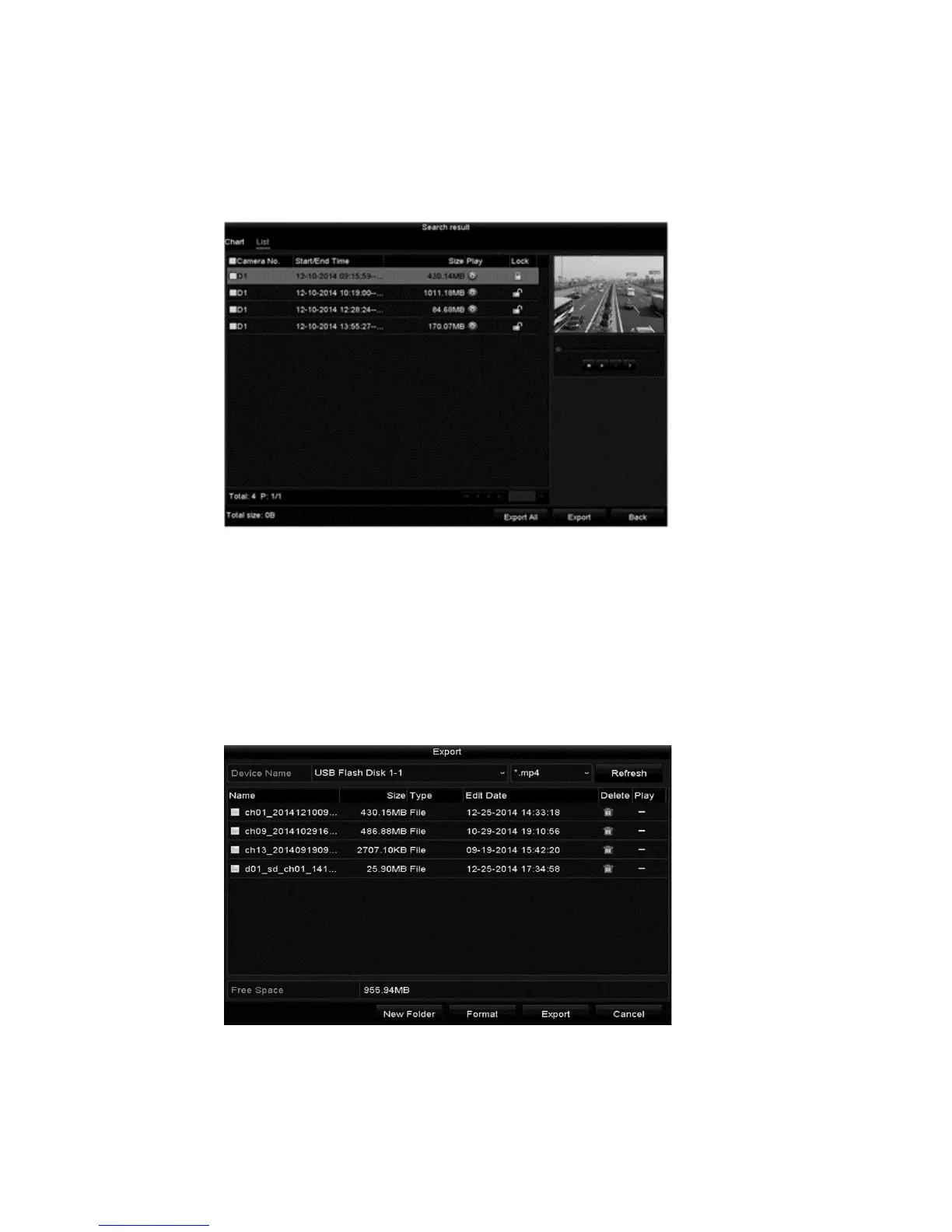
4. Select the checkbox next to each desired video/picture file from the displayed
chart/list.
Note: The size of the selected files displays in the lower-left corner of the
window.
5. Click Export/Export All and start backup.
Note: If the inserted USB device is not recognized, do the following.
• Click the Refresh button.
• Reconnect device.
• Check the vendor’s compatibility.
You can format USB flash drives or USB HDDs via the device.



 To Next Page