Other Settings
ClareVision Plus Network Video Recorder User Manual 175
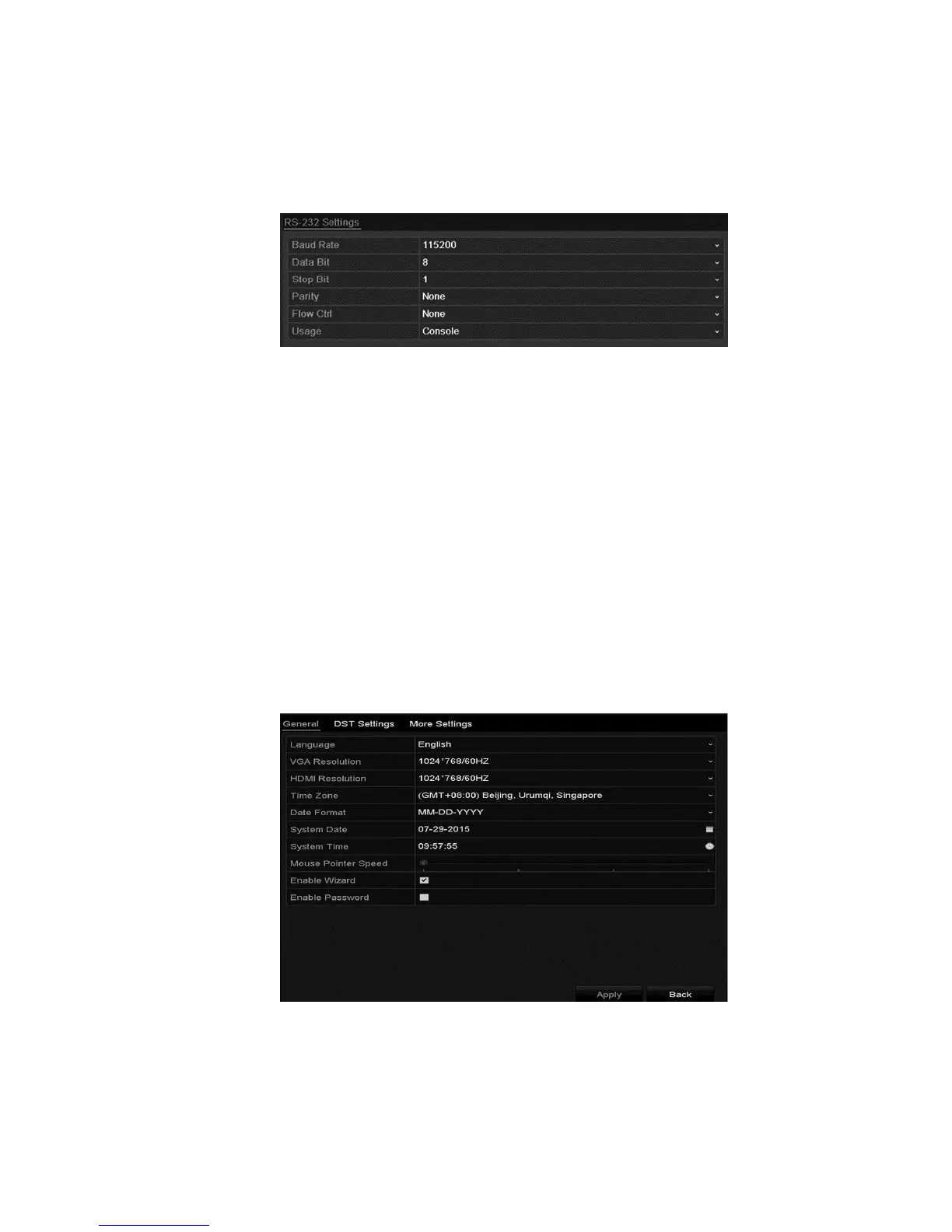
To configure the RS-232 settings:
1. Browse to the RS-232 Settings interface.
Menu > Configuration > RS-232
2. Configure RS-232 parameters, including baud rate, data bit, stop bit, parity,
flow control, and usage.
3. Click Apply to save the settings.
Configuring general settings
You can configure the BNC output standard, VGA output resolution, mouse
pointer speed through the Menu > Configuration > General interface.
To configure general settings:
1. Browse to the General Settings interface.
Menu > Configuration > General
2. Click the General tab.



 To Next Page