Getting Started
ClareVision Plus Network Video Recorder User Manual 29
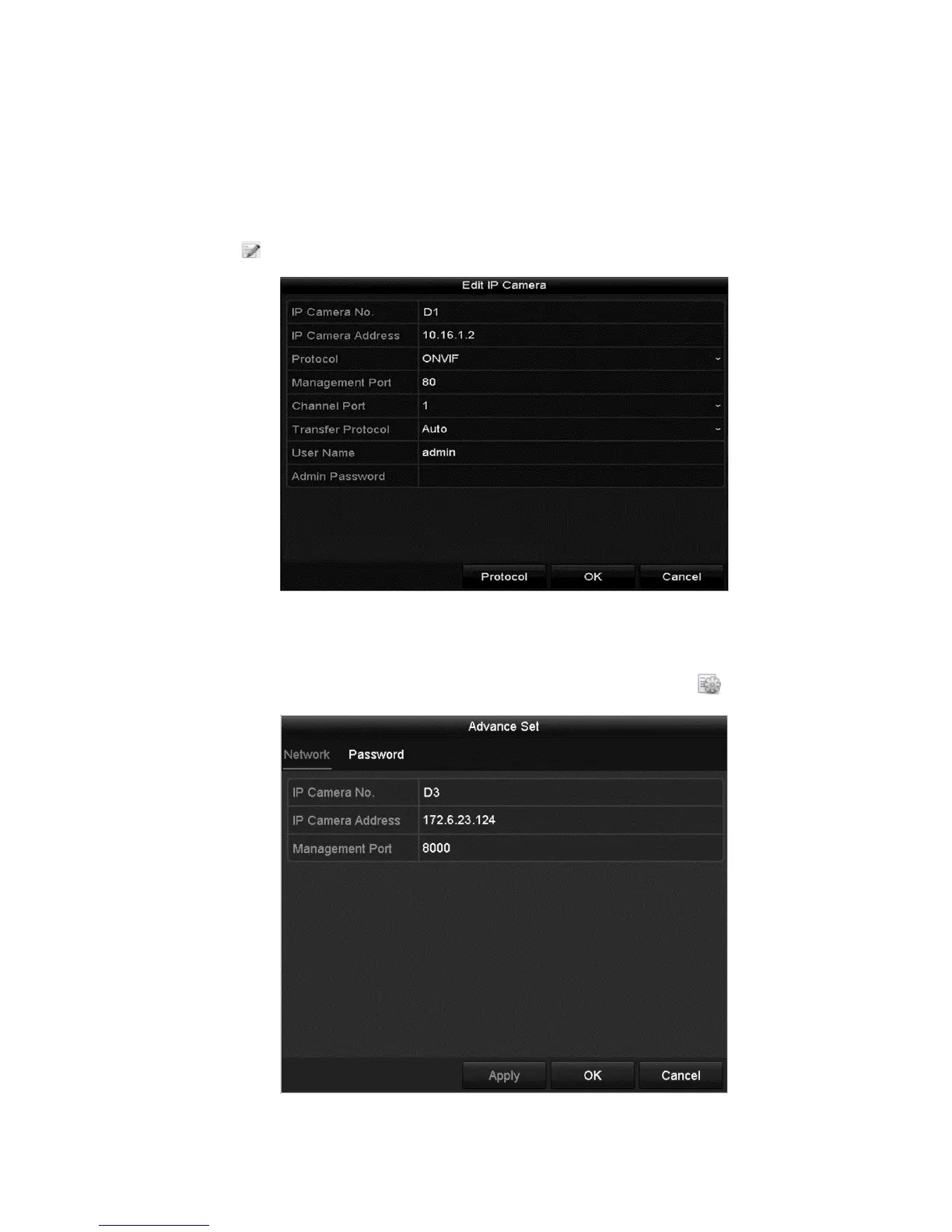
Editing the connected IP cameras and configuring customized protocols
After adding the IP cameras, the basic settings are listed on the page. Configure
the basic settings of each IP camera.
To configure the basic settings:
1. Click to edit the parameters.
2. Click OK to save the settings and exit the window.
To edit advanced parameters:
1. Drag the horizontal scroll bar to the right side, and then click .



 To Next Page