Backup
ClareVision Plus Network Video Recorder User Manual 89
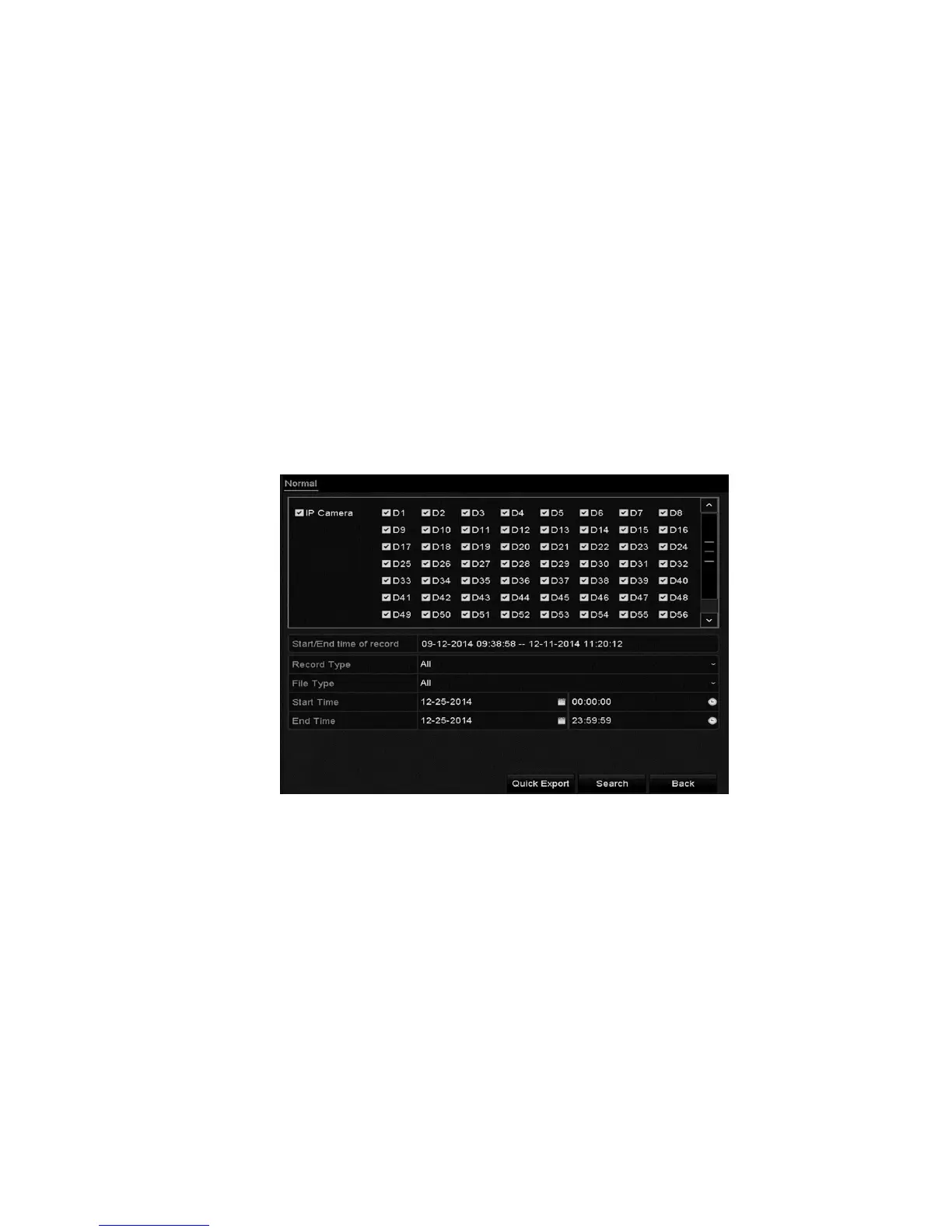
Normal video search back up
You can back up record files to various devices, such as USB devices (USB flash
drives, USB HDDs, USB writer), SATA writer, and e-SATA HDD.
Note: The CVP-P64050-10 is the only ClareVision Plus model that supports
eSATA HDD.
To backup using USB flash drives and USB HDDs:
Note: The following instructions are the same for USB writer and SATA writer.
Follow the steps below.
1. Browse to the Export interface.
Menu > Export > Normal/Picture
2. Select the cameras.
3. Set the search conditions, and then click Search.



 To Next Page