HDD Management
ClareVision Plus Network Video Recorder User Manual 163
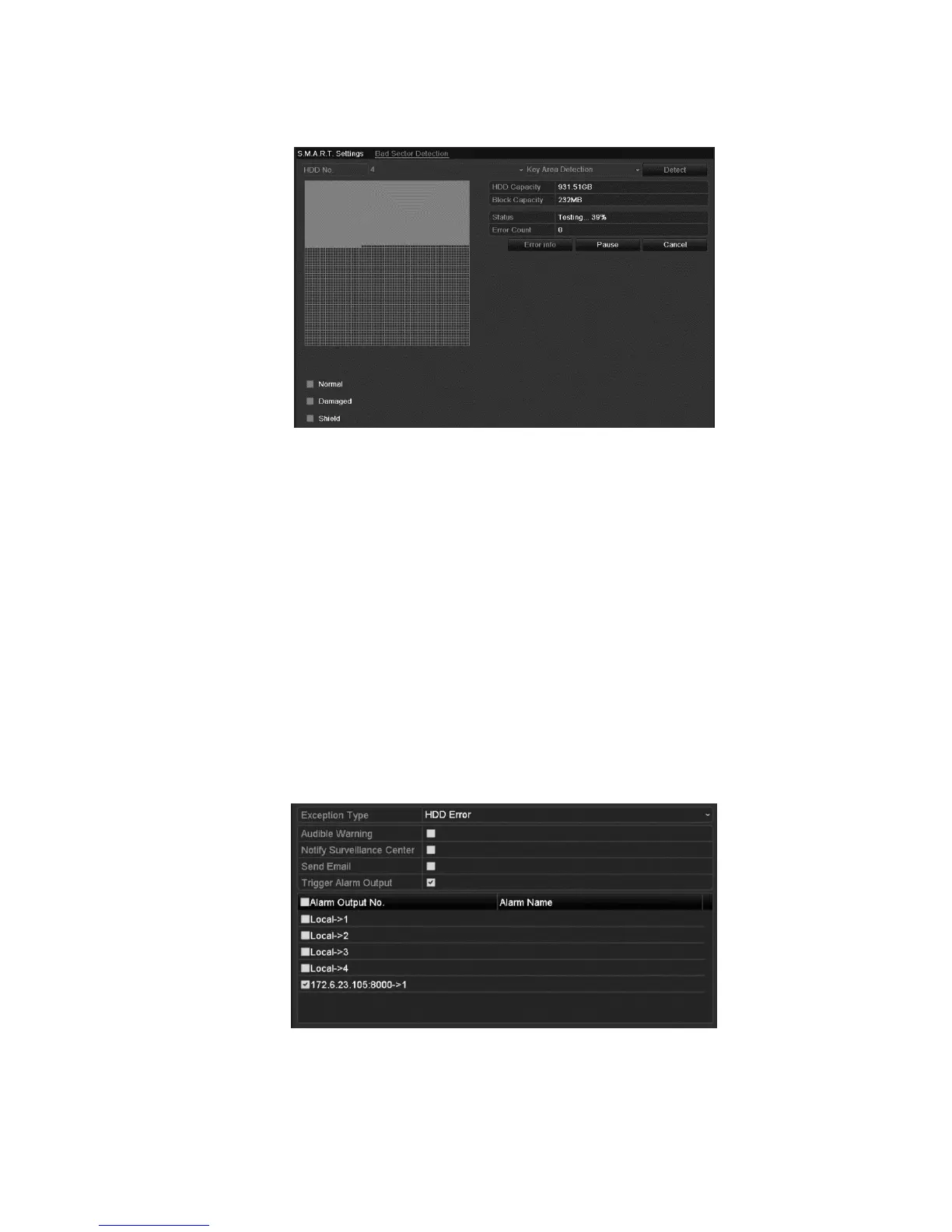
3. Click Detect to start detection.
4. Click Error to see the detailed damage information. You can click to pause,
resume, or cancel the detection.
Configuring HDD error alarms
You can configure the HDD error alarms when the HDD status is Uninitialized or
Abnormal.
To configure HDD error alarms:
1. Browse to the Exception interface.
Menu > Configuration > Exceptions
2. Set the Exception Type to HDD Error.
3. Select the desired checkboxes to select the HDD error alarm types.
You can choose from Audible Warning, Notify Surveillance Center, Send
Email and Trigger Alarm Output.
4. Select the alarm output for the Trigger Alarm Output.
5. Click the Apply button to save the settings.



 To Next Page