Other Settings
ClareVision Plus Network Video Recorder User Manual 181
• Remote Manual Operation: Remotely starting/stopping manual recording,
picture capturing and alarm output of the selected cameras.
• Local Playback: Locally playing back recorded files of the selected
cameras.
• Remote Playback: Remotely playing back recorded files of the selected
cameras.
• Local PTZ Control: Locally controlling PTZ movement of the selected
cameras.
• Remote PTZ Control: Remotely controlling PTZ movement of the selected
cameras.
• Local Video Export: Locally exporting recorded files of the selected
cameras.
7. Click OK to save the settings and exit interface.
Note: Only the admin user account has permission of restore the factory default
parameters.
Deleting a user
To delete a user:
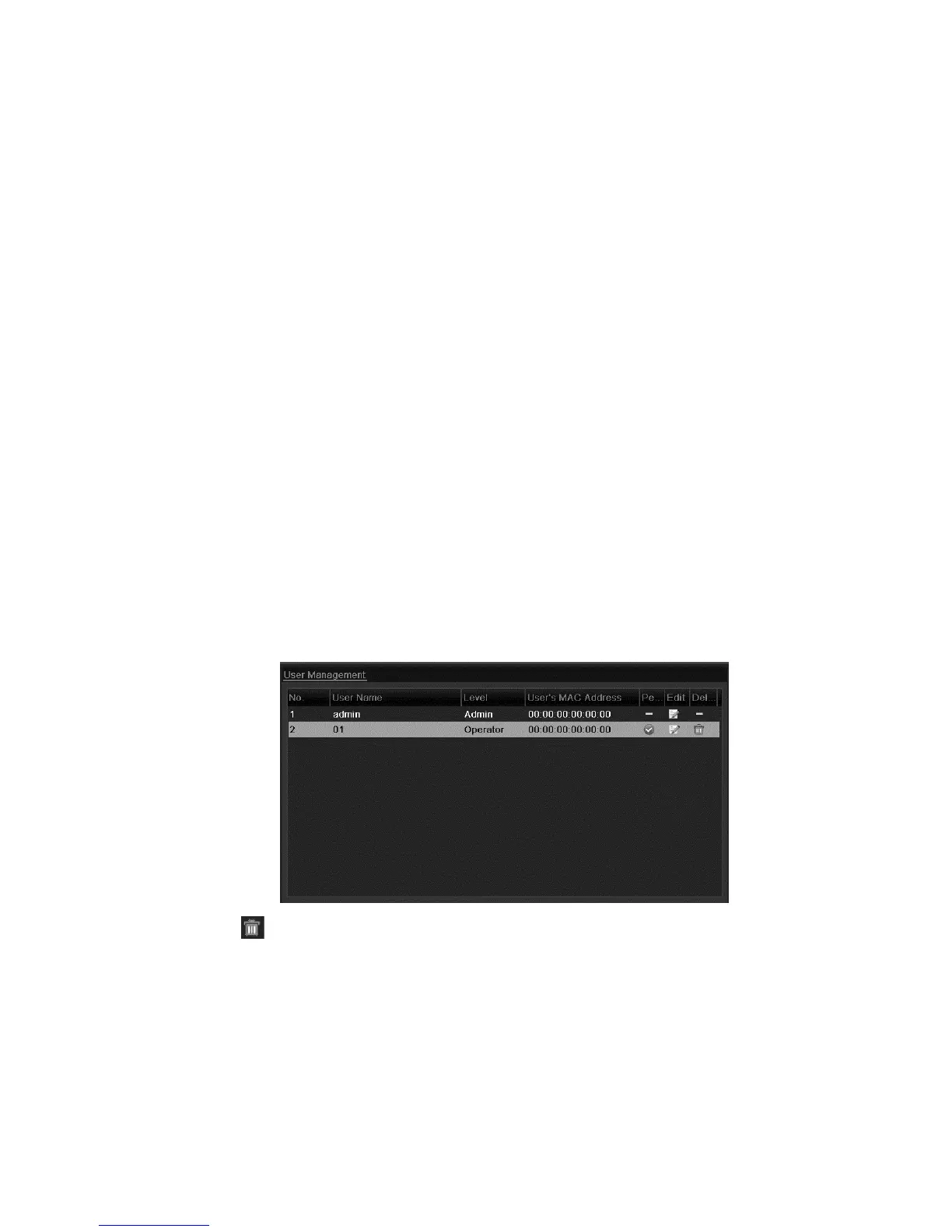
1. Browse to the User Management interface.
Menu > Configuration > User
2. Select the user to delete from the list.
3. Click to delete the selected user.



 To Next Page