RAID
148 ClareVision Plus Network Video Recorder User Manual
Rebuilding array
The working status of array includes Functional, Degraded, and Offline. By
viewing the array status, you can perform immediate and proper maintenance for
the disks to ensure high security and reliability of the data stored in the disk
array.
When there is no disk loss in the array, the working status of array changes to
Functional. When the number of lost disks exceeds the limit, the working status
of array changes to Offline. In other conditions, the working status is Degraded. If
the virtual disk is in the Degraded status, restore it to functional by rebuilding the
array.
Before you start
Make sure that the hot spare disk is configured.
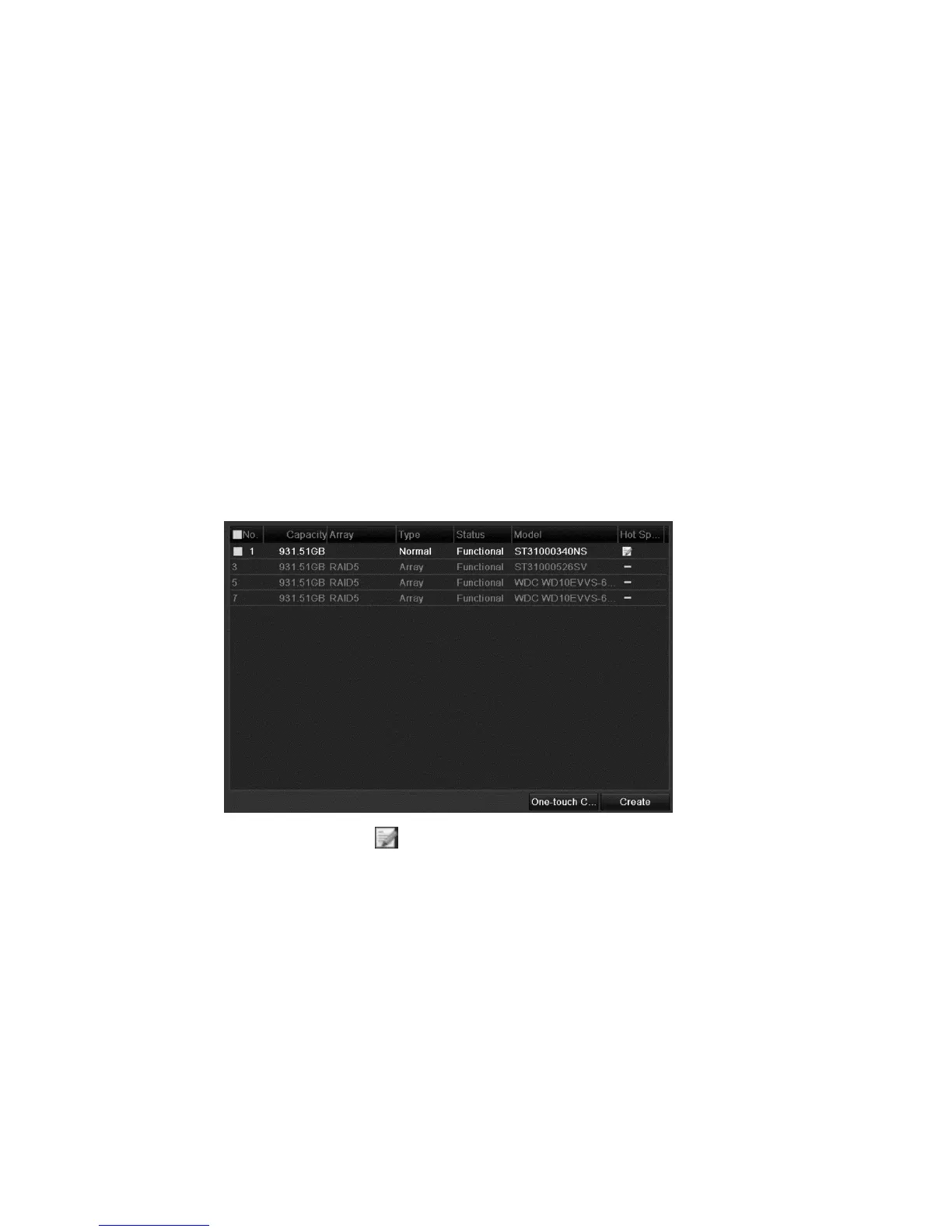
To configure the hot spare disk:
1. Browse to the Physical Disk Settings interface.
2. Select a disk, and then click .
Note: Only global host spare mode is supported.
Automatically rebuilding the array
When the virtual disk is in Degraded status, the device can start rebuilding the
array automatically with the hot spare disk to ensure the high security and
reliability of the data.



 To Next Page