167 Network Video Recorder User Manual
NVR Management and
Maintenance
Viewing system information
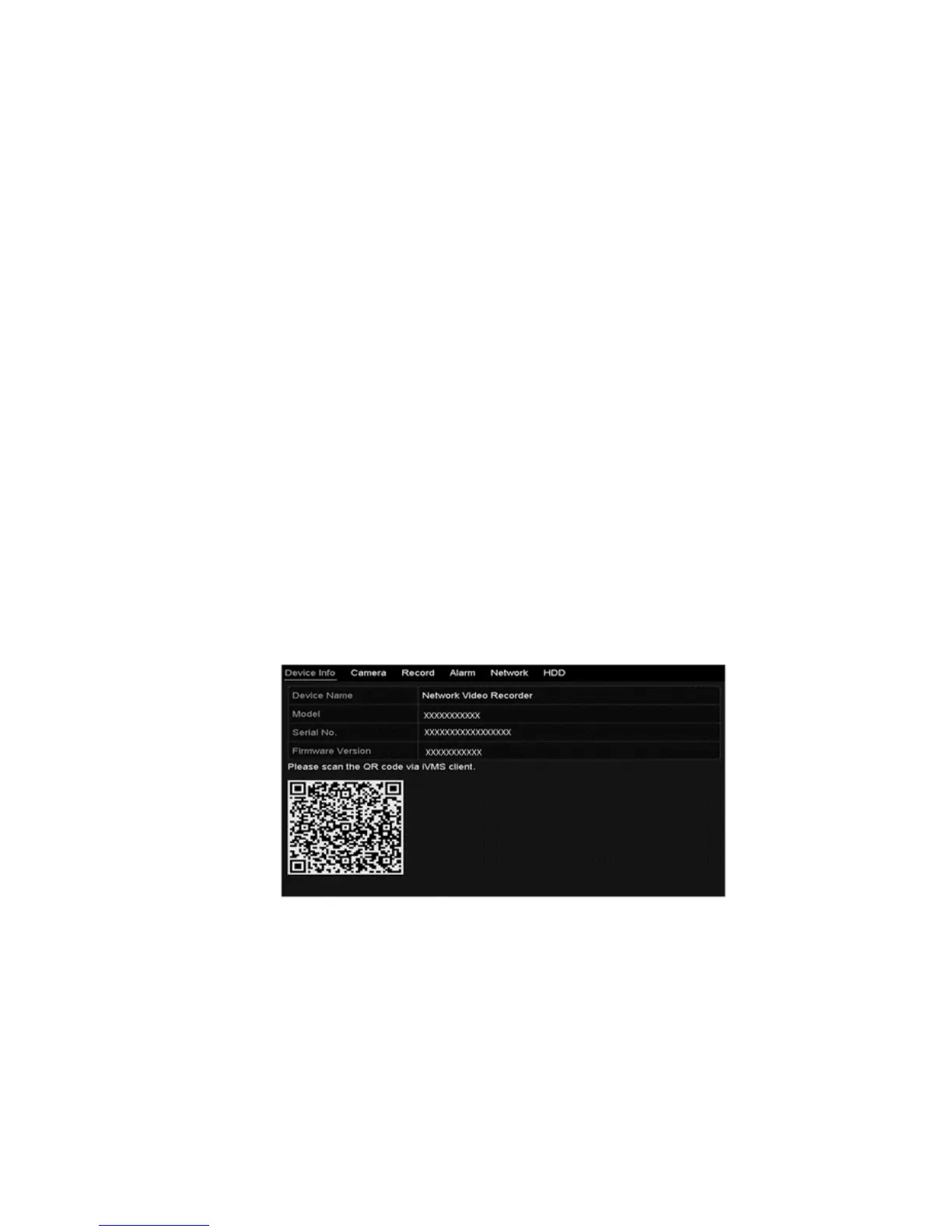
Using the System Information interface, you can view the device, camera, record,
alarm, network, and HDD information.
To view device information:
1. Browse to the System Information interface.
Menu > Maintenance > System Info
2. Click the Device Info, Camera, Record, Alarm, Network, and HDD tabs to
view the device’s system information.



 To Next Page