PTZ Settings
ClareVision Plus Network Video Recorder User Manual 53
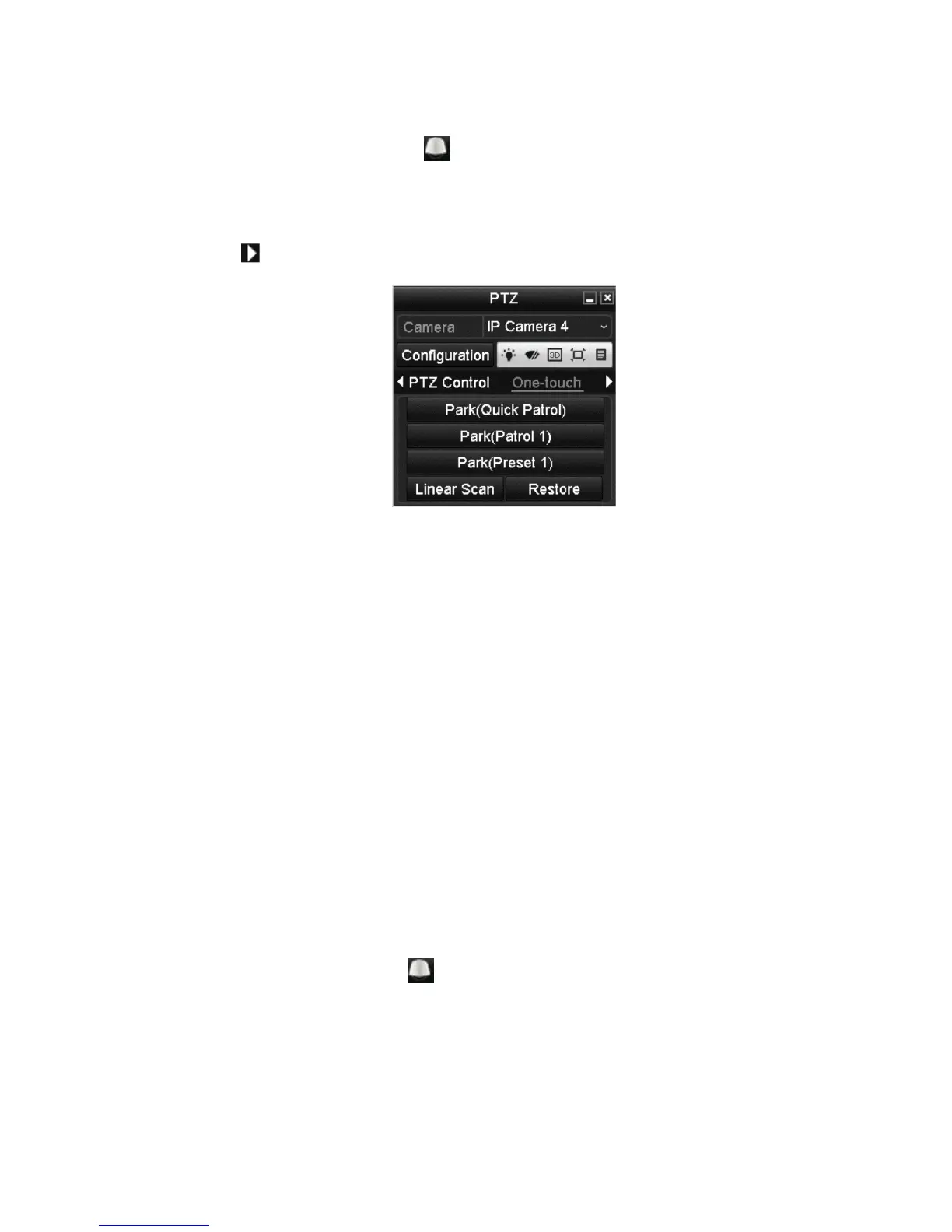
To set one-touch park:
1. Click the PTZ Control icon in the quick setting bar.
– or –
Select the PTZ option in the right-click menu.
2. Click to view the general PTZ control settings.
3. Select the park action.
Park (quick patrol): The dome starts a patrol from the predefined preset
(1 to 32) in order after the park time. An undefined preset is skipped.
Park (Patrol 1): After the park time, the dome starts moving according to the
predefined patrol path.
Park (Preset 1): After the park time, the dome moves to the predefined
preset 1 location.
4. Click the button again to deactivate the one-touch settings.
PTZ control panel
Access the PTZ control panel using an option below.
Option 1: In the PTZ settings interface, click the PTZ button.
Option 2: In the Live View Mode, press the PTZ Control button on the front panel
on the remote control.
– or –
Select the PTZ Control icon .
– or –



 To Next Page