Network Settings
138 ClareVision Plus Network Video Recorder User Manual
Configuring high-speed downloads
You can enable the High-speed Download function to widen the outgoing
bandwidth of the device. Doing this, you can speed the download of record files
through a browser, or CMS software.
Note: When you enable the high-speed download function, the local menu
operation may become stuck. We recommend that you disable this function after
finishing the remote downloading of record files.
To configure high-speed downloads:
1. Browse to the Network Settings interface.
Menu > Configuration > Network
2. Click the More Settings tab.
3. Select the Enable High-speed Download checkbox, and then click OK.
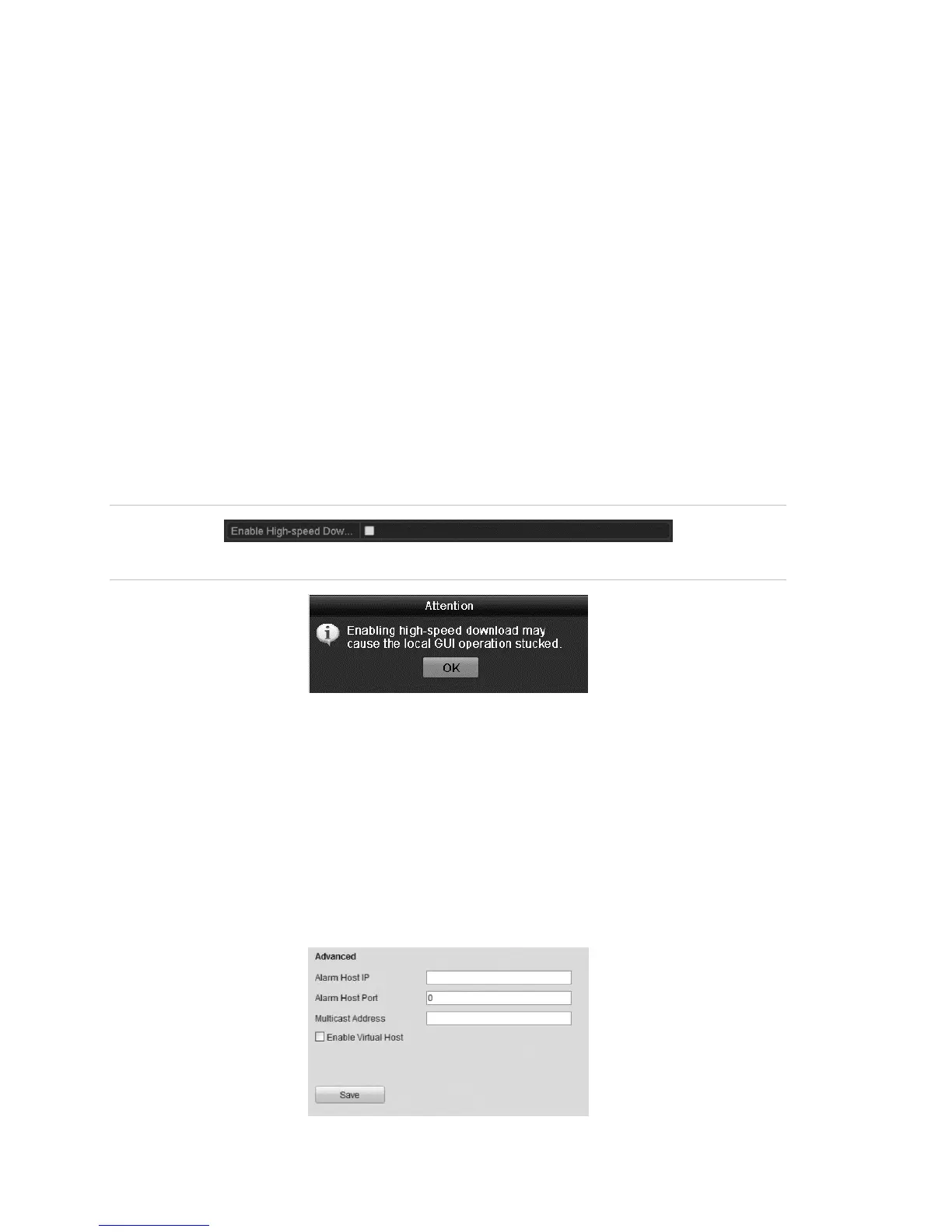
Figure 25: High-speed Download settings menu
Figure 26: High-speed Download message dialog
4. Click Apply to save and exit the interface.
Configuring Virtual Host
Directly access the IP camera management interface after enabling virtual host.
To configure virtual host:
1. Browse to the Advanced Settings interface.
Configuration > Remote Configuration >Network Settings > Advanced



 To Next Page