Live View
38 ClareVision Plus Network Video Recorder User Manual
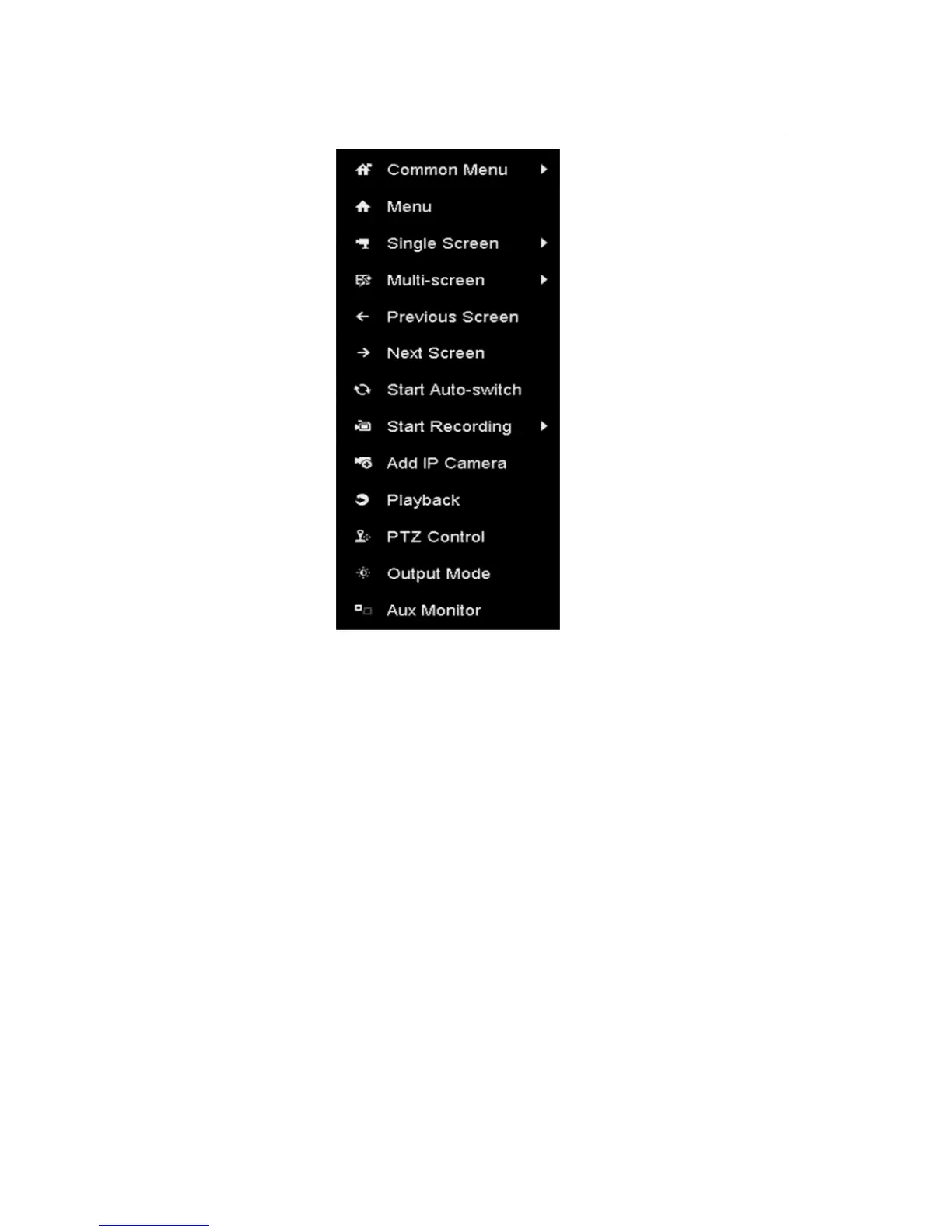
Figure 16: Right-click menu
Using an auxiliary monitor
Some features of Live View are also available while on an Aux monitor. These
features include:
• Single Screen: Switch to a full screen display of the selected camera. The
camera is selected from a drop-down list.
• Multi-screen: Switch between different display layout options. Layout options
available in the drop-down list.
• Next Screen: When displaying less than the maximum number of cameras in
Live View, clicking this feature switches to the next display set.
• Playback: Enters Playback mode.
• PTZ: Enters the PTZ Control mode.
• Main Monitor: Enters the Main operation mode.
Note: In the Live View mode of the main output monitor, the menu operation is
not available when Aux output is enabled.



 To Next Page