Camera Settings
166 ClareVision Plus Network Video Recorder User Manual
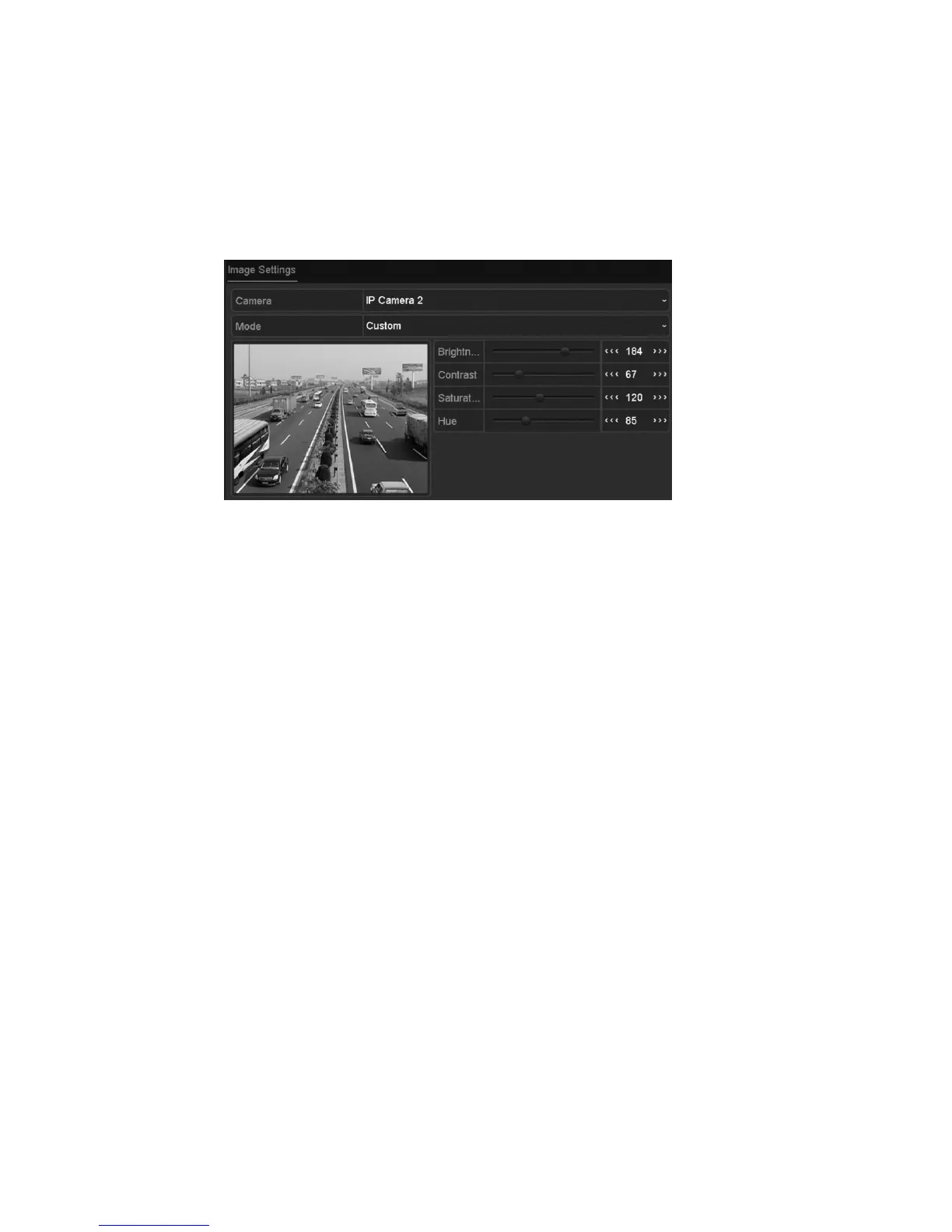
Configuring video parameters
To configure video parameters:
1. Browse to the Image Settings interface.
Menu > Camera > Image
2. Select the camera to set its image parameters.
3. You can click the arrow to change the value of each parameter.
4. Click Apply to save the settings.



 To Next Page