HDD Management
156 ClareVision Plus Network Video Recorder User Manual
Managing the HDD group
Setting HDD groups
Multiple HDDs is managed in groups. Video from specified channels is recorded
to a specific HDD group through HDD settings.
To manage HDD groups:
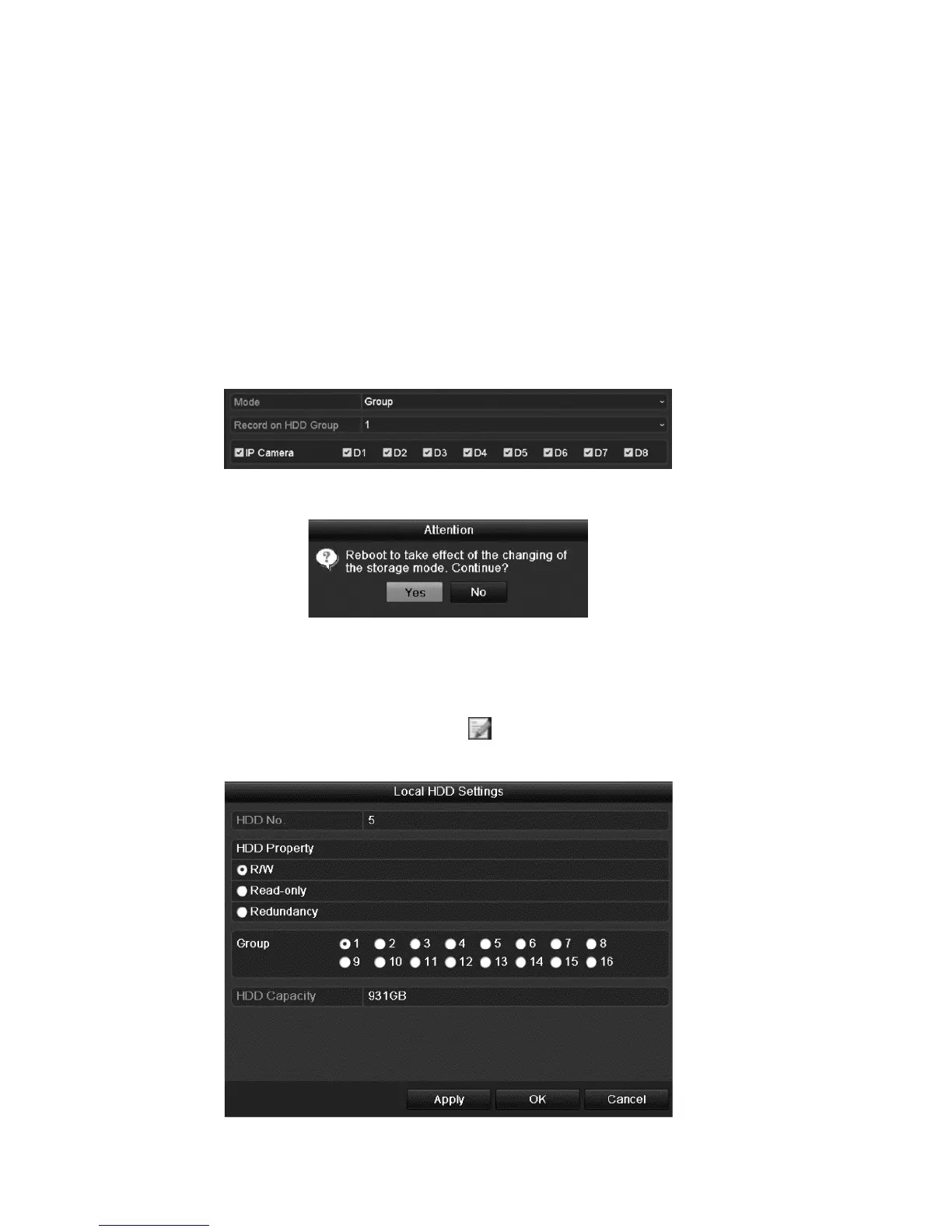
1. Browse to the Storage Mode interface.
Menu > HDD > Advanced
2. Set the Mode to Group.
3. Click Apply. The Attention dialog displays.
4. Click Yes to reboot the device and activate the changes.
5. After the reboot completes, enter the HDD Information interface.
Menu > HDD > General
6. Select HDD from the list, and then click to enter the Local HDD Settings
interface.



 To Next Page