Live View
42 ClareVision Plus Network Video Recorder User Manual
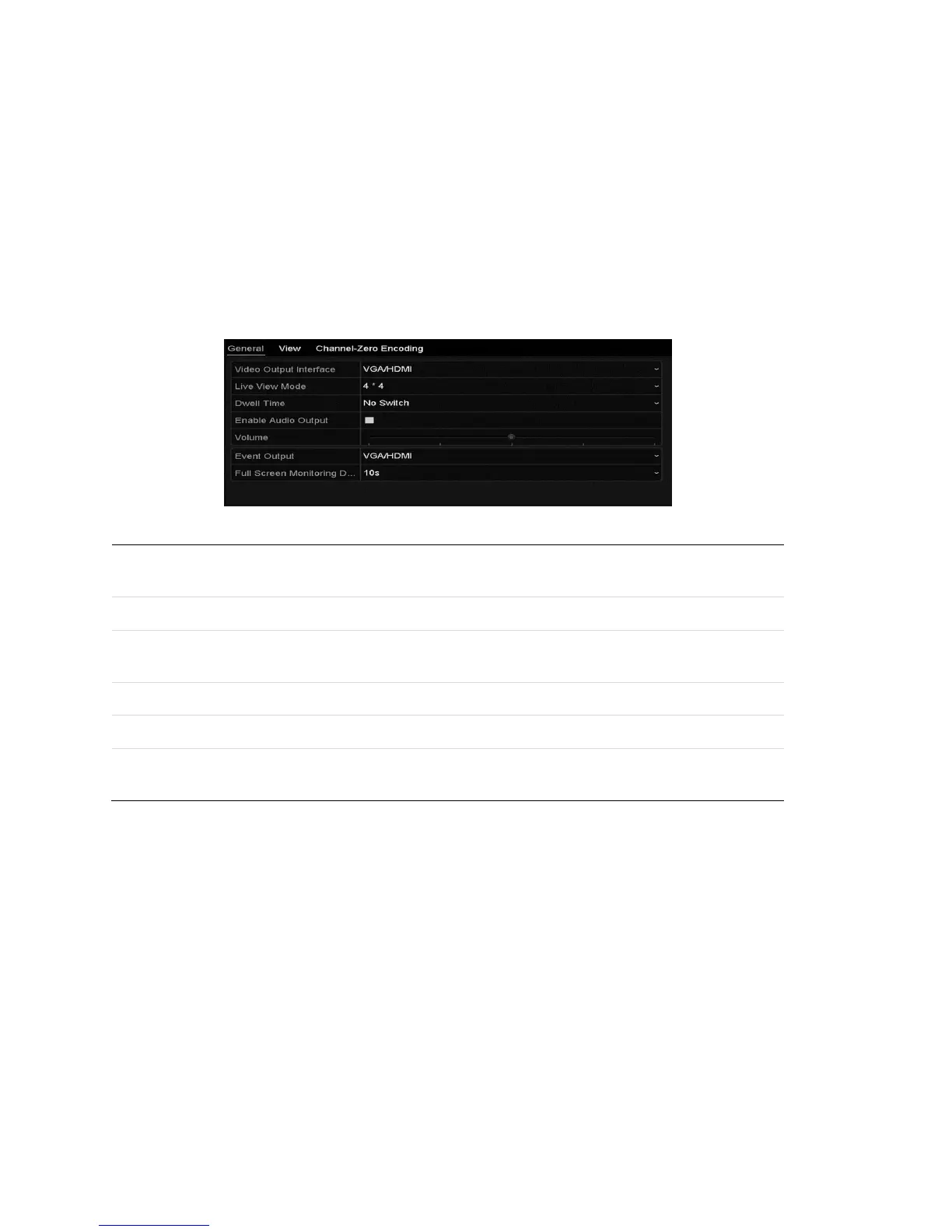
Adjusting Live View settings
You can customize the Live View settings according to your different needs. You
can configure the output interface, dwell time, mute or turn on the audio, and
view the screen number for each channel, etc.
To adjust Live View settings:
1. Browse to the Live View Settings interface.
Menu > Configuration > Live View
Table 17: Live View settings
Designates the output for setting configuration. Outputs include HDMI
(depends on the model), VGA, Main CVBS, and Spot Output.



 To Next Page