NVR Management and Maintenance
172 ClareVision Plus Network Video Recorder User Manual
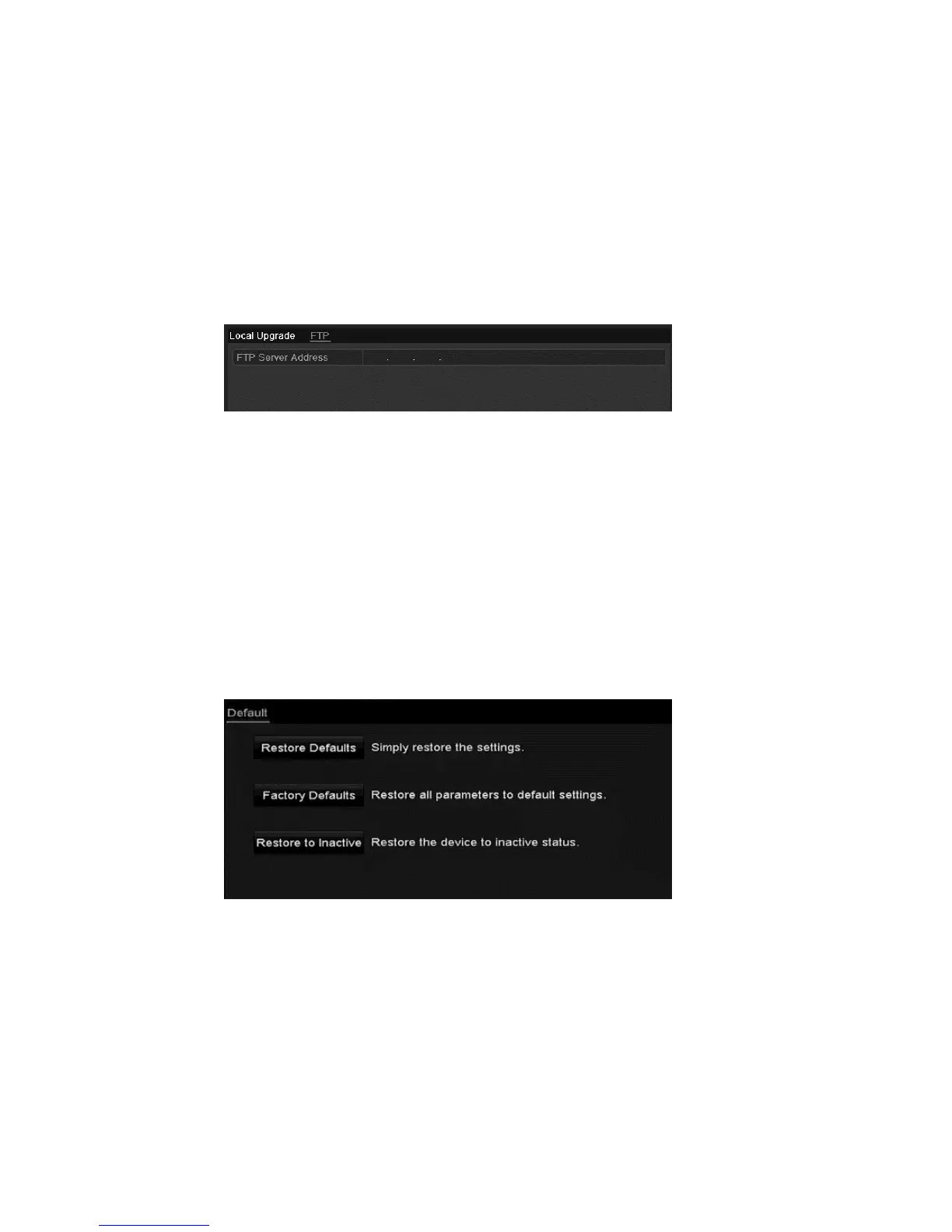
To upgrade via FTP:
Note: Configure the PC (running FTP server) and NVR on the same LAN. Run
the third-party TFTP software on the PC and copy the firmware into the root
directory of the TFTP.
1. Browse to the Upgrade interface.
Menu > Maintenance > Upgrade
2. Click the FTP tab to access the local upgrade interface.
3. Enter the FTP server address in the text field.
4. Click Upgrade to start upgrading.
5. After the upgrade completes, reboot the NVR to activate the new firmware.
Restoring default settings
To restore default settings:
1. Browse to the Default interface.
Menu > Maintenance > Default
2. Click OK to restore the default settings.
The device reboots automatically after restoring the default settings.



 To Next Page