Playback
ClareVision Plus Network Video Recorder User Manual 83
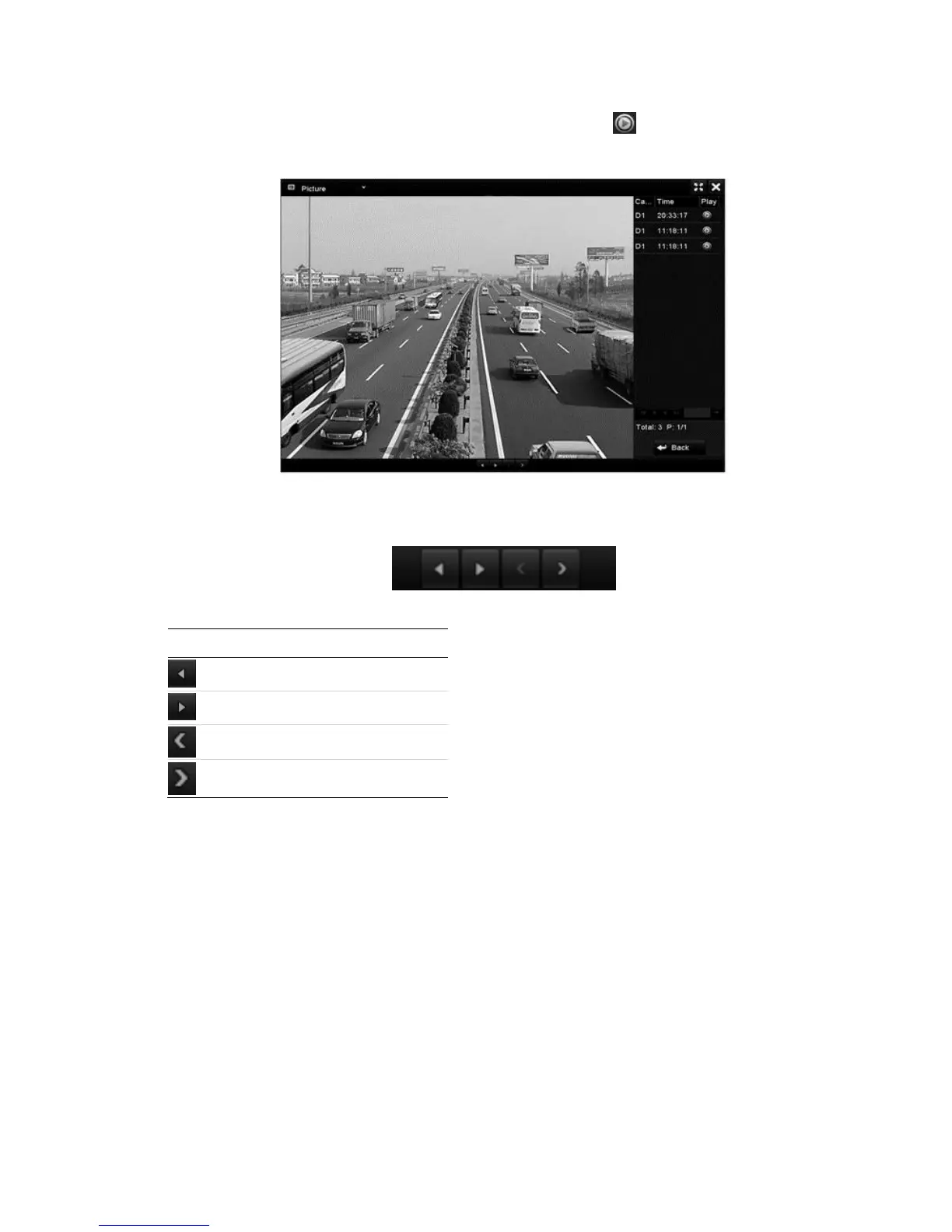
5. Select the picture you want to view, and then click .
Click Back to return to the search interface.
6. Use the toolbar at the bottom of the Playback interface to control and
navigate through the images.
Table 20: Picture playback toolbar
Auxiliary functions of playback
Playing back frame by frame
Play video files frame by frame to check the image details of the video when
abnormal events occur.
To play back frame by frame using a mouse:
1. Browse to the Playback interface.
Menu > Playback



 To Next Page