Other Settings
182 ClareVision Plus Network Video Recorder User Manual
Editing a user
To edit a user:
1. Browse to the User Management interface.
Menu > Configuration > User
2. Select the user edited from the list, as shown below.
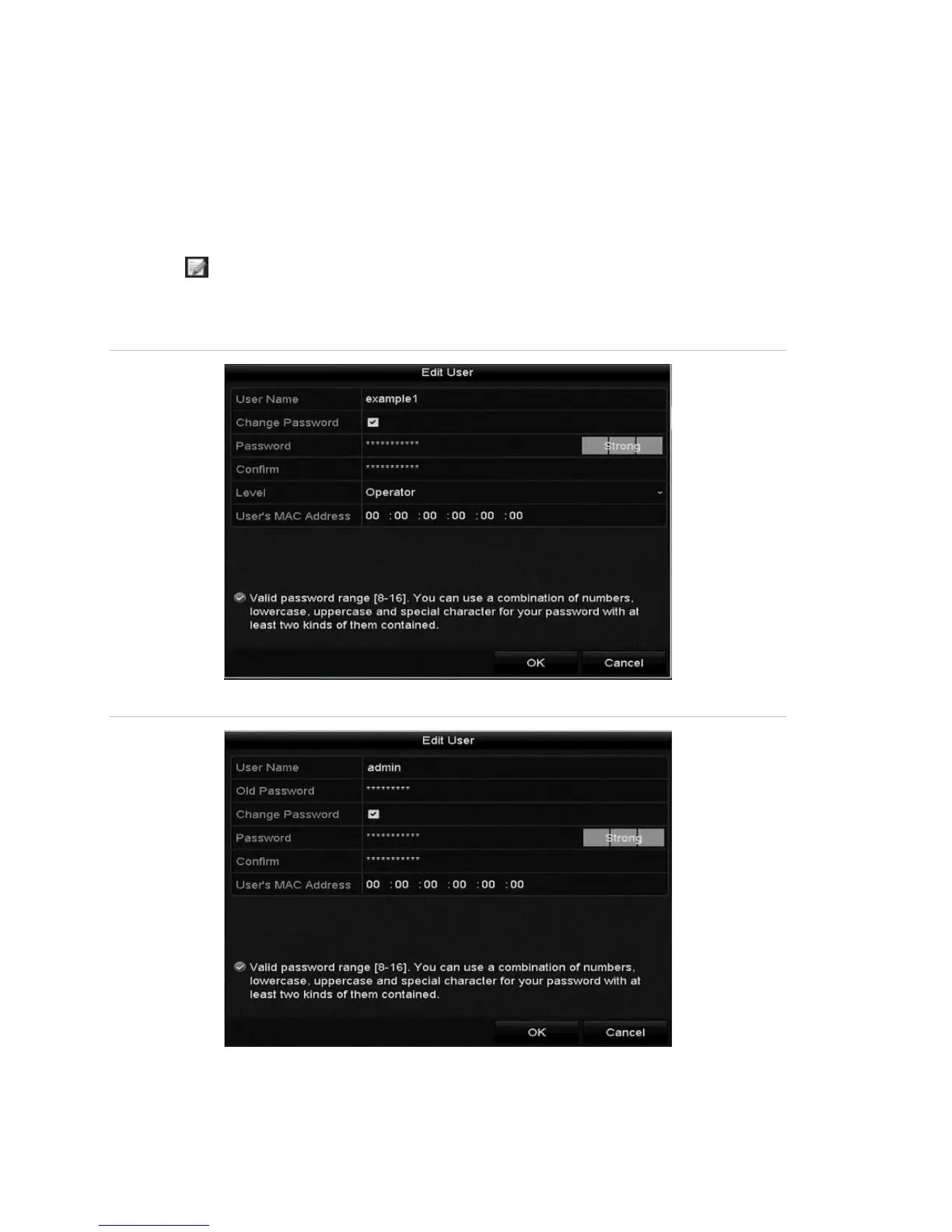
3. Click to enter the Edit User interface.
Note: You can edit the admin user.
Figure 29: Edit User interface for operator and guest
Figure 30: Edit User interface for administrator



 To Next Page