RAID
ClareVision Plus Network Video Recorder User Manual 151
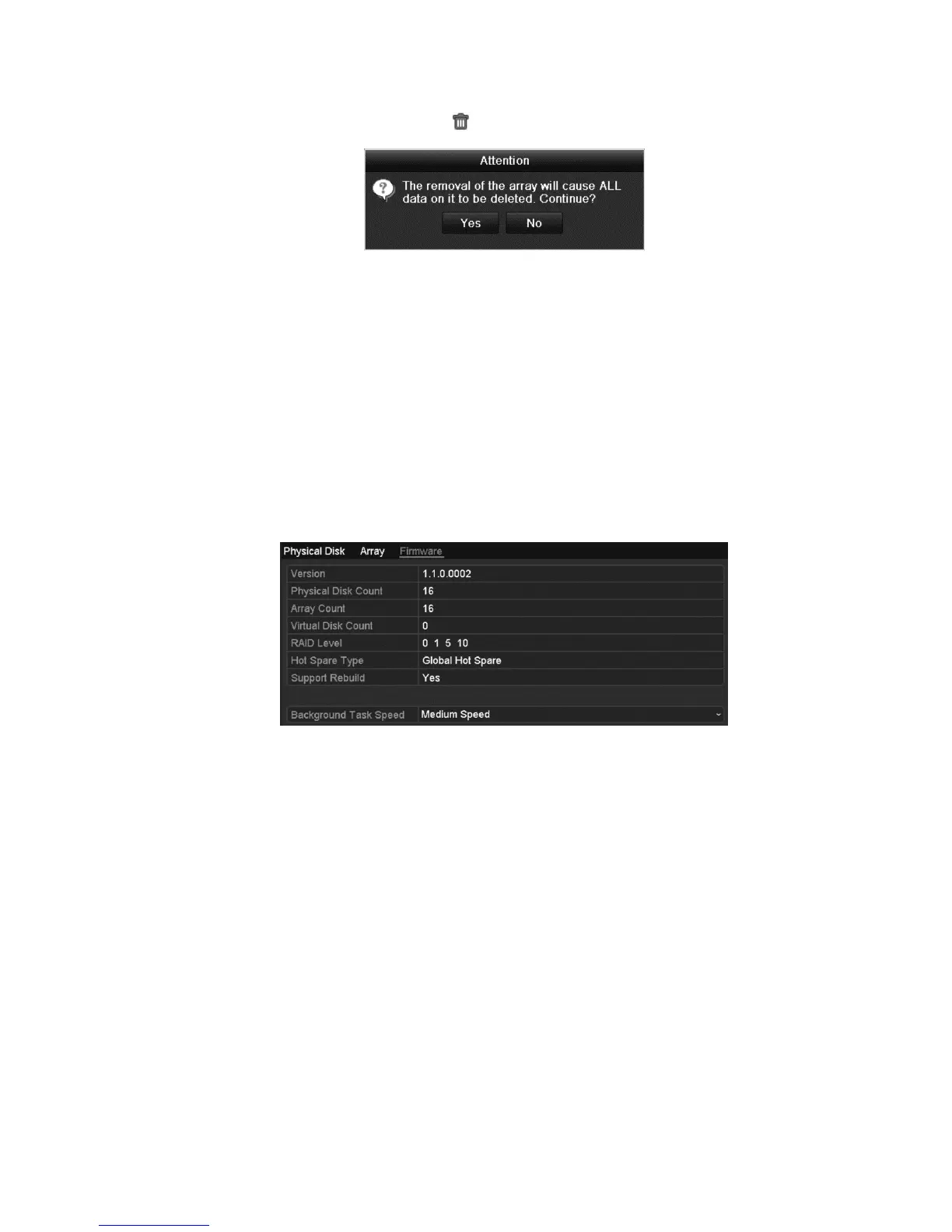
2. Select an array, and then click to delete the array.
3. Click Yes to confirm.
Checking and upgrading the firmware
You can view the information of the firmware and upgrade the firmware by local
backup device or remote FTP server.
To upgrade the firmware:
1. Enter the Firmware interface to check the information of the firmware,
including the version, maximum physical disk quantity, maximum array
quantity, auto-rebuild status, etc.
2. Set the Background Task speed in the drop-down list.



 To Next Page