PTZ Settings
52 ClareVision Plus Network Video Recorder User Manual
2. Use the direction buttons to move the camera to the desired limit location,
and then click Left Limit or Right Limit to link the location to the corresponding
limit.
Note: The speed dome starts the linear scan from the left limit position and
continues through to the right limit position. The left limit must be set on the
left side of the camera, and the right limit on the right side. The angle from the
left limit to the right limit should not exceed 180°.
Calling linear scan
Before using this feature, verify that the camera supports linear scan and is using
ClareVision Plus protocol.
To call the linear scan:
1. Click the PTZ Control icon in the quick setting bar.
– or –
Select the PTZ option in the right-click menu.
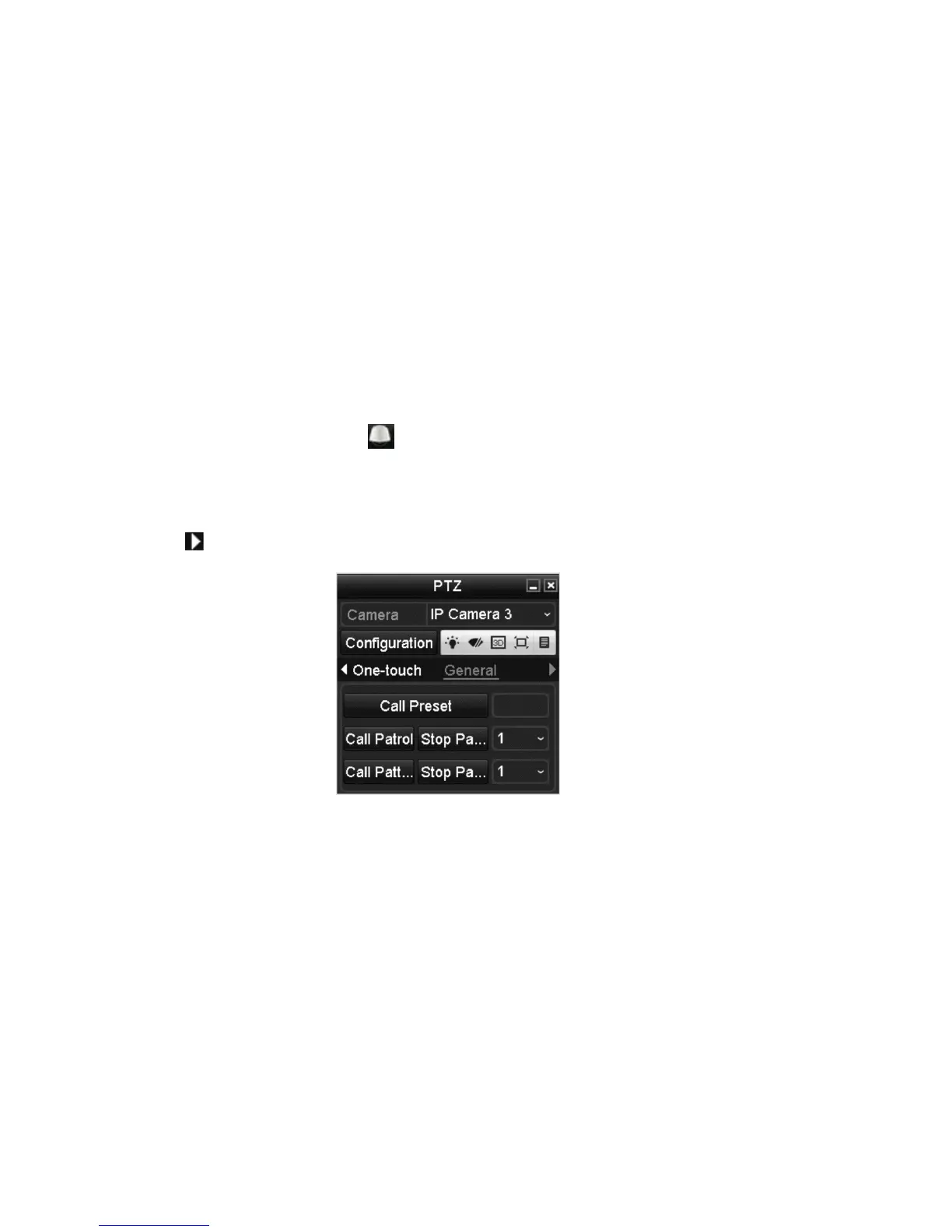
2. Click to view the general PTZ control settings.
3. Click Linear Scan to start the scan, and then click Linear Scan to stop the
scan.
– or –
Click Restore, and then reboot the camera to clear the defined limits.
Customizing one-touch park
Before using this feature, verify that the camera supports linear scan and is using
ClareVision Plus protocol.
One-touch park configures a predefined park action (scan, preset, patrol, etc.)
automatically after a period of inactivity.



 To Next Page