Playback
82 ClareVision Plus Network Video Recorder User Manual
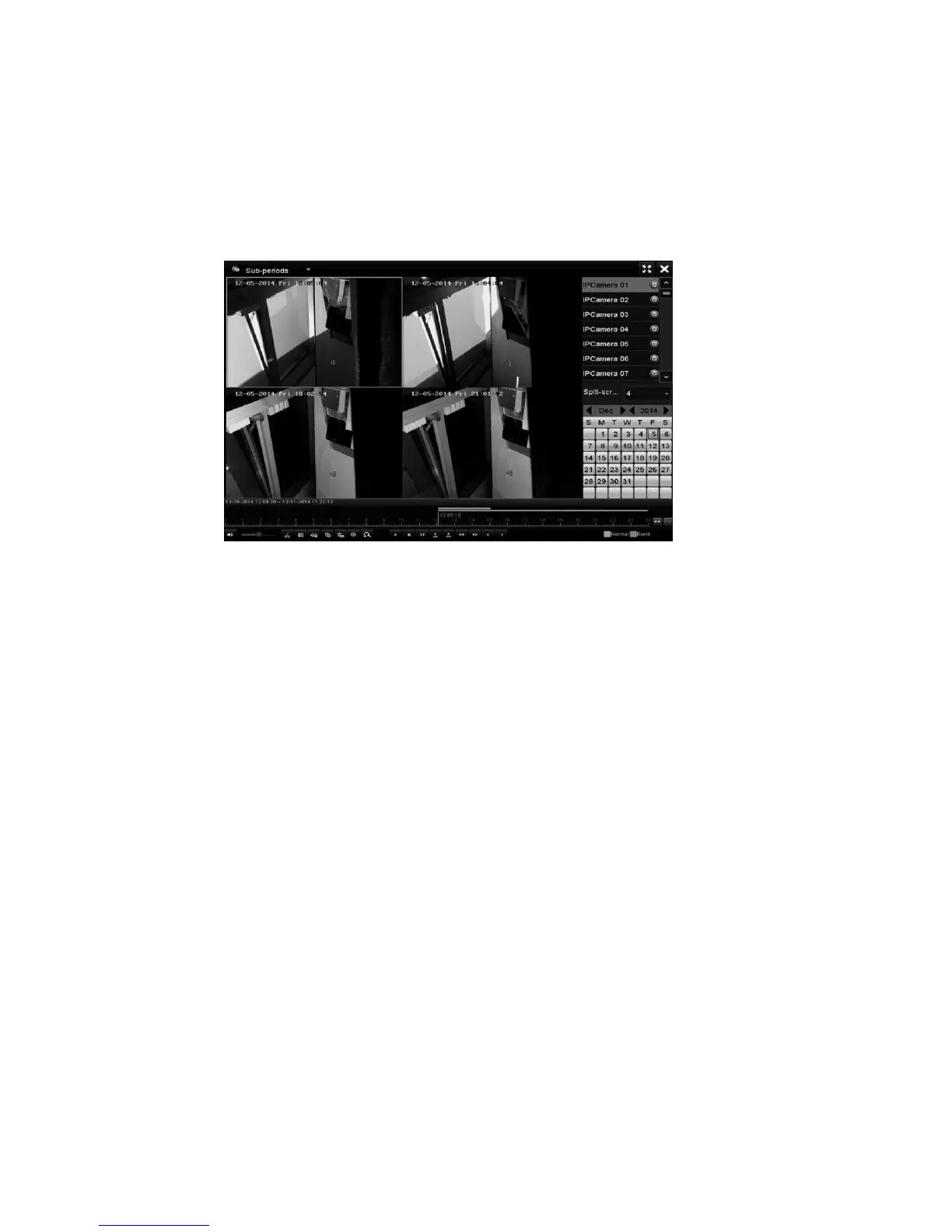
4. Select the desired split screen from the drop-down.
Note: Configure up to 16 screens. The video files are divided into average
length segments for playback depending on the defined number of split-
screens. For example, if the video file is between 4am and 8am, and the
4-screen display mode is selected, then 1 hour video files are displayed
simultaneously.
Playing back pictures
Search for and view pictures captured and stored in a device’s HDD.
To play back pictures:
1. Browse to the Playback interface.
Menu > Playback
2. In the top-left drop-down, select picture.
3. Select the channel/channels and specify the search start and end times.
4. Click Search.
Note: Up to 4,000 images are displayed for each search.



 To Next Page