VCA Search
122 ClareVision Plus Network Video Recorder User Manual
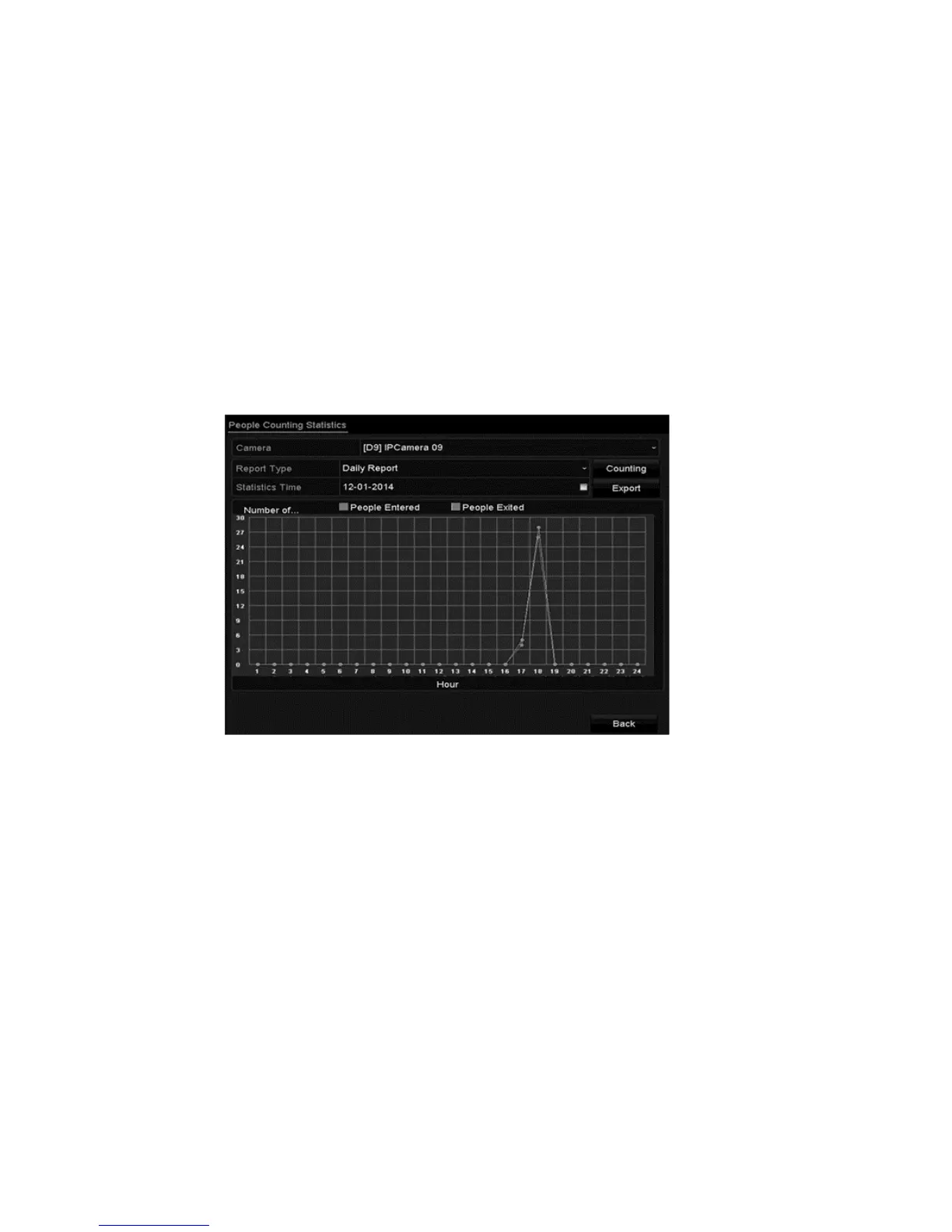
People counting
People counting is used to calculate and generate a report on the number of
people that entered/left a configured region daily/weekly/monthly/annual.
To configure people counting:
1. Browse to the People Counting interface.
Menu > VCA Search > People Counting
2. Select the desired cameras.
3. Select the report type, and then set the statistics time.
4. Click Counting.
5. Click Export to export the statistics report in an Excel file.
Heat map
The heat map is a graphical representation of data presented by colors. The map
function is used to analyze the visit and dwell times of customers in a configured
area.
Note: The heat map function bust be supported by the connected IP camera with
the following configuration set.
To configure the heat map:
1. Browse to the Heat Map interface.
Menu > VCA Search > Heap Map
2. Select the desired cameras.



 To Next Page